
Leave your WiFi router on at night if cameras, WiFi calling, smart devices or backups need the connection. If nothing depends on it overnight, switching it off can be a reasonable choice. The electricity savings depend on your equipment and tariff, so measure its power use before deciding whether a daily interruption is worth it.
What stops when the router is off
Powering off the router interrupts more than web browsing. Devices using its built-in WiFi lose that connection, wired devices lose their path through the router, and local devices may stop finding one another. Separate switches or access points might stay powered, but that does not preserve their internet connection through the router. If the same box also provides your modem, fiber or phone service, those services can stop too.
| Overnight dependency | What to check before switching off |
|---|---|
| Security camera or video doorbell | Whether recording, alerts and remote viewing need WiFi or cloud access |
| WiFi calling | Whether mobile coverage is reliable without the home network |
| Alarm, medical or safety equipment | The maker’s power and connection requirements |
| Smart thermostat, lock or sensor | Which local functions continue and which remote features stop |
| Cloud backup and software updates | Whether they normally run overnight |
| Provider phone or television | Whether the gateway supplies that service |
Google notes that an offline Nest camera or doorbell cannot stream live video or save video to the cloud. Other brands and local-storage systems behave differently, so check the exact product. Do not assume a device keeps every safety feature just because its status light remains on.
How much electricity can you save?
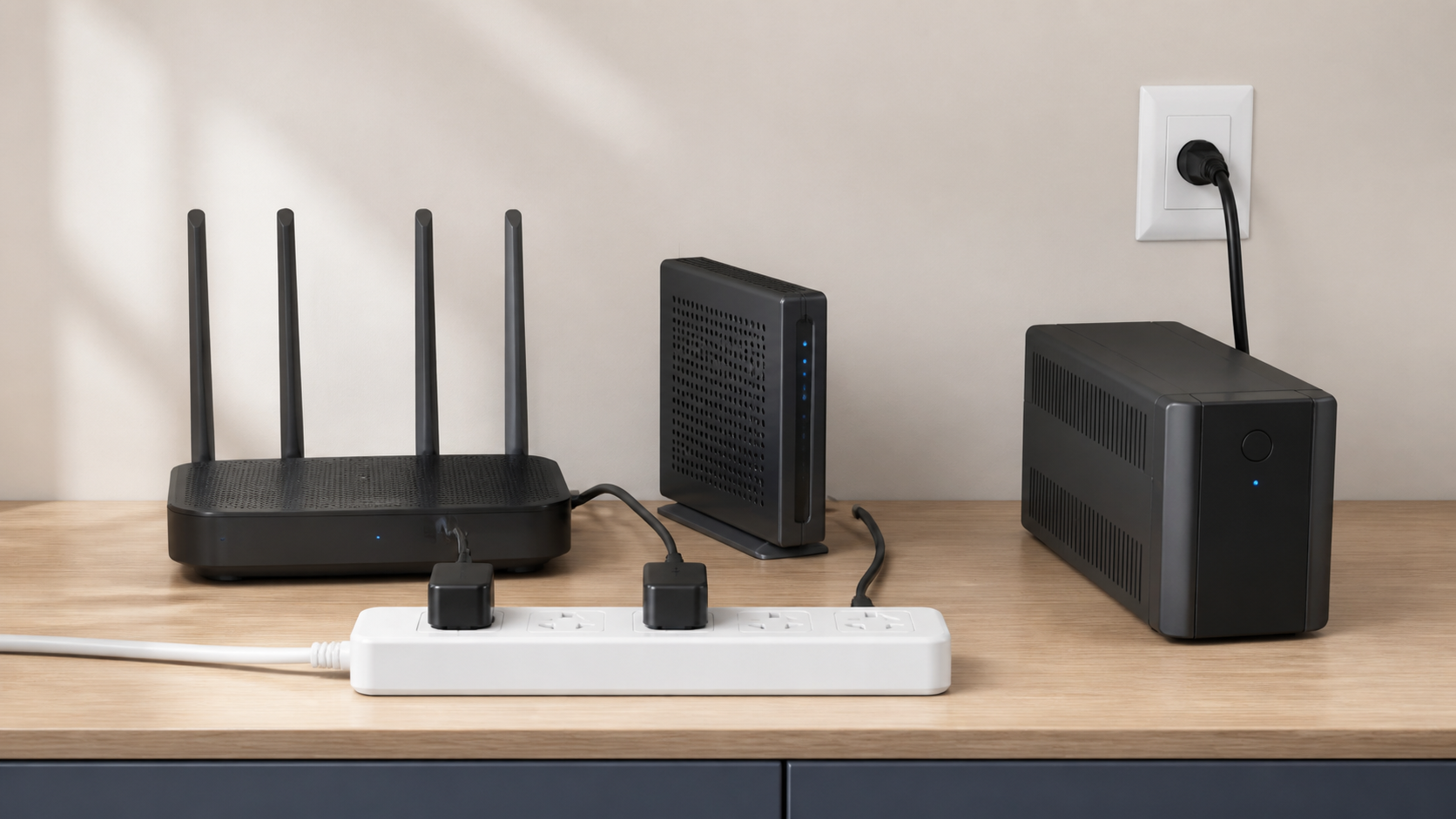
There is no honest universal dollar figure. A single router, a modem-router gateway and a multi-node mesh system do not use the same power. Features, radios, connected USB devices and the number of powered boxes also change the result.
Use a plug-in energy meter that is suitable for the outlet and equipment. Measure all the boxes you would switch off over several normal nights. To estimate annual energy avoided, multiply their average measured watts by the hours off each night and by 365, then divide by 1,000. Multiply the result in kilowatt-hours by the electricity rate on your bill. If your tariff varies by time of day, use the overnight rate. Turning off equipment does not remove the bill’s fixed charges.
The rating printed on a power adapter is not a measurement of normal consumption at the wall. Virginia Cooperative Extension’s energy guide explains the watt-hours calculation and notes that actual power use depends on a device’s settings. Use your measured overnight consumption instead of copying a savings claim from another household.
Turning off WiFi is different from cutting power
Some gateways let you disable only their wireless radios. Wired routing and provider services may continue, depending on the model. Other apps offer an internet pause for selected devices while the network stays active. Neither choice is the same as unplugging the entire gateway.
Google Home, for example, can schedule internet pauses for selected device groups on supported Nest Wifi systems. That can handle a child’s bedtime without disconnecting cameras, work equipment or every other household device. Check your router’s documented controls because feature names and behavior vary.
Will nightly shutdowns damage the router?
Check your model’s manual rather than assuming every device handles a daily shutdown the same way. An ordinary power restart is different from a factory reset. Google’s restart instructions tell you to unplug and reconnect its Wifi devices; its factory-reset instructions warn that the reset erases settings and requires setup again. Do not press the factory-reset button when you only mean to turn the equipment off.
The practical drawback is the daily loss of service and the wait while the modem, ONT, gateway, router and mesh points reconnect. Google says its Wifi devices can take one to two minutes to power on after a restart. Your provider equipment may take longer, so use its own instructions.
Do not use nightly shutdowns as a repair
A router that needs a restart every morning has a problem worth diagnosing. Check its firmware, ventilation, approved power adapter and provider status. Record whether every device drops and whether the modem or gateway also loses its online state.
If the case is unusually hot, smells scorched, makes a new electrical sound or has a damaged cable, disconnect it only when safe and contact the provider or manufacturer. Do not cover it, put it in a closed drawer or keep using a questionable replacement adapter. The router replacement checklist can help separate placement from failing or unsupported equipment.
What about WiFi and health at night?
The UK Health Security Agency says there is no consistent evidence that WiFi radio signals adversely affect the health of the general population, and it sees no need for additional individual action to reduce exposure. Turning off a router can make sense for noise, light, electricity use or household rules, but health claims should follow current public-health guidance rather than alarmist product marketing.
If indicator lights disturb sleep, first check whether the manufacturer offers an LED control or night mode. Do not tape over vents or move the router into a sealed cabinet. A quieter location can help only if it still has ventilation, safe power and useful coverage.
A safe overnight decision checklist
- Identify whether you have a separate modem or ONT, a router, or one combined gateway.
- List cameras, calling, alarms, smart-home equipment and backups that need the network.
- Measure actual power instead of using the adapter’s maximum rating.
- Check for scheduled device pauses or LED controls before cutting all power.
- Use the manufacturer’s shutdown and restart instructions.
- Keep the factory-reset button out of the routine.
- Test the morning reconnect before relying on the schedule every day.
The modem, router and ONT guide explains which box supplies each part of the connection. If the network has no overnight dependency and measured savings matter to you, a supported power-off routine is a reasonable household choice. If important devices need the connection, leave the network on and schedule only the access you want to limit.
Sources
- Google Home Help: Pause internet on demand or on a schedule
- Google Home Help: Restart Wifi devices
- Google Home Help: Factory reset your Wifi device
- Google Home Help: Camera and doorbell connection issues
- UK Health Security Agency: WiFi radio waves and health
- Virginia Cooperative Extension: Estimating appliance and electronic energy use