
Yes, you can usually take a Wi-Fi router you own when you move. It won’t bring your internet subscription with it. Before packing a provider gateway or modem, check the move order: it should say whether to take it to the new address, exchange it, return it or leave it installed.
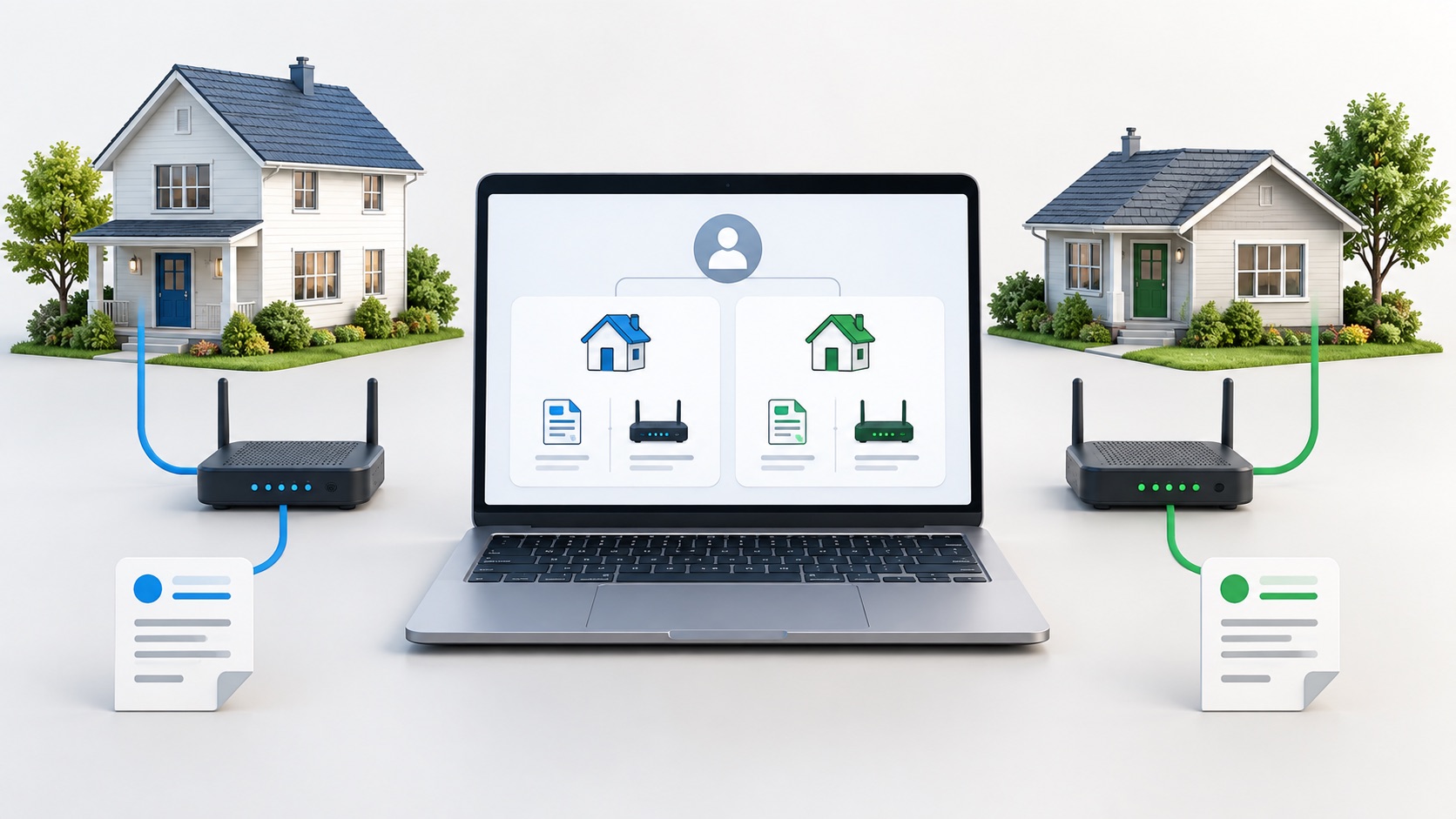
Sort the equipment before you unplug it
If the box’s ownership isn’t clear, check your receipt or the equipment list in your provider account. A gateway can be a modem and router in one box, even if everyone in the house just calls it the router. Use our modem, router and fiber terminal guide to tell them apart.
| What you have | Pack, return or leave? |
|---|---|
| Standalone router you bought | Pack it. Confirm the new service lets you use it with its modem, gateway or active Ethernet handoff. |
| Modem or combination gateway rented from your provider | Take it only if your transfer order says to reuse it. If the provider is replacing it or you are ending service, follow the return instructions for that model. |
| Gateway supplied by the building | Ask the property manager or provider. Leave equipment they identify as fixed or assigned to that unit. |
| Fiber jack or wall-mounted fiber terminal (ONT) | Leave it in place unless a provider technician directs otherwise. Don’t remove the fiber connector or wall box. |
Xfinity’s moving FAQ separates bringing approved equipment from returning equipment that’s being replaced. Its Communities equipment instructions are different for a gateway installed for the apartment: it stays in its pre-installed location. AT&T’s internet equipment guide also says to leave wall-mounted equipment in place. Confirm your own order rather than treating another provider’s example as a rule.
Make sure the new address has working service
Ask for the activation date and installation method. If you’re reusing a cable modem you bought, have the provider check that exact model and plan and tell you how to activate it. If you use 5G home internet, check eligibility before assuming the gateway works at the next address. T-Mobile’s moving instructions ask customers to confirm availability and update the approved service address first.
Keep power adapters with the right boxes. For a return, match the serial number on your equipment list and save the receipt. At the new place, confirm which wall jack is active before you connect the gateway. The new-apartment internet checklist covers start and stop dates, the appointment and a fallback if activation runs late.
Test internet separately from Wi-Fi
Your phone might reconnect when it sees the same Wi-Fi name and password. That only proves it reached the router. Once the provider confirms activation, open a webpage on a device connected to the router. On a phone, briefly turn off cellular data if it’s safe to do so, then restore it after the test. If the router sees no incoming connection, check whether the Ethernet wall jack is actually active or ask the provider which device needs activation. A factory reset won’t turn on service at the address.