
Buy a WiFi-only tablet if you mostly use it on trusted WiFi and can share your phone’s hotspot for occasional trips. Consider a cellular tablet when it regularly needs internet without your phone nearby. Compare the extra hardware price and the actual data-plan quote before paying for that convenience. An iPad with cellular does not become a standalone cellular phone.
This U.S. buying guide uses manufacturer documentation and Apple Store prices checked November 10, 2026. The iPad examples apply to the named model, not every Android tablet. We have not run device, battery or speed tests.
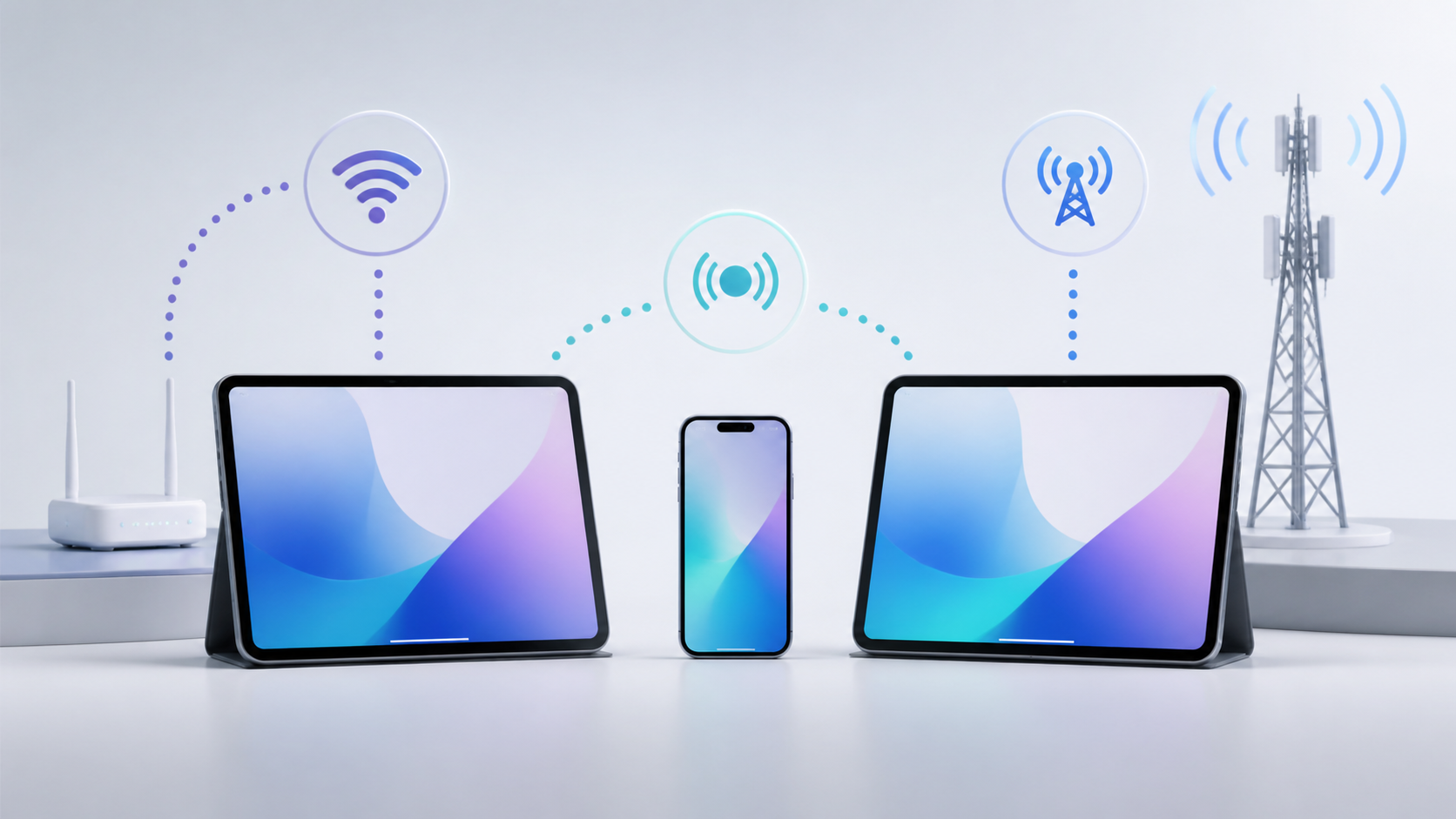
Choose for the places you actually use it
- For home streaming, reading or study on reliable WiFi, start with WiFi-only.
- For occasional trips with your phone, try its hotspot before buying another connection.
- For frequent work away from WiFi, especially when your phone will not be there, consider cellular with confirmed coverage.
- For navigation or field mapping, check the exact tablet’s location hardware and the app’s offline requirements before choosing either version.
Cellular adds a direct mobile-data connection with a compatible plan and usable network coverage. It does not improve your home router’s signal. Compare the same generation, storage and screen size so you are not paying for unrelated upgrades without noticing.
Work out the extra first-year cost
The U.S. Apple Store iPad selector lists the 128GB iPad (A16) at $449 for WiFi and $599 for WiFi + Cellular on the research date. That is a $150 hardware difference, before considering checkout taxes, accessories or service. These are displayed device prices, not a carrier discount or a tablet-plan quote.
Use this calculation: extra device cost + the data service you expect to buy + activation and other fees. If your own carrier quote were $20 a month for twelve months, the example would be $150 + $240 = $390 extra before taxes and other charges. The $20 is a hypothetical input, not an advertised plan in this guide. A short prepaid pass or a plan you already qualify for would change the calculation.
Ask for the regular price after any promotion, whether a phone-line discount is required, the data allowance and slower-speed rules, and how renewal or cancellation works. Check roaming separately. For one possible account-based option, our Google Fi data-only eSIM guide explains eligibility and shared-data limits; do not assume every phone plan includes a free tablet line.
Try your phone hotspot before buying
Apple’s Instant Hotspot instructions describe connecting a nearby iPad to an iPhone’s Personal Hotspot. Compatible Apple devices using the same Apple Account, or configured Family Sharing, can connect without entering the hotspot password. WiFi and Bluetooth must be on, and the carrier plan must support Personal Hotspot. Auto-Join Hotspot can ask to join or connect automatically.
An Android phone can also share mobile data with a tablet. Google’s Android hotspot guide says to turn on Hotspot, choose the phone’s network in the tablet’s WiFi list and enter its password. Carrier restrictions or extra charges can apply. Keep the hotspot password protected.
- Try the connection in a place you visit regularly, using the apps you actually need.
- Check whether the phone’s battery and hotspot allowance suit that session. Notice reconnections rather than assuming they will be effortless.
- Decide whether the phone will reliably be nearby. If another family member takes it away, the tablet loses that source of internet.
Check eSIM, GPS and calling separately
Apple’s iPad (A16) specifications list WiFi 6 on both versions and GPS/GNSS under WiFi + Cellular. Both have location features, but they do not have identical positioning hardware. A phone hotspot supplies an internet connection; it does not install a missing GPS receiver. Do not generalize this iPad split to every tablet. If you’re buying an iPad for the car, see which iPads can navigate with downloaded maps and no data plan.
The same specifications describe cellular as data only, while phone calls can relay from a nearby iPhone. FaceTime and other internet calling are different from buying ordinary cellular phone service for the tablet.
The A16 cellular model uses eSIM rather than a physical SIM card. Apple’s iPad eSIM setup guide lists activation options, including adding an iPad to an existing iPhone plan when the carrier supports it. Check the exact model, regional version and carrier before purchase. A marketplace listing that says “cellular” is not enough to establish that your intended service will activate.
If the hotspot trial covers your normal routine, keep the hardware and service money for something you will use. If the tablet repeatedly needs its own connection, compare the full quote against those specific situations. You are paying for independence from the phone, not guaranteed faster internet everywhere.