
Google Fi offers data-only eSIMs for compatible cellular tablets and laptops on Flexible and Unlimited Premium. There is no extra monthly device fee, but your tablet uses your plan’s data. On Flexible, that usage can increase your bill. This is an add-on to phone service, not a free standalone tablet plan.
U.S. service rules checked November 6, 2026 against Google’s current documentation. We have not activated or speed-tested a tablet for this guide.
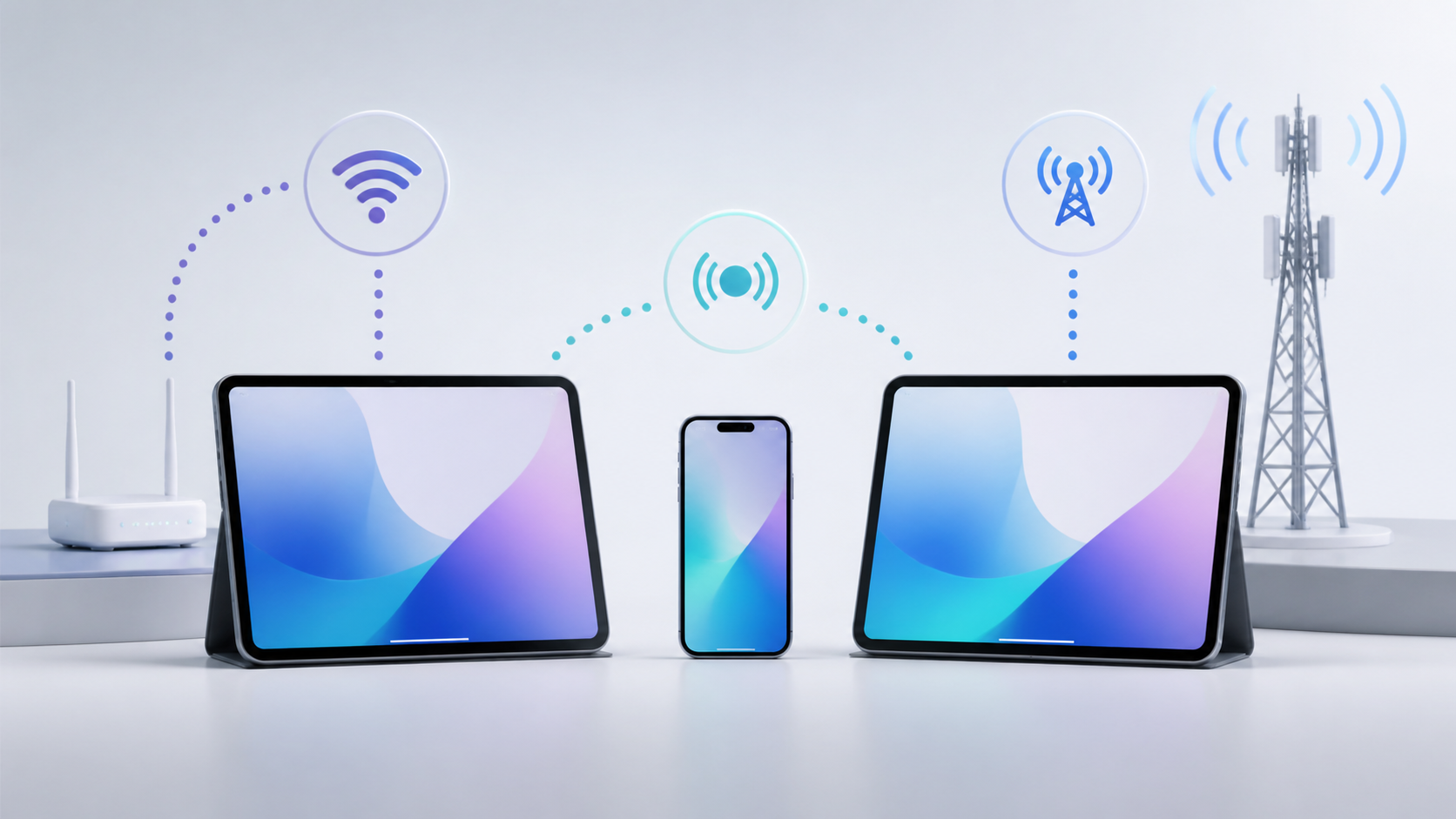
Which Google Fi plans support a data-only SIM?
Google’s device connectivity information names Flexible and Unlimited Premium as the eligible plans. Do not confuse a phone’s eSIM support with access to the tablet add-on.
| Fi plan | Data-only SIM | Data to budget for |
|---|---|---|
| Flexible | Supported | Usage-based data charges |
| Unlimited Premium | Supported | The line’s existing high-speed allowance |
| Unlimited Standard | Not supported | A phone hotspot is a separate feature |
| Unlimited Essentials | Not supported | Do not order a tablet SIM assuming eligibility |
The current Fi plan comparison lists 100 GB of U.S. high-speed data per person on Premium and a 15 GB threshold on Flexible, followed by 256 kbps service. Tablet use does not create a second high-speed allowance. Our Google Fi phone-plan comparison covers the broader monthly-plan decision.
Check the tablet before downloading anything
Use the exact model number to check cellular hardware and carrier compatibility. A similar-looking tablet sold in a WiFi-only version is not evidence that your model can download a mobile plan. For an eSIM download, Google’s requirements specify an unlocked, eSIM-compatible device.
Before buying a tablet for this feature, write down the model, whether it supports cellular service and which SIM format it accepts. Ask for confirmation on that model rather than relying on a product-family name. Check the manufacturer’s specifications alongside Fi’s instructions.
Download the data-only eSIM or order a card
Google’s tablet setup instructions require an activated Fi phone first. Connect the tablet to a strong WiFi network, then:
- Open your Google Fi account on another device.
- Select Plan, then Connect your tablet.
- Scan the displayed QR code with the tablet’s camera and follow the download instructions.
If that option is missing, check your plan eligibility before deleting an existing SIM. A compatible device that needs a physical card can use the same menu’s Order for free option. Google allows up to four data-only SIMs per line.
Keep the account QR code and activation details private. If setup fails, record the error message and device model for support; do not post the QR code in a public forum.
What does the tablet actually cost?
On Flexible, Bill Protection charges $10 per GB until the plan’s billing threshold. One person’s threshold is 6 GB, capping ordinary data charges at $60. That billing cap is different from the 15 GB speed threshold.
For a simple one-line example, assume the phone uses 1 GB and the tablet uses 2 GB during the cycle, with no other data use. The combined 3 GB costs $30 for data. Add the regular $20 calls-and-texts base, and the subtotal is $50 before taxes, fees and extras. This is arithmetic using standard rates, not a measured bill or a promotional quote.
Budget from your busiest likely month, not the SIM’s purchase price. Adding a tablet for occasional email is a different decision from downloading large files over cellular every day. If you are already on Premium, consider the allowance you have left; if you would need to change phone plans, compare the whole bill first.
Google’s billing guide explains that Flexible data is billed after use, while unlimited plans charge their monthly service fee in advance. Taxes and regulatory fees depend on where you live. Device payments and other extras remain separate; the tablet add-on does not remove them.
Check the connection and the hotspot restriction
Google does not support tethering from a device using a data-only SIM. If your goal is to connect several other devices, evaluate a phone’s hotspot allowance instead. Our guide to tethering and hotspot data limits explains that separate task.
Fi’s coverage map is an estimate under ideal conditions, not a service guarantee. Check the places where you intend to use the tablet before treating it as a replacement for another connection.
- After setup, temporarily turn off WiFi on the tablet and open a small webpage. This is a suggested connection check, not a speed test.
- Review the line’s data usage before starting a large download.
- Turn WiFi back on when you finish the check.