
Use WiFi Calling when cellular reception is poor but your WiFi internet connection works well. Use cellular calling when the mobile signal is usable and the available WiFi is unreliable or offline. Neither is always better. Carrier WiFi Calling gives your regular phone number another connection path; it does not turn every call into a free internet call.
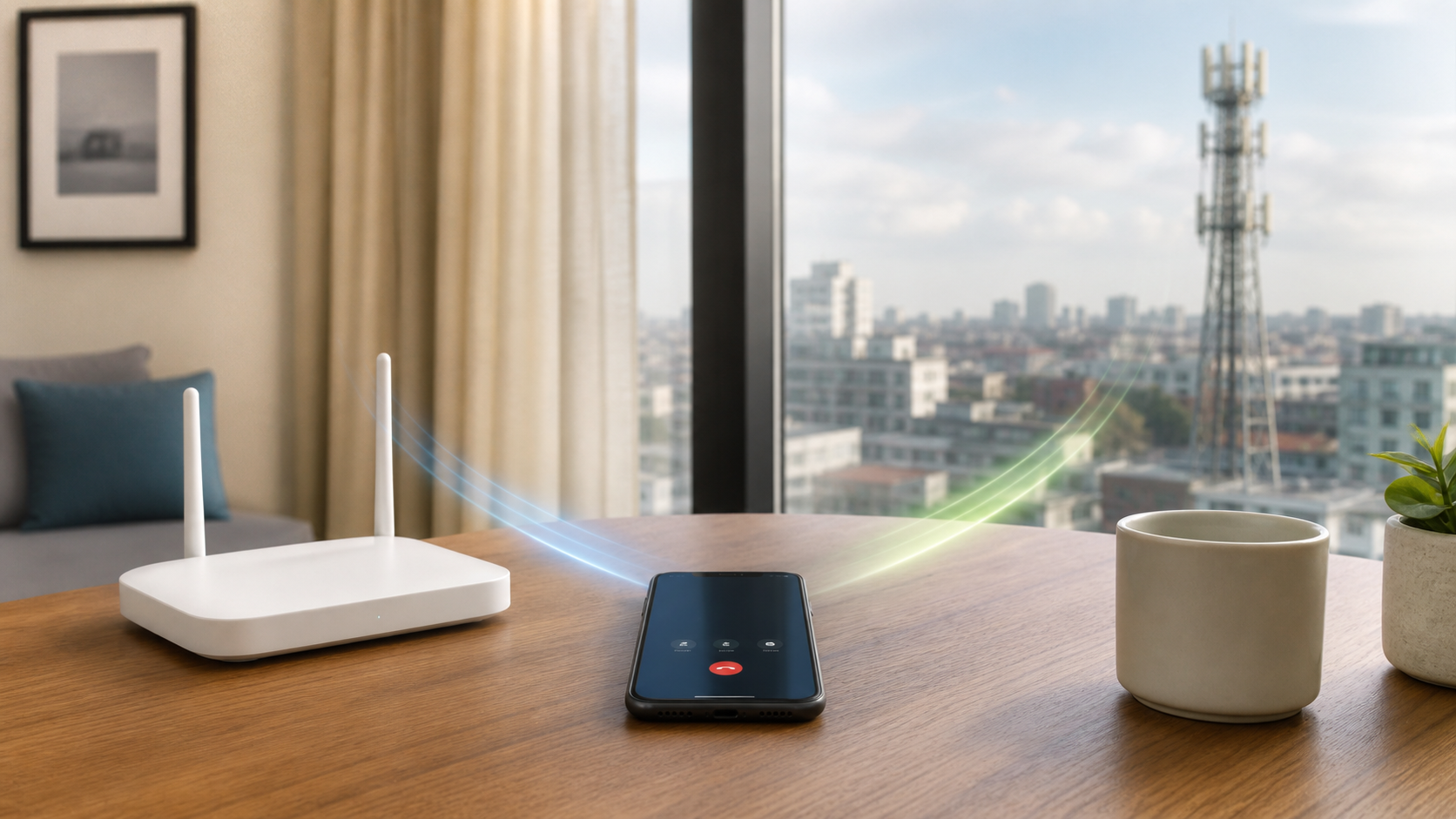
What changes when you enable WiFi Calling?
A cellular call reaches your carrier through its mobile network. A WiFi call reaches the carrier through an internet-connected WiFi network instead. You still dial ordinary phone numbers through the phone’s calling system. The person you call does not need to install the same app or connect to your WiFi.
T-Mobile’s WiFi Calling guide distinguishes this feature from calling inside WhatsApp or Google Voice. Those apps have their own connection and billing arrangements. T-Mobile also requires an active account and a supported device; finding a WiFi network is not a replacement for having eligible phone service.
The setting and the current call path are different things. Enabling the feature makes WiFi Calling available when supported. It does not prove that every call goes over WiFi, or that a call will stay on WiFi when you leave the room.
Choose by the connection you have where you call
At home with weak cell reception
Try WiFi Calling if ordinary calls are unreliable indoors and your home internet works. Place a short call from the room where you normally talk, then compare a call near the router. Listen for missing words and confirm the other person can hear you. These are checks you can perform, not results from a phone test we ran.
If the call works near the router but not in the room, investigate the local WiFi connection before buying a faster internet plan. Our router replacement checklist can help you decide whether a new router is justified.
Away from reliable WiFi
Cellular calling is the practical option when you have usable mobile coverage but no working WiFi internet connection. A router’s WiFi name can remain visible during an internet outage. That alone does not provide a route for WiFi Calling. Do not depend on a hotel or public network before checking that a call actually works.
Carrier support can be narrower than general internet access. For example, T-Mobile’s current requirements say satellite internet and cell-phone hotspots are not supported. Do not assume a Starlink connection or another phone’s hotspot is an officially supported calling backup for your line.
Data use and call charges are separate questions
WiFi Calling uses internet data, but that does not mean it consumes your phone plan’s mobile-data allowance. Verizon’s WiFi Calling FAQs say calls and texts over WiFi to U.S. numbers do not count against its mobile data allowance. The WiFi provider may still charge for access. With a capped home plan, the connection is not a source of unlimited internet data.
For U.S. calls, compare the voice-plan rules rather than the size of your data allowance. Verizon says calls and texts to and from U.S. numbers carry no charges on plans with unlimited talk and text. AT&T’s current guidance says calls from the U.S. to U.S. numbers have no additional charge and do not count against talk limits. T-Mobile counts calls against plan limits when the plan is not unlimited.
Those are carrier-specific examples checked November 18, 2026, not a promise for every prepaid brand or foreign destination. Calls to international numbers can have different charges even while you are at home. For travel, use the separate U.S. carrier WiFi Calling abroad guide before assuming the same billing applies.
Enable the feature, then check the call indicator
On iPhone, Apple lists Settings > Cellular, the relevant line if you have more than one SIM, then Wi-Fi Calling > Wi-Fi Calling on This iPhone. Follow any emergency-address prompt yourself. Apple’s setup instructions say an available WiFi Calling connection shows Wi-Fi in the status bar when you open Control Center.
For Android, Google’s Phone app guidance lists Settings > Network & internet > SIMs > Carrier SIM > Wi-Fi calling. Your maker or carrier may use a different path. Search Settings for WiFi Calling and check your exact phone’s instructions if it is missing.
- Confirm that your exact phone and carrier account support WiFi Calling.
- Enable it for the correct line and complete the requested setup.
- Connect to working WiFi and look for a WiFi Calling indicator, not just the ordinary WiFi signal icon.
- Make a short non-emergency test call and check that both people can hear each other.
Google describes an Internet Call or Wi-Fi calling notification during supported WiFi calls. The exact label depends on the phone and service. If the option will not activate, check carrier support before changing your router. For an existing home-network problem, use the phone-first WiFi Calling troubleshooting checklist.
Do not assume every call switches paths cleanly
T-Mobile warns that a call may switch to cellular if WiFi drops or you move out of range. For an important call, stay within the connection you have checked. Finish it before leaving if you cannot risk a dropped call.
Apple notes that not every WiFi network supports the feature. Compare another trusted network or use cellular where it works. Do not install an unknown certificate or disable security protections to make a public network carry a call.
Keep the emergency address current
AT&T says 911 uses cellular whenever possible. When an emergency call uses WiFi, it can rely on location information and the registered emergency address; the call disconnects if WiFi is lost. Update the address through your carrier’s normal setup when needed, and give the operator your actual location when you can.
Do not place a test call to 911. A phone battery does not keep the router or home internet working during a power failure, so WiFi Calling should not be your only emergency plan. For everyday use, enabling it is useful where it adds a working route. Keep cellular service available where you need coverage away from WiFi.