
WiFi Calling abroad is not automatically free. Your U.S. carrier, plan and the number you dial determine the charge. Calling an ordinary U.S. number over WiFi is often included, but calling a hotel or restaurant overseas can cost extra. An international roaming pass does not necessarily cover that call.
U.S. carrier guidance checked October 22, 2026. This article covers your phone’s built-in carrier WiFi Calling, not WhatsApp or other internet calling apps. It is based on official documentation, not a roaming-bill test.
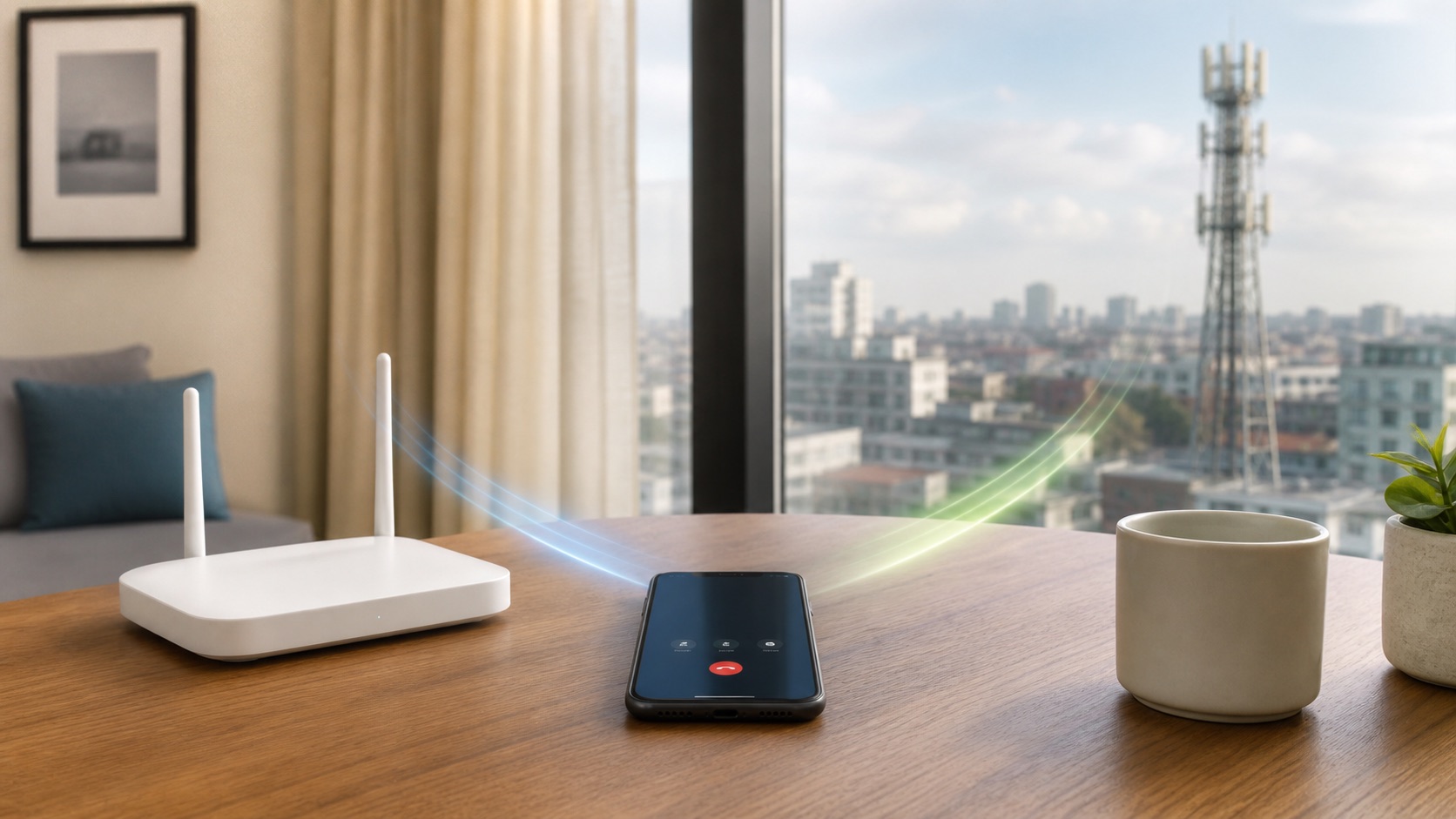
Check the number you are calling, not just the WiFi
A hotel’s free WiFi connection does not make every phone call free. There are two separate bills to consider: access to that WiFi network and the carrier’s charge for your call. The destination number matters even when both calls use the same phone and connection.
| U.S. carrier | Calling a U.S. number from abroad over WiFi | Calling a non-U.S. number |
|---|---|---|
| Verizon | Included on unlimited talk-and-text plans; check your plan if it is not unlimited. | International long-distance rates apply. TravelPass does not include WiFi Calling. |
| T-Mobile | No extra charge on an eligible unlimited plan; limited plans use their allowances. | Destination and plan rules apply. Canada and Mexico can be included on qualifying plans. |
| AT&T | Official guidance says calls to U.S. numbers have no additional charge, with a separate warning about toll-free numbers. | Official pages conflict about international-plan coverage. Confirm your line and destination before calling. |
Verizon’s WiFi Calling FAQ distinguishes U.S. numbers from international destinations. Its TravelPass FAQ specifically says WiFi Calling is not included in TravelPass. Do not assume an active travel pass converts an overseas WiFi call into an included local call.
For example, imagine calling a friend with a U.S. number and then a restaurant with a foreign number from the same hotel room. Those are different billing questions. The room, handset and WiFi have not changed; the destination number has. This is a hypothetical example, not a report of an actual bill.
AT&T’s international WiFi-call advice needs confirmation
AT&T’s international WiFi Calling page, dated January 15, 2026, says International Day Pass includes WiFi calls to covered destinations. Its international calling guide, dated August 26, 2026, says non-U.S. WiFi calls incur international long-distance charges even with an international plan.
Those statements do not support a blanket promise of free calls. Ask AT&T to confirm, in writing if possible: “On this line, with this add-on, what will a WiFi call from this country to this destination number cost?” Keep the answer with the plan details. The dedicated page also warns that U.S. toll-free numbers may fail abroad or be billed as international calls. A familiar 800 prefix is not enough to assume no charge.
Set up and verify WiFi Calling before departure
Turn the feature on while you still have your normal home service, and complete any required emergency-address registration accurately. Verizon says iPhone activation requires a connection to its U.S. network, so leaving setup until you reach a foreign hotel can be too late.
- Check that your carrier supports WiFi Calling on your particular phone and plan.
- On iPhone, open Settings, Cellular, choose the correct line if you have more than one, then open WiFi Calling. Enable the feature and follow the prompts.
- On Android, find your manufacturer’s WiFi Calling setting. Menu names and available preferences vary.
- Connect to WiFi and check for the carrier’s WiFi Calling indicator before placing a non-emergency test call.
Apple’s WiFi Calling instructions explain that the Wi-Fi carrier indication appears in Control Center when calls can use the feature. The ordinary WiFi signal icon alone does not confirm which line or calling service will carry your call. With two SIMs, check the line as well as the connection.
Prevent an unexpected switch to cellular
A working WiFi call is not a guarantee that the next call stays on WiFi. T-Mobile warns that a weak or lost connection can move calls onto cellular service and create roaming charges. Its WiFi Calling support page suggests a WiFi-only preference where supported, or Airplane Mode followed by turning WiFi and WiFi Calling back on.
Use that option only if you accept losing ordinary cellular service outside WiFi. Confirm the calling indicator afterward. Turning data roaming off by itself is not a promise that voice calls cannot roam. Airplane Mode also does not remove the carrier’s charge for calling a foreign number over WiFi.
T-Mobile’s international roaming terms also warn that a VPN routing traffic through the U.S. can change how a non-U.S. WiFi call is charged. Do not use a VPN as a free-calling workaround or assume its apparent location proves the billing location. Check the carrier’s rule for your setup instead.
A travel eSIM or calling app is a separate choice
Buying a data-only travel eSIM does not automatically include calls through your U.S. phone number. Compare travel eSIMs and carrier roaming by what you actually need: internet access, calls on your existing number, or both. Check phone unlock and compatibility requirements before buying another carrier’s eSIM.
Do not assume every internet connection supports carrier calling either. T-Mobile’s support page excludes satellite internet and cellphone hotspots from its supported WiFi connections. A connection that opens websites is not proof that this carrier feature will work.
An app-to-app call is a different service. Check whether both people need the same app, whether it can reach an ordinary telephone number and whether a paid calling balance is required. Any mobile data used by the app still follows the active SIM’s data rules. “Over the internet” does not identify who, if anyone, charges for it.
Make one short check and keep the billing details
Before a long call, confirm the rate for that destination and line, then make a short non-emergency call with the carrier’s WiFi indicator visible. Note the time, destination, selected line and any spoken charge warning. Check the carrier’s usage record when it appears; a successful connection alone does not prove the call was free.
Do not place a test call to an emergency number. Apple warns that emergency WiFi calls can depend on location information and your registered address, and service can be limited. Keep a separate way to get local emergency help rather than relying on a hotel WiFi connection as your only option.
If the account shows an unexpected charge, keep the usage entry and your carrier’s earlier rate confirmation. Ask which line, destination and calling route produced it. That gives support something specific to investigate without guessing that a WiFi icon made the call free.