
If you run out of high-speed hotspot data, your carrier may slow down the devices connected to your phone or stop their internet access. Your phone may still browse normally if its own data is separate. If the hotspot draws from a shared plan and that whole pool is empty, the phone may lose mobile data too.
Before you restart anything or buy more data, open your carrier account. Look for the hotspot allowance on your line, the separate phone or shared-data balance, and the date your current data cycle ends.
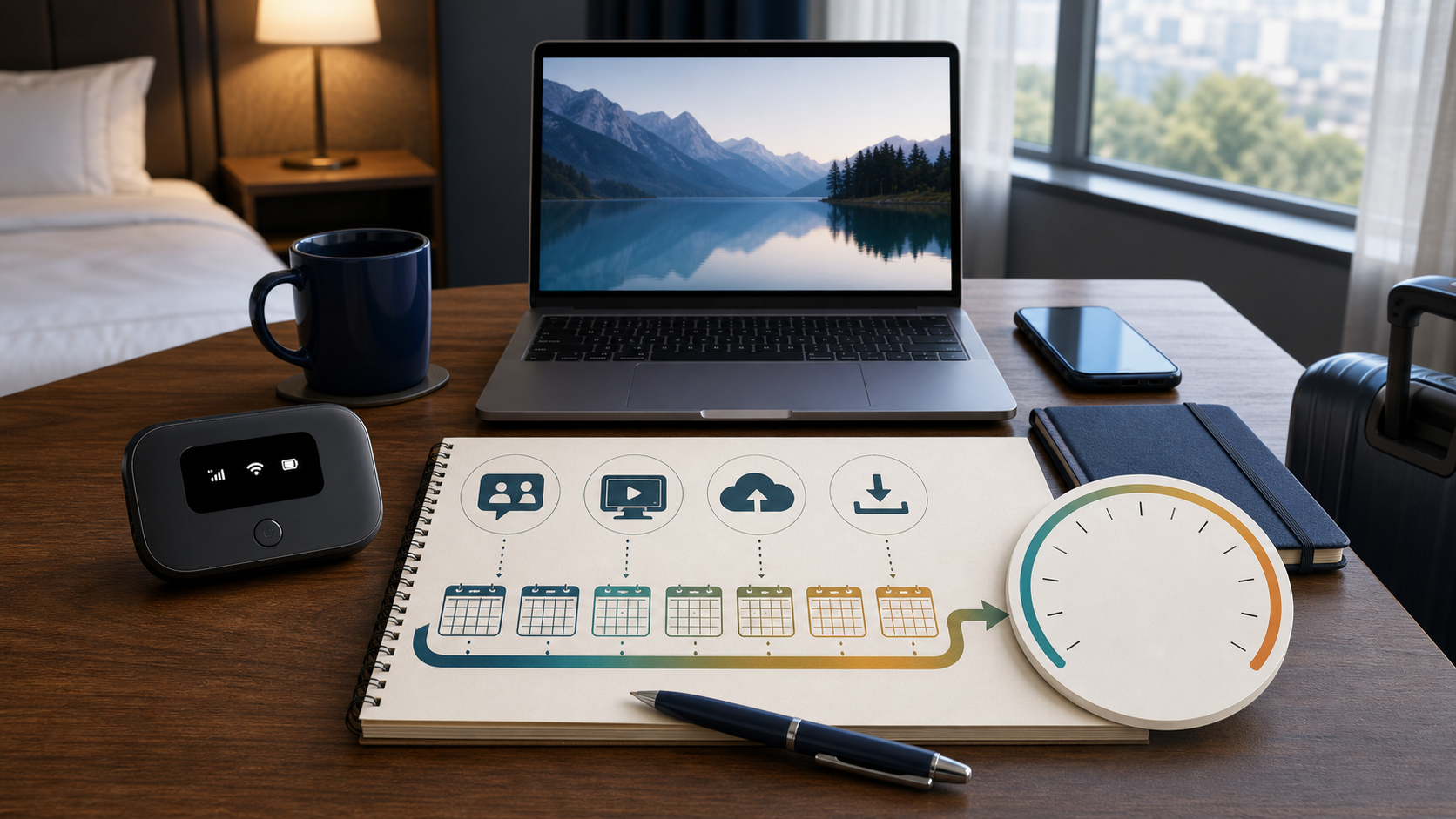
Check which data limit you reached
To tell which connection is affected, briefly switch off Wi-Fi on your phone and open a new page using cellular data. Then try loading a new page on the laptop or tablet connected to your hotspot. A simple webpage is enough. A speed test can use data you may still need.
| What you see | What to check next |
|---|---|
| The phone works; the laptop can load pages, but slowly. | Check whether the phone line reached its high-speed hotspot allowance and what speed the plan permits afterward. |
| The phone works; connected devices cannot load any new page. | Check whether the plan cuts off hotspot use or needs an add-on. If you still have hotspot data, try a second connected device before changing the plan. |
| Neither the phone nor the hotspot loads a page. | Check the total or shared data balance, then check the carrier’s service status if your account still shows data left. |
These tests narrow it down. They don’t prove that you hit a cap. If just one connected device has trouble and the others work, the hotspot allowance is unlikely to be the cause.
Why an unlimited plan can still slow your hotspot
Look for mobile hotspot or tethering in your plan. The amount of high-speed data you can share with a laptop can differ from what you can use on the phone itself. For example, Verizon’s mobile hotspot FAQ lists 10 GB of premium hotspot data on Simplicity, then speeds up to 1 Mbps for the rest of that billing month. That still allows a connection, but a large download may take much longer. T-Mobile’s smartphone hotspot guide also describes reduced speeds after the high-speed allowance on affected plans. Check your own tier rather than assuming either example applies.
A shared plan can work differently. If the whole data pool runs out, see US Mobile’s By-the-Gig instructions: you can buy data for the pool or wait for the next cycle to restore the service. Other lines can use up that same balance, even if you’ve hardly turned on your hotspot.
When does hotspot data reset?
For an allowance that renews every billing cycle, use the cycle dates listed in the carrier account. Don’t assume it resets on the first of the month or on your bill payment date. If your account shows a separate pack, check its own expiration or renewal date.
Restarting your phone won’t replenish a carrier allowance. Switching the laptop to a USB cable normally won’t help either: USB tethering can still count as hotspot data. A cable may make a flaky Wi-Fi link more reliable, but it doesn’t change how your plan counts laptop traffic.
Should you pay for a hotspot top-up?
If your cycle resets tomorrow and reduced speed is enough to send an email, waiting may be fine. For a meeting, large upload, or a laptop setup that can’t wait, trusted Wi-Fi is often a better fallback. Pause game downloads and large cloud syncs in the meantime so they don’t use the connection you need for work.
If you do buy more data, first confirm that it restores high-speed hotspot data or refills the shared bucket your hotspot actually uses. Check how much you get, when it takes effect and expires, and whether it is a one-time purchase or a recurring charge. Avoid buying more phone data if the carrier says it won’t change your hotspot allowance.
Check the description of the top-up before you pay. T-Mobile, for example, lists a 10 GB high-speed hotspot pass for eligible Go5G and Experience lines. Its support page says the pass is for use on its U.S. network, not international use. If you’re traveling or buying a pass for a different plan, don’t assume it covers your connection.
If the warning arrives month after month, use your carrier’s recent usage records rather than guessing. Our guide to estimating how much hotspot data you need can help you decide whether a larger allowance would cost less than repeated top-ups.