
Choose fiber when both services are available at your address and the total monthly cost is close. A physical fiber line usually gives you the more predictable connection, especially for uploads, video calls, gaming, and busy evenings. Choose 5G Home Internet when fiber is unavailable, you want easy setup, or the savings are large enough to accept speed changes. Test 5G at home before canceling your old service.
This is a research-based guide for US home internet shoppers, not a side-by-side service test. Official information was checked on July 27, 2026. Availability, speeds, fees, equipment, and trial terms depend on the exact address and provider.
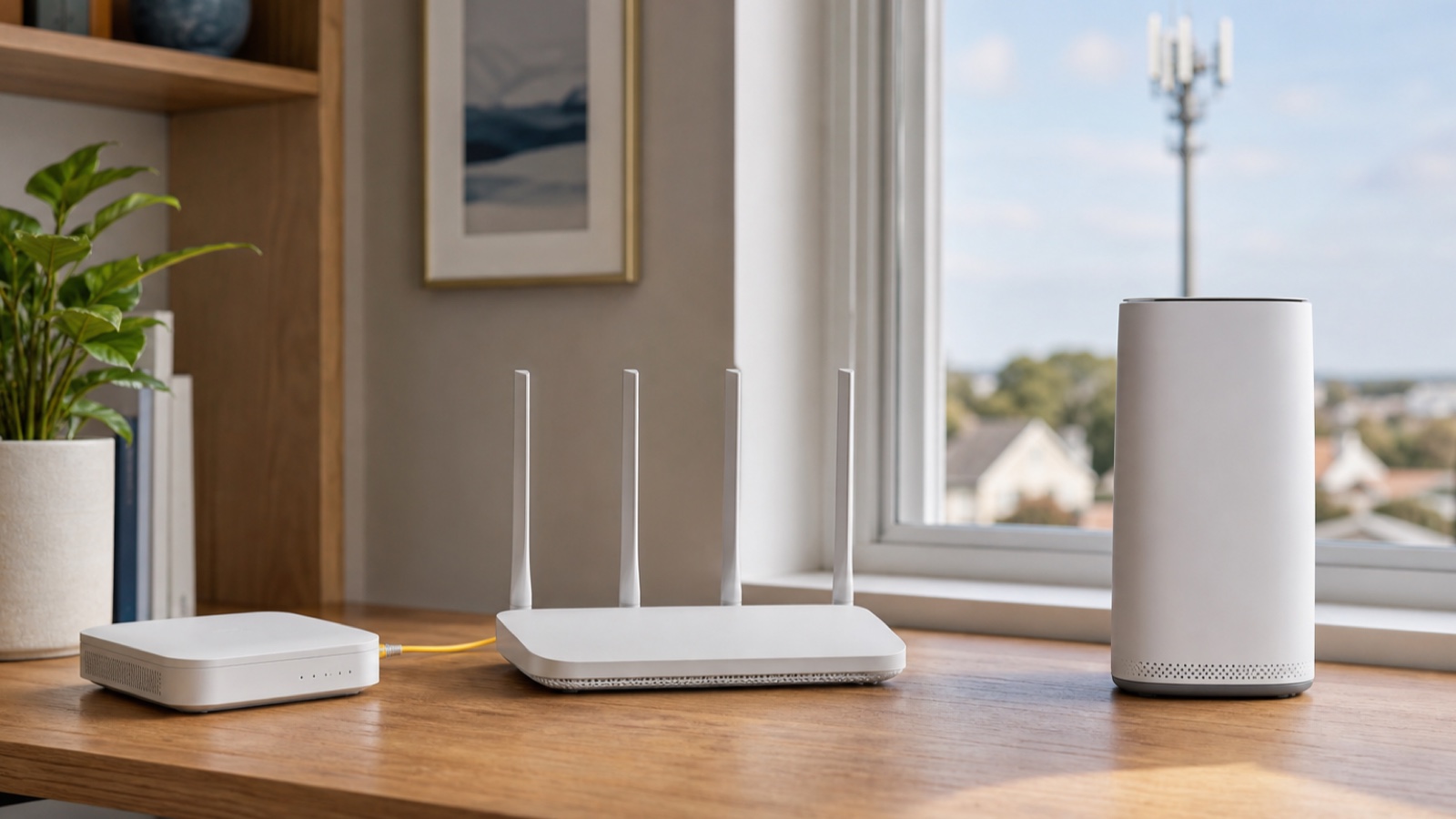
Fiber vs 5G home internet: the quick answer
| Your priority | Better starting choice | Why |
|---|---|---|
| Consistent speed and latency | Fiber | The connection reaches the home through a physical fiber line instead of a radio link to a nearby cell site. |
| Fast, consistent uploads | Fiber | Many fiber plans offer much stronger upload performance than fixed wireless plans. Check the plan label because this is not universal. |
| Easy setup and no new outside line | 5G Home Internet | A gateway receives a cellular signal and creates the home network. Many installations are self-service. |
| Short stay or frequent moves | 5G Home Internet, if the provider approves the new address | The equipment is easier to move, but service eligibility is still address-specific. |
| Lowest total price | Compare the two Broadband Facts labels | The advertised monthly price may omit equipment, installation, introductory pricing, or other conditions. |
If you are still deciding between wired services, our fiber vs cable internet comparison covers that choice. If the question is how large a plan to buy, use the home internet speed guide before paying for a gigabit tier.
Why fiber is usually the reliability winner
Fiber-to-the-home carries data over a physical optical line to an optical network terminal, often called an ONT. The connection does not depend on where you place a cellular gateway or how strong the radio signal is inside the building. That removes two variables from the path.
That does not make fiber immune to outages. A damaged outside line, provider equipment failure, maintenance event, or power loss can still take the service down. The practical advantage is predictability: when the line and provider network are healthy, your evening connection is less dependent on indoor gateway placement and cellular capacity near the home.
A current fiber offer can also be much more balanced between download and upload. For example, the GFiber plan page advertised its 1 Gig service at up to 1 gigabit per second in both directions when this guide was researched. Treat that as one provider example, not a promise about every fiber company or every address.
Why 5G Home Internet can change from hour to hour
5G Home Internet is a fixed wireless service. A cellular network sends data over radio waves to a gateway at your address, and that gateway connects your devices by WiFi or Ethernet. T-Mobile’s official explanation of 5G Home Internet says its gateway converts the nearest 5G signal into WiFi. The same page also says speeds vary because of local network characteristics and management.
Signal quality is only part of the story. The available cellular capacity can change as more people use the network. The gateway’s position also matters. T-Mobile’s network speed support page advises trying multiple gateway locations and notes that walls, floors, metal, other wireless devices, and the number of connected devices can affect performance.
This is why one neighbor can be happy with fixed wireless while another household on the same street struggles. Their gateways may connect to different signal paths, sit in different parts of the home, or face different indoor interference. A coverage map cannot reproduce those conditions.
Reliability is more than the fastest speed test
| What to compare | Fiber | 5G Home Internet |
|---|---|---|
| Download consistency | Usually steadier when the provider network and line are healthy | Can change with radio conditions, gateway placement, and local network use |
| Upload consistency | Often the stronger choice, especially on symmetrical plans | Must be checked on the exact plan and at the exact address |
| Latency consistency | Usually the safer choice for competitive gaming and interactive work | May be acceptable, but test during the hours you actually play or work |
| Installation | May require a technician, an outside line, and an ONT | Often uses a self-installed indoor gateway |
| Indoor placement | The ONT location matters less to the internet link, though router placement still affects WiFi | The gateway must balance a strong cellular signal with useful WiFi coverage |
| Moving | Service stays with the installed address | Equipment is portable, but the provider must offer service at the new address |
| Power failure | The ONT, router, and provider equipment need power | The gateway and cellular network equipment need power |
Do not confuse the internet connection with the WiFi inside the house. A poorly placed router can make excellent fiber look slow. A laptop beside a 5G gateway may also perform much better than a TV two rooms away. Test by Ethernet when possible to separate the provider link from an indoor WiFi problem.
Which service fits common household uses?
Remote work and video calls
Fiber is the safer default if your workday includes long video calls, remote desktop sessions, or large cloud uploads. Download speed alone does not show whether a connection will keep a call stable. Compare typical upload speed and latency on the provider label, then test the work computer on Ethernet.
Gaming
Fiber usually makes the easier recommendation for competitive games because consistency matters more than a single high download result. A good 5G connection can still handle gaming, but test in the evening and watch for sudden latency changes or packet loss. If the provider uses CGNAT, some hosting and port-forwarding tasks may also be limited.
Streaming and ordinary browsing
Many households can stream and browse comfortably on either service. Here, cost and address availability may matter more than the access technology. Check whether the plan has a data allowance, whether video is managed differently, and whether several TVs will stream during the same busy hours.
Cloud backup, cameras, and content uploads
These uses expose weak upload performance. A plan can feel fast while browsing yet take much longer to back up photos or send security camera footage. Fiber has the advantage when the offer includes strong upload speed. The label, not the technology name alone, tells you what the provider is offering.
Compare the offers at your exact address
Start with the FCC National Broadband Map to see which fixed providers report service at the address. Then check each provider’s own availability tool. A nearby street can have a different fiber build or a different fixed wireless eligibility result.
Next, collect the Broadband Facts label for each plan. The FCC says these labels are designed to show cost and performance information and must disclose details such as price, introductory rates, data allowances, and broadband speeds. Compare these fields side by side:
- monthly price after any introductory period
- equipment and installation charges
- typical download and upload speeds
- typical latency
- data allowances and extra charges
- contract or cancellation conditions
Use our internet plan fee checklist to calculate the first-year and second-year cost. A cheaper headline price may lose its advantage after equipment, installation, or an expiring discount is included.
How to test 5G Home Internet before switching
A home trial is more useful than a coverage claim because it includes your building, gateway position, cell site, and evening traffic. Some providers offer a return or test period. T-Mobile, for example, advertised a 15-day test drive when this guide was checked. Read the current terms before ordering.
- Keep the old service active during the test.
- Use the provider’s placement assistant, then try more than one practical gateway location.
- Run a wired test from the gateway if it has an Ethernet port.
- Test in the morning, afternoon, and the busiest evening hours.
- Repeat the test on several days instead of trusting one result.
- Join a normal video call, play the game you care about, and upload a real non-sensitive file.
- Check the rooms where TVs, work computers, and consoles are normally used.
- Cancel the old service only after the new connection stays usable during your real routine.
Record download speed, upload speed, latency, and any interruptions. If the gateway is fast by Ethernet but a distant room is slow, the problem is the home network. If the wired result drops sharply every evening, the access connection or local network capacity is the more likely constraint.
Setup questions to ask before ordering
For fiber
- Does the fiber line reach the home, or only part of the provider network?
- Where will the ONT and router be installed?
- Is professional installation required, and what does it cost?
- What are the typical upload speed and latency on the label?
- Can you use your own router?
- What equipment needs backup power during an outage?
If the equipment names are confusing, see what a modem, router, and ONT each do before the installer arrives.
For 5G Home Internet
- Is this exact address eligible, and must the gateway remain there?
- What return window and refund conditions apply?
- Does the label show a data allowance or network management condition?
- Can the gateway sit where it receives a strong signal without hurting indoor WiFi coverage?
- Does it have enough Ethernet ports for your work computer or switch?
- Does the provider support bridge mode, passthrough, port forwarding, or a public IP if you need those features?
Can you use 5G as a backup connection?
Yes, but it only makes financial sense when an outage would cost more than the second monthly bill. A household with remote workers, a home business, or essential connected equipment may value a backup. Plugging in two services does not create automatic failover by itself. Your router must support two internet connections, or you must switch the connection manually.
Final decision checklist
- If both offers cost about the same and true fiber reaches the home, choose fiber for the more predictable connection.
- If fiber is unavailable, expensive to install, or tied to terms you do not want, test 5G at the address.
- If upload speed, gaming consistency, or work calls matter, compare the label and run evening tests before switching.
- If you rent or expect to move, ask whether the 5G service can transfer to the next address.
- If the 5G result varies too much during the return window, keep the wired service.