
Audible does not need WiFi to play an audiobook that has finished downloading in the app. You do need an internet connection to stream a title, start a new download, browse the store and sync listening progress between devices.
Download the full title before a flight, commute or trip, then check playback while offline. A successful test confirms that the selected audio plays now; it does not guarantee future access to membership-included books. This guide focuses on the phone and tablet app, using current U.S. Audible help for membership examples.
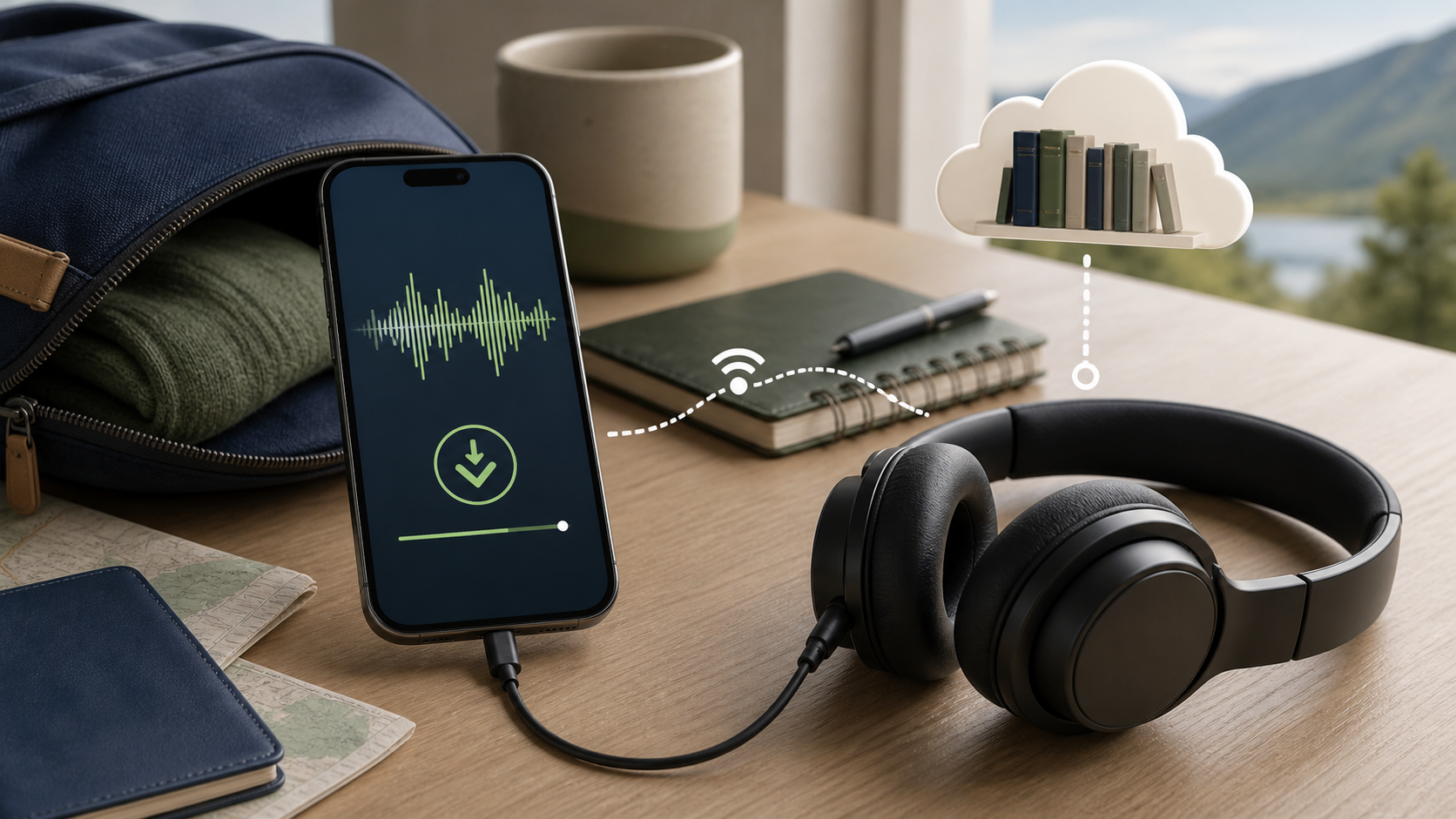
What works offline and what needs internet
| Audible action | Works with no internet? | What to do first |
|---|---|---|
| Play an accessible, completed download | Yes, in the supported app | Confirm completion and test playback |
| Stream a title | No | Connect to WiFi or cellular data |
| Download a new title | No | Use a stable connection and check storage |
| Sync listening position to another device | No | Reconnect and check that syncing is enabled |
| Browse the online catalog or buy | No | Connect and sign in |
| Play a locked included title | Not merely because it was downloaded | Check membership and title eligibility |
Download the title in the Audible app
Audible’s download instructions explain how to save a title for offline playback. In the app, open Library > All Titles, find your book, select its three-dot More menu and choose Download. Keep a stable connection and enough free space until the download completes.
Do not assume that hearing the opening chapter means the whole book is stored locally. Check download completion before leaving. Audible’s Apple Watch instructions specifically describe playback starting while the remaining download continues; your phone’s Library is not proof that the book has also downloaded to the watch.
WiFi is optional; streaming needs internet
If you tap a title that is not stored on the device, the app must stream or download it through the internet. On a phone, that connection may be home WiFi, public WiFi or mobile data. Turning WiFi off does not make the app offline when cellular data remains enabled.
To avoid mobile-data use, use your phone’s supported app-data controls where available. Alternatively, run a brief offline check when you do not need calls or messages: enable Airplane Mode, confirm WiFi is off and restore your normal connection afterward. Do not interrupt a needed call or rely on being reachable during the test. Our unlimited internet guide explains why plan limits still matter when streaming.
Check the completed download before leaving
Keep the Audible app open long enough for the download indicator to finish. A long audiobook can require more time and storage than a short episode, but the exact amount varies by title and download quality.
After checking completion, try a later chapter with WiFi and cellular data unavailable. Playback there checks that part of the book, not every chapter or future membership access. Restore your original listening position and normal phone connectivity afterward.
Check storage before downloading several titles
Open the phone or tablet storage settings before downloading a travel library. Leave room for the operating system, photos and other apps. If a download stops, confirm available space before blaming WiFi.
Remove a finished local download through the Audible app when you need space. Make sure the title remains in the correct library and that you understand its purchase or membership status before removing it.
Purchased books and monthly selections differ
A title bought with money or an eligible credit is different from a title included through a membership catalog. Audible says purchased titles remain in the user’s library after membership cancellation, while access to some included content can end.
Downloaded does not always mean permanently owned. Check the title detail and the membership-cancellation guidance before a long trip or subscription change.
In the U.S., Audible Standard’s monthly selections can be downloaded in the app, but they are not credit purchases. Access depends on membership: cancellation ends access at the end of the final billing cycle, and pausing locks those selections temporarily. Separately purchased books remain available. Check your own marketplace’s terms if you use another region.
Included catalog downloads depend on eligibility
Audible is renaming the Plus Catalog to the included catalog, so you may see either label. Its included catalog guide says eligible titles can be downloaded for offline listening in the app. Access depends on an active eligible membership and the title remaining included.
A catalog title can show as locked when membership ends or pauses, or when the item leaves the catalog. A local download does not override those access rules. If an Included until label appears, check the date before a long trip. Separately purchasing the title may be an option if it remains on sale.
Sync your position before switching devices
Listening progress made offline stays on that device until Audible reconnects and syncs. If you plan to continue on another phone, tablet or compatible player, finish the current session, connect and give the app time to update.
Audible’s app-listening guide documents Profile > Settings > Player > Sync listening position. Make sure that setting is on when you want another device to receive your progress. Note the correct chapter and position before reconnecting if the devices disagree.
Prepare the app before a flight
- Update Audible and the device while connected to a trusted network.
- Sign in and confirm the intended marketplace and library.
- Download every title or episode you expect to use.
- Wait for each download to finish.
- Test playback near the end in Airplane Mode.
- Charge the device and pack compatible headphones and a cable.
Do not wait until boarding to discover that the title is streaming. Airport WiFi may require a browser sign-in, and the app cannot download without a working internet path.
Bluetooth headphones do not require internet
Bluetooth is the local radio link between the phone and headphones. Once the audiobook is downloaded, neither WiFi nor mobile data is required merely to send audio to paired headphones.
Pair the headphones before the trip and check the Bluetooth setting during your offline test. Apple’s Airplane Mode guide says Bluetooth can remain enabled, with behavior depending on previous settings; other devices may differ. Follow your airline’s instructions about wireless use. Keep enough environmental awareness near traffic and do not operate the app while driving.
Car playback can use the phone’s downloaded audio
Audible’s car listening guide supports phone playback over compatible Bluetooth, USB or AUX connections and recommends downloading before offline listening. A charging-only USB port is not necessarily a connection to the vehicle’s sound system. Use the car’s manual to choose a supported audio path.
Set the title, volume and connection before moving. Use steering-wheel or voice controls only when supported and safe. If the car app requires its own online service, test ordinary phone audio as a separate path.
A phone download is not a speaker download
A smart speaker normally asks an online service to find and stream the title. The audiobook downloaded to a phone does not automatically become a local file on the speaker. Loss of internet can therefore stop voice-requested playback even though the phone still has the book.
If the speaker supports Bluetooth input, you may be able to play the phone’s local audio through it. Pair and test while connected first. Product support varies, so use the speaker maker’s instructions.
Use public WiFi carefully
Public WiFi often opens a sign-in page before internet access works. If Audible says it is connected but a download does not start, open a normal browser page and complete the legitimate venue login.
Disconnect if the network asks you to install an unknown app, approve an unexpected certificate or send account credentials to another person. Download at home when possible. If you are also packing an e-reader, our Kindle offline-reading guide covers preparing downloaded books rather than relying on travel WiFi.
If Audible will not play a downloaded book offline
Confirm that the title shows as fully downloaded, then try a different downloaded title. Restart the Audible app and the device. Check whether the title is purchased, included or locked, and whether the app is signed into the same marketplace used for the library.
If every downloaded title fails, reconnect briefly and let the app refresh the library. Contact Audible with the title, device, app version and membership status if the problem continues. Do not remove all downloads until you know that you can retrieve them again.
Sources
- Audible: download titles for supported devices
- Audible: included catalog access and title availability
- Audible: purchased titles after cancellation
- Audible: Standard monthly selections and offline access
- Audible: app playback and listening-position settings
- Audible: supported car audio connections
- Apple: Airplane Mode and Bluetooth settings