
A Kindle does not need WiFi to read a book that is already downloaded to the device. It does need an internet connection to buy most new books, download items from your library, sync reading progress and use features that fetch information online.
The practical rule is simple: download and open what you plan to read before you leave a connection. The details depend on whether you use a Kindle e-reader, the Kindle app on a phone or tablet, or an older model with cellular service.
What works offline and what needs internet
| Kindle action | Works without WiFi? | What to do first |
|---|---|---|
| Read a downloaded book | Usually yes | Open it once before leaving |
| Buy a new Kindle book | No | Connect and complete the purchase |
| Download a library title | No | Download it to this device |
| Sync progress and notes | No | Sync before and after the trip |
| Look up online information | No | Use it while connected |
| Read a personal file stored locally | Often yes | Confirm that the file opens |
Can you read a Kindle without WiFi?
When a book is fully stored on the Kindle, turning on Airplane Mode or leaving WiFi range does not stop ordinary page turning. You can continue reading on a flight, train or campsite without keeping the e-reader connected.
A cover in the library is not proof that a book is downloaded. Tap the title while online and wait for it to finish. On recent models, the Downloaded filter helps distinguish local books from cloud items; labels vary by generation. Amazon’s older Paperwhite guide makes the same local-versus-cloud distinction, although its menus are different.
Buying and downloading new books needs internet
Amazon’s Kindle buying instructions explain that the store delivers a purchased item through the internet connection. If the book is not already on the e-reader, you need WiFi or another connection supported by that model to receive it.
You can buy a title through another device, but the Kindle still needs to connect before it can download the file. Make the purchase and delivery check while you have time to solve an account, payment or storage problem.
Reading progress will not sync while offline
Reading progress, notes and library changes cannot move between devices while the Kindle is offline. Reconnect and sync before switching devices. Check that Sync is enabled rather than assuming reconnection alone will update everything; Amazon’s Kindle sync instructions explain the connection requirement.
Amazon’s current library guide recommends checking WiFi and using Sync when books do not appear. After a long offline period, reconnect and allow the library to update before assuming that a purchase is missing.
Does the dictionary work offline?
In-book search and a downloaded dictionary can work locally. Download the dictionary you need before leaving. Wikipedia and online translation need internet. Check your model’s guide for the tools available.
If you rely on definitions while reading, include one word lookup in the offline check below. Opening a book successfully does not tell you whether a separate reference download is ready.
Kindle app: WiFi off does not always mean offline
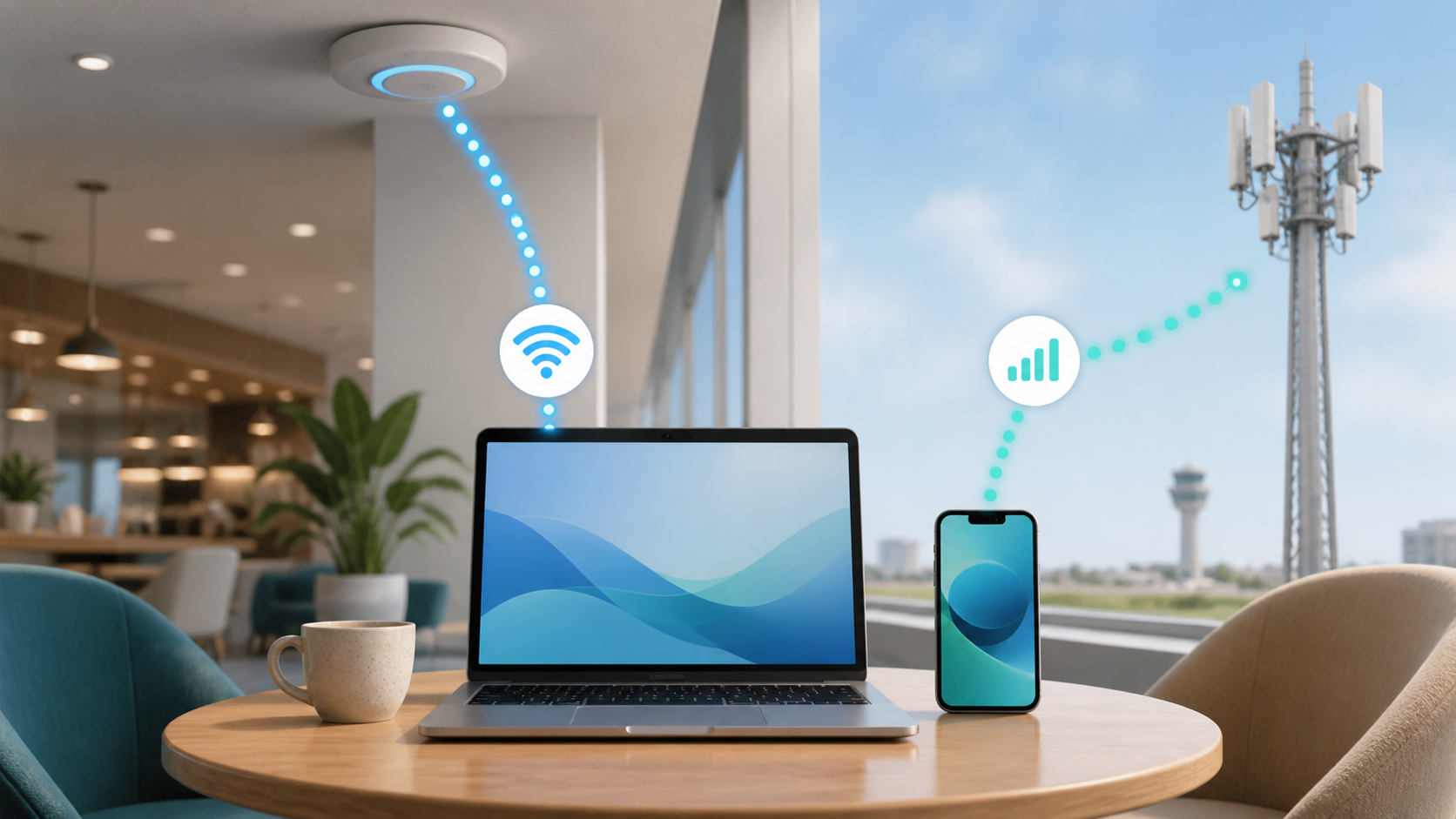
A Kindle e-reader has its own WiFi settings and local storage. The Kindle app uses the phone or tablet’s connection, so it may reach the internet through WiFi or cellular data. Turning WiFi off on a phone does not make the app offline if mobile data remains enabled.
Amazon’s Kindle app guide explains how to download a title to the app. Download separately on each device you plan to use. For an optional offline check, disable its internet connections briefly when you do not need calls or messages, then reopen the book. Airplane Mode can interrupt calls, so restore your usual connections promptly.
Can an older cellular Kindle use internet without WiFi?
Some Kindle generations were sold with cellular connectivity. Amazon’s connection guide says availability depends on the model and carrier support. Check Device Info and Network Capability where available. An old cellular label is not a guarantee of working service today. A WiFi-only Kindle cannot join a mobile network directly.
Check the exact model rather than relying on the appearance of the case. Amazon maintains a page of Kindle e-reader guides organized by generation, which is safer than following instructions written for a different Kindle.
How to download Kindle books for offline reading
- Connect the Kindle to a trusted network and confirm the intended Amazon account.
- Open Library and download each title you want to read. Wait for downloads to finish.
- Sync and check the reading position.
- Enable Airplane Mode on the e-reader, then reopen each important book and turn several pages.
- Check a dictionary lookup if you will need it. Reconnect afterward if you still have downloads or syncing to do.
Do this before leaving home rather than relying on airport WiFi. Charge the reader and bring its cable. Follow the flight crew’s instructions about wireless connections; offline reading is not permission to ignore airline rules.
Personal documents need a local-copy check too
A personal document that has already arrived and opens on the Kindle may remain readable offline. Sending a new document through an online delivery service requires a connection, and format support can differ by model and delivery method.
Open the file and check a few pages before disconnecting. Avoid unknown conversion sites for private or copyrighted documents. They can expose the file and may create an output that the Kindle cannot read correctly.
What about Libby and Kindle Unlimited books?
Libby’s Kindle delivery instructions apply to most eligible books at U.S. libraries, not every title or country. Choose Read With, then Kindle, and complete Get Library Book on Amazon. Sending it to your account is not the same as downloading it to the reader.
Check the loan’s due date before a trip. Libby’s getting-started guide explains that loans return automatically. Subscription titles, including Kindle Unlimited, also depend on the service’s access terms. Do not assume offline mode extends a loan or subscription, and do not change the clock or remove rights controls to keep access.
Can you listen to Kindle audiobooks offline?
Audible support varies by Kindle model and region. On supported e-readers, download the full audiobook and pair Bluetooth headphones first. Starting playback is not proof of a complete download: playback can start while downloading.
The 2024 Kindle user guide says Airplane Mode disables both WiFi and Bluetooth. For offline audio, use your model’s supported controls to disconnect internet while keeping Bluetooth available, subject to airline rules. Do not assume the ebook includes its audiobook edition.
Use a phone hotspot for downloads away from home
If the Kindle needs to download or sync away from home, a phone hotspot can provide WiFi when the phone plan allows tethering. Keep the devices close, connect with the current password and turn the hotspot off after the task.
A book download is different from unlimited internet service. Data limits and hotspot terms can apply even when a plan is marketed as unlimited. The unlimited internet guide explains the limits worth checking.
Hotel WiFi may need a separate sign-in
Some public networks open a sign-in page before giving internet access. An e-reader may not handle every captive portal smoothly. If the connection asks for payment details, an unexpected certificate approval or an app installation, disconnect and use a trusted network.
Prepare books at home when possible. You do not need to replace a working router just because one hotel or airport network will not accept the Kindle. If the device also fails on trusted home WiFi, use the model’s support guide before changing the network. The new-router decision guide can help when several home devices show the same problem.
Why will a Kindle book not open offline?
Amazon’s missing Kindle content checklist says an internet connection is required to purchase, download or sync books. Check that WiFi is on, Airplane Mode is off and the device uses the intended Amazon account.
Then sync, show all library items and remove any filter that hides the title. Restart the Kindle if the item still does not appear. Contact Amazon with the order information only after checking the account and delivery target.
Sources and model-specific help
This is a setup guide, not a hands-on test of every Kindle. Menu names, content rights and service support vary by model and region. Use the guide for your exact generation before relying on a feature for travel.
- Amazon: Kindle guides by model
- Amazon: 2024 Kindle guide, downloads, dictionaries and Audible
- Amazon: older Paperwhite guide, device and cloud storage
- Amazon: buying and delivering Kindle books
- Amazon: syncing a Kindle
- Amazon: missing Kindle content checklist
- Amazon: finding your Kindle library
- Amazon: using the Kindle app
- Amazon: WiFi and cellular connection guidance
- Libby: reading eligible loans on Kindle
- Libby: loans, downloads and due dates