
A basic MP3 player does not need WiFi to play music stored on the device. Copy compatible files to its internal storage or a supported memory card, connect compatible headphones and listen offline. A smart player may need internet for streaming, new downloads, sign-in or updates, but its supported local files can still play without a connection.
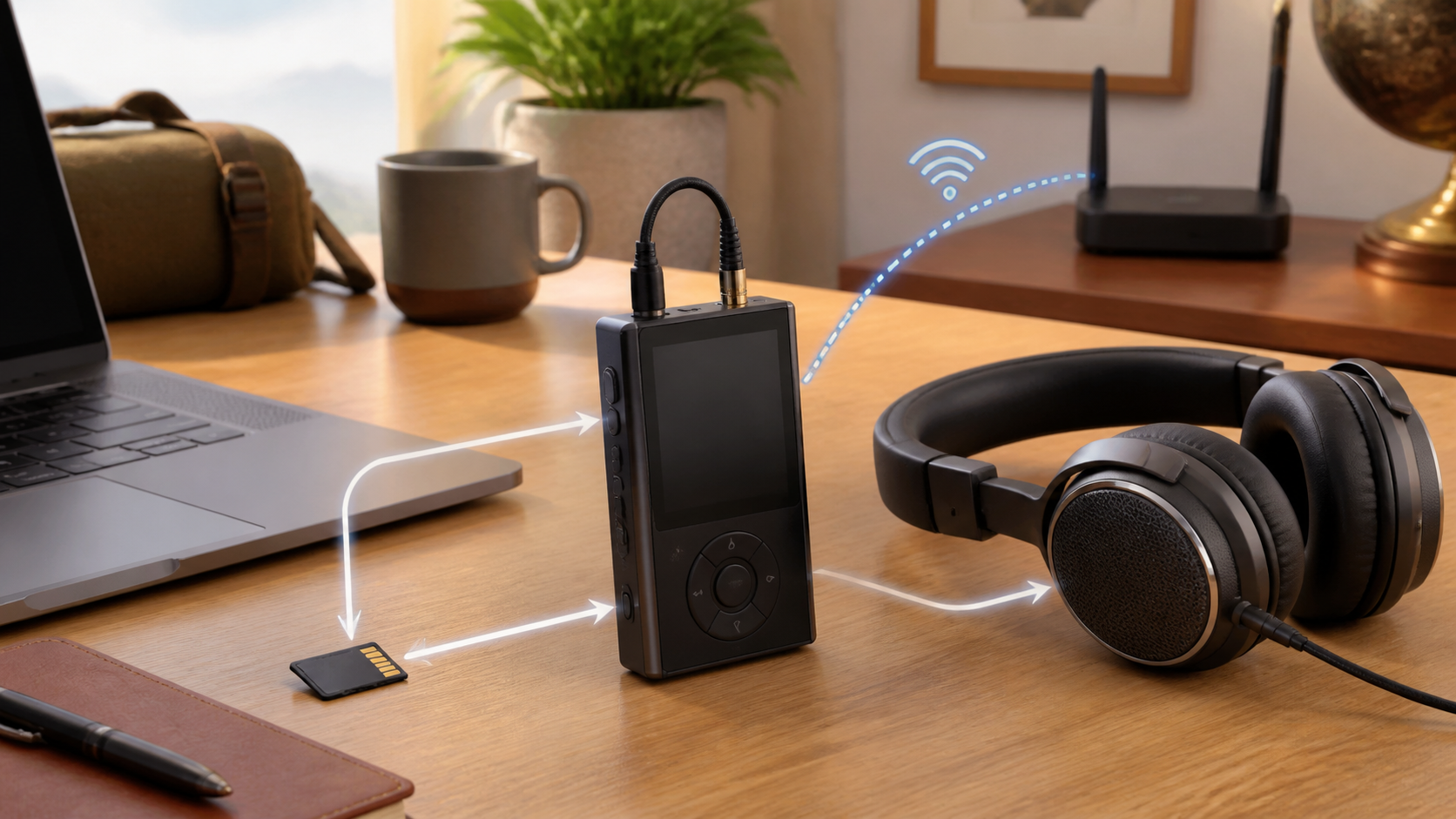
Before buying, separate two questions: can the player hold your music, and can it run your chosen music service? A basic file player and an Android streaming player may both be sold as an MP3 player, yet only one may support the app you want.
What works without WiFi
| Task | Needs WiFi or internet? | What to check |
|---|---|---|
| Play ordinary local music files | No | Supported format and enough storage |
| Copy existing files by USB | No internet for the copy itself | Data cable, USB mode and computer support |
| Play from a memory card | No | Whether the player supports that card |
| Use wired headphones | No | Matching audio connection |
| Use Bluetooth headphones | No internet for the audio link | The player must transmit compatible Bluetooth audio |
| Stream or download new service tracks | Internet required, usually through WiFi on these players | Supported service, device and account |
| Play a service’s offline downloads | Not continuously, if permitted | Completed downloads and periodic account checks |
Stored music plays offline
An MP3 file is stored data. Once the player can read that file from internal memory or a supported card, playback does not need a router or internet service. The same applies to other supported local formats, though the exact list varies by model.
You still need battery power, working audio output and a readable file. If the player reports an unsupported format or missing song, improving the home’s WiFi signal will not repair that file. Start with one known compatible track before copying an entire library.
WiFi and internet are not the same as Bluetooth
Bluetooth can carry audio from a player to wireless headphones over a short local link. It does not require a home router or mobile-data plan. A player may support Bluetooth while having no WiFi.
Check both sides of the connection because the player must support sending audio to your headphones. Bluetooth listed on a product page can describe different functions; it is not a promise of every connection you might want. A WiFi upgrade will not add Bluetooth to a player that lacks it. Our wireless-headphone offline guide explains the separate headphone and internet links.
When an MP3 player does need internet
A smart player needs an internet connection when it streams a song instead of reading a local copy. It may also need internet to install an app, sign in, download offline content, sync a library or check for updates. WiFi is a common way to reach the internet, not the audio format itself.
Downloaded streaming music is not the same as an ordinary MP3 file. The app may protect it, limit where it can play and require periodic account checks. Read the current rules for the service you use.
Basic players and smart players suit different buyers
Choose a basic player when you want simple local playback, fewer distractions and no dependency on WiFi. It may use buttons, a small screen and USB file transfer. Confirm that it supports your music format and computer.
A smart player makes more sense when you want streaming apps or wireless downloads. Check the exact model’s operating system, app-store access, update support and current service compatibility. A picture of an app logo in a listing is not enough to establish that sign-in, downloads and playback still work.
If streaming fails in one room, test the player beside the router before buying new equipment. The router replacement checklist separates a coverage problem from a router that is actually limiting the connection.
Transfer music by USB
Connect the player to a supported computer with a cable that carries data. Some models appear as storage, while others use the maker’s transfer software. Sony’s Walkman transfer guide describes selecting File Transfer on applicable Walkman models and using the appropriate Windows or Mac transfer method. Those menus are not universal instructions for every player.
A charge-only cable can power the player without exposing its files. If the computer cannot see it, try the supplied data cable, connect directly instead of through a hub, unlock the player and follow its USB-mode instructions. Check free storage if a transfer starts but fails. Sony’s Music Center transfer restrictions also identify unsupported files and insufficient space as possible causes. Wait for copying to finish before disconnecting or using the documented eject command.
Use a memory card when the player supports one
A removable card can expand local storage when the player supports it. Check the card type, capacity limit and file-system requirements in the exact model’s manual. Back up anything important before following a formatting instruction: formatting erases the card. Do not format a working card just because WiFi is unavailable.
Do not remove the card while a file is being copied or the player is updating its library. Eject it through the computer and device controls when those options exist.
Check file formats before buying
The phrase MP3 player is often used for devices that support several audio formats. That does not mean every file will play. Check support for the formats already in your library and whether protected store downloads can be transferred.
A playlist saved in a streaming app is not automatically a folder of MP3 files you can drag onto another device. Use the service’s supported download feature on an eligible player, or use compatible music files obtained from lawful sources. Avoid sites and tools promising to remove a service’s download protection.
Offline streaming needs preparation
If the player runs a supported streaming app, download the albums or playlists before leaving. Wait for the downloads and any active update to finish. Then disconnect the player’s WiFi and any other internet path and play several saved tracks, including tracks you have not just streamed. If using Airplane Mode, check that Bluetooth remains enabled when you need wireless headphones. Do not switch off the household router to perform this test.
For a compatible Android device, YouTube Music’s offline-download guidance describes music downloads for Premium members and reconnection at least once every 30 days to maintain downloads. Podcast rules differ, and experiences can vary by region. That is a service-specific example, not a rule for ordinary MP3 files or proof that any particular player supports the app.
A player without WiFi can still receive new music
Use a computer to obtain music lawfully, then copy the files by USB or memory card. The player itself remains offline even if the computer used the internet earlier to buy or download the files.
After copying, disconnect the player as its manual directs and open the song from its local library. Keep the original files backed up elsewhere. A transfer that reports success is useful, but actual playback confirms that the player can read that particular file.
What to check for children or school use
If the goal is a device without internet access, check that the hardware lacks WiFi rather than relying on an easy-to-change WiFi setting. Also check whether it has a browser, camera, microphone or recording feature if the school restricts those. A product marketed as an MP3 player is not automatically permitted.
Check physical controls, the headphone connector, volume-limit settings and whether a parent can load music without creating an account. Confirm the school’s policy before buying, and follow the player and headphone makers’ listening precautions.
What to check for travel and exercise
Confirm battery condition, controls, storage, headphone support and the charging cable before a trip. Pair Bluetooth headphones beforehand if supported. A wired fallback helps only if the player has a suitable audio output; a USB charging port alone does not prove that it accepts USB headphones.
Follow the airline crew’s instructions about electronic devices and wireless radios. Offline playback does not mean a player is waterproof or approved for every activity. Check the model’s restrictions rather than inferring them from the absence of WiFi.
Buying checklist for an offline MP3 player
- Local file formats match your music library.
- Internal storage or card support is large enough for your files.
- USB transfer works with your Windows or Mac computer.
- Wired or Bluetooth headphone support matches what you own.
- Physical controls are usable without looking at the screen.
- The player can operate without an account if that matters to you.
- Streaming apps are currently supported if you plan to use them.
Common questions about offline music players
Can an MP3 player work where there is no cell service? Yes, when the songs are stored on the device and the player does not require an online account check for local playback. Test the exact setup offline before a long trip.
Can you use Spotify or another streaming service without WiFi? Check the service’s current supported-device and offline-download rules. A compatible app-based player or dedicated supported player may allow offline listening after syncing, but a basic MP3 player cannot run a service simply because it plays music files. Do not assume an old or used model still supports its advertised service.
Does an MP3 player use mobile data? A basic player without cellular hardware cannot use a mobile-data plan. A smart player may reach the internet through WiFi or a phone hotspot, and that hotspot traffic counts against the phone plan. Check whether an unlimited plan has a separate hotspot limit.
Sources and scope
- Sony guide to transferring content to a Walkman
- Sony transfer restrictions and storage checks
- YouTube Music offline-download guidance
This guide explains local music playback and the checks to make before buying or travelling. It is based on the linked manufacturer and service documentation, not hands-on testing of every player. Menus, formats, card support, headphone connections and app availability depend on the exact model.