
A standard ceiling fan does not need WiFi. It needs electrical power and its compatible pull chain, wall control or handheld remote. A smart fan may add an app, schedules or voice control, but the word smart does not tell you which functions work without internet.
Before buying, confirm which local control is included. Do not assume that an app is optional, and do not connect a fan motor to a smart plug or lamp dimmer unless the fan maker explicitly approves that setup.
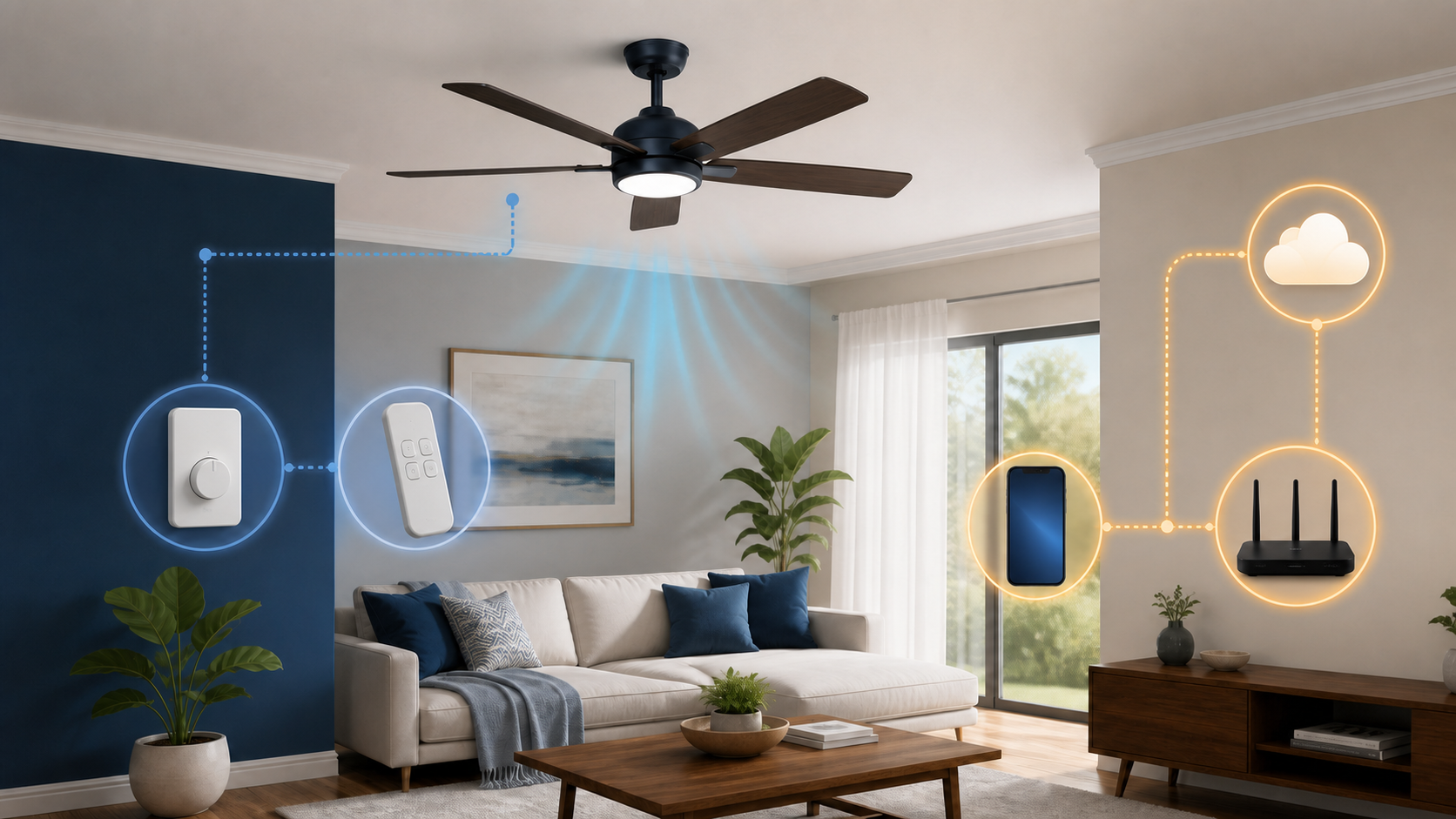
What usually works without WiFi
| Feature | WiFi or internet usually needed? | What else it depends on |
|---|---|---|
| Pull chain | No | Fan power and mechanical control |
| Compatible wall control | No for basic local control | Fan and receiver design |
| Included handheld remote | Often no | Remote battery, pairing and receiver |
| Phone app at home | Usually WiFi | App, account and local or cloud design |
| Phone control away from home | Internet usually required | Cloud service and phone data |
| Voice assistant | Often internet required | Supported platform and account link |
| Schedules | Model-specific | Whether the schedule is stored locally or online |
Hunter’s fan control guide distinguishes pull chains, wall controls, remotes and apps. It says its HunterSMART fans can use a traditional remote or the app. That supports a local-control option for the covered equipment, not a promise that every smart fan works the same way.
Separate power, local control, WiFi and internet
- The motor and any light need their specified electrical supply.
- A compatible pull chain, wall control or remote provides a local way to send commands.
- A WiFi-equipped fan or controller can join your router.
- Internet access connects supported features to the manufacturer’s service or voice platform.
A failed app does not prove that the motor has failed. If the approved remote works but the app says offline, investigate the app and network first. If neither responds, WiFi is only one possibility. Check the manual and contact the manufacturer rather than opening the ceiling canopy or changing wiring.
What stops during an internet outage
Away-from-home control, cloud-based voice commands, account sync and some automations may stop when the internet or vendor service is unavailable. Modern Forms explains in its local versus away-from-home app guide that its app uses a direct connection on the same WiFi network, but cloud access away from home. Its cloud control needs an internet connection at the fan.
Local app control may continue on some systems and stop on others. Schedules may live in the fan, a local hub or a cloud account. Check the manual for the exact model rather than treating all WiFi fans as one design.
WiFi outage and power outage are different
If the fan has electrical power but home internet is down, approved local controls may still work. If the home loses power, WiFi does not matter because the fan motor and receiver are unpowered.
Do not run a permanently installed ceiling fan from an improvised battery, extension-cord or generator arrangement. Follow the fan manual and local electrical requirements. A qualified electrician should handle uncertain wiring, damaged controls or an incompatible wall box.
Smart fan, add-on controller or ordinary fan?
| Choice | Potential advantage | Question to ask |
|---|---|---|
| Fan with built-in WiFi | Integrated app and voice features | Which controls work if the service ends? |
| Fan with included remote | Local control without a phone | Does the remote control every needed function? |
| Compatible smart controller | May add connected control to an existing fan | Is it approved for this motor and light? |
| Ordinary fan | Simple local operation | Do you need schedules or remote status? |
An add-on controller must match the fan type, motor, light and wiring. A generic lamp dimmer is not a fan-speed controller. Do not place a smart plug above the ceiling or inside a canopy as an improvised control.
Check the included local control before buying
- Is a handheld remote or wall control included?
- Can it change fan speed, direction and light without the app?
- What happens after the router or internet service is unavailable?
- Can the fan be used before account registration is complete?
- Does the wall switch have to remain on for the receiver to stay connected?
- How are schedules stored and edited?
The FAQ on Hunter’s smart-fan collection says most HunterSMART fans include a handheld remote, and that the fan can run without completing WiFi setup. Check the exact model’s box contents and manual before ordering. A listing that includes a remote is more useful than a generic promise of smart-home compatibility.
Check WiFi requirements before installation
Hunter’s HunterSMART network requirements specify 2.4 GHz for the fans covered there. Its iOS pairing guide also requires the current HunterSMART app and a verified Hunter account. Other models or brands may differ. Check the requirements before installation, not after discovering that a rental or managed network cannot support the fan.
- Use a private home network without a browser sign-in page.
- Keep the fan, app and router firmware supported and current.
- Do not disable encryption or the firewall to complete setup.
- Keep setup codes and account recovery information private.
- Record the ownership-transfer process before selling the home or fan.
Test coverage from the floor
A phone test in the room can reveal a dead zone, but it does not guarantee reception at the installed fan’s antenna. Check coverage from the floor. Do not climb a ladder while holding a phone to measure signal, or open the fan to look for an antenna.
If WiFi is already weak in that room, first compare near-router and room performance. Our router replacement versus better placement guide helps identify whether the issue is one room or the whole network.
For a remaining dead zone, compare placement and wiring before adding hardware. The mesh WiFi versus extender guide explains when a spot fix may be enough and when several rooms need coordinated coverage.
Privacy and account questions
- Use a unique account password and multifactor authentication when offered.
- Review which household members can control the fan remotely.
- Remove old guests, installers and previous owners from the account.
- Check what usage history or home-presence data the app stores.
- Confirm how to decommission the fan before resale or a move.
Check the app’s privacy policy for any usage or occupancy-related data it records. A schedule is not proof that someone is home, but account access can still let another person operate a device in your room. Keep access limited to the people you intend to share it with.
Run a safe offline test
After installation according to the manual and normal setup, choose a safe time with the room clear. Start with the fan off and confirm that its approved remote or wall control works normally. Follow the manufacturer’s supported method to check behavior without internet while leaving the fan’s normal power supply alone.
Only change a network you manage, after checking that no call, safety device, medical equipment or software update depends on it. Do not disable network security or factory-reset the fan to simulate an outage. If a safe test is not practical, ask support for the model’s documented behavior instead.
Record the result for the handheld remote, app, schedules and voice commands separately. Restoring internet access is not the end of the check: verify that the fan reconnects and review the next scheduled action. Test loss of WiFi separately only if the manufacturer supports it; a fan that keeps local app control during a broadband outage may still need the router.
Electrical and physical safety come first
- Use a ceiling box and mounting system approved for the fan.
- Follow the manual and local electrical code.
- Do not work on energized wiring.
- Do not substitute a lamp dimmer, smart plug or unapproved receiver.
- Stop using a fan that wobbles severely, makes new mechanical noise, smells hot or has a damaged control.
- Use a qualified electrician or fan professional when installation or wiring is uncertain.
Choosing between remote-only and app control
If you only want to change speed or switch the light from your chair, a fan with a compatible included remote may be enough. App control is useful when you want supported schedules or access away from home. Check what the remote can actually adjust; direction changes, light dimming and schedules are not identical across models.
Before paying for installation, save the manual and ask the seller which controls work before account setup, without internet and without WiFi. Include the exact model number in the question. If offline operation matters, get an explicit answer rather than relying on the words wireless or smart on the box.