
Choose a WiFi extender when one small area has weak coverage and the rest of your home works well. Choose mesh WiFi when several rooms, multiple floors, or moving devices need a more consistent connection. An extender is the cheaper spot fix. A mesh system costs more and usually replaces your router, but its nodes work together as one managed network.
Before buying either one, test beside the router. If the connection is slow there too, your problem is the internet plan, modem, router, or provider. Adding more WiFi equipment will not repair a slow incoming connection.
Research note: This is a research-based comparison using current support material from Google, NETGEAR, TP-Link, and Wi-Fi Alliance, checked on July 26, 2026. We did not run side-by-side performance tests. Results depend on your home, router, client devices, interference, and the products you choose.
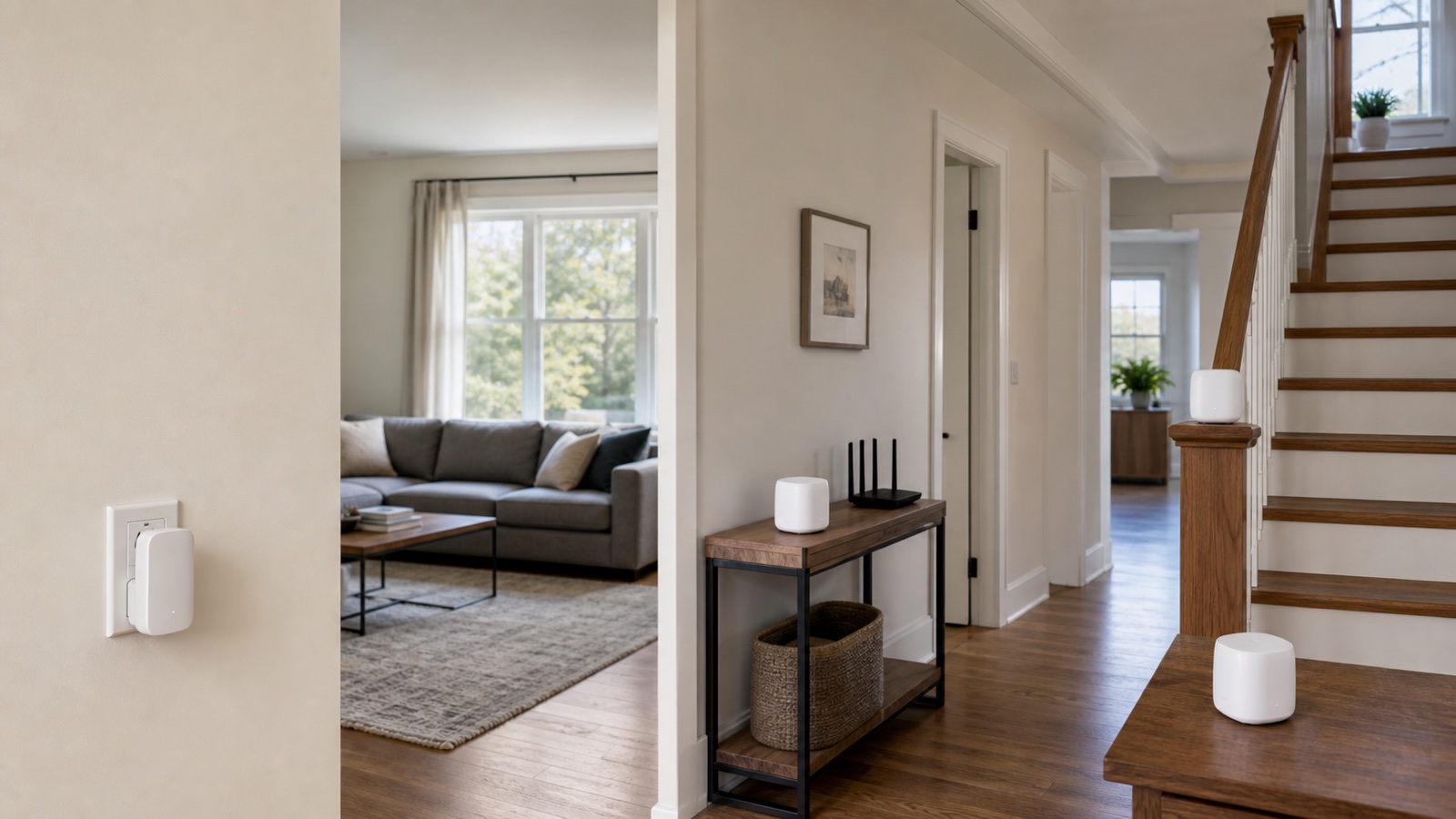
Mesh WiFi vs WiFi extender at a glance
| What matters at home | WiFi extender | Mesh WiFi |
|---|---|---|
| Best use | One or two specific weak spots | Several rooms, multiple floors, or widespread weak coverage |
| Existing router | Usually stays in place | Usually replaced by the mesh router |
| Network management | May act as a separate network unless the router and extender support a coordinated standard | Nodes are designed to operate as one system |
| Moving around | Can require manual switching or leave a device attached to a weaker signal | Usually provides smoother movement between nodes |
| Backhaul | Usually wireless; some models support Ethernet access point mode | Wireless on most installations; many systems also support Ethernet |
| Performance | Good enough for a targeted room when placement is strong; wireless repeating can reduce throughput | More consistent across a larger area, but weak node placement still limits performance |
| Setup scope | Add one device to the current network | Install and manage a new multi-node network |
| Upfront cost | Usually lower | Usually higher |
| Expansion | Adding several independent extenders can become awkward | Designed to add compatible nodes |
The difference is not simply “cheap versus fast.” A well-placed extender can be the sensible answer for a bedroom or garage. A badly placed mesh node can perform poorly. Match the equipment to the size and location of the coverage problem.
First confirm that WiFi coverage is the problem
Stand a few feet from the main router and run the same ordinary task that fails elsewhere, such as a video call or streaming a show. You can also run a speed test, but compare repeated results instead of treating one number as a verdict.
- Fast near the router, weak in one room: an extender may be enough.
- Fast near the router, weak across several areas: mesh is the stronger fit.
- Slow beside the router and in every room: fix the internet connection or main router first.
- Only one device has trouble: troubleshoot that device before buying coverage hardware.
Neither option increases the speed delivered by your ISP. It can only improve how much of that connection reaches a device over WiFi. If you are unsure whether the plan itself is sufficient, compare your household with our guide to how much internet speed a home needs.
How a WiFi extender works
A range extender connects to the WiFi from your existing router and rebroadcasts it farther into the home. You keep the router and add a plug-in or desktop device between it and the weak area. The extender must receive a useful signal before it can pass one along.
This is why putting an extender inside the dead zone is a common mistake. TP-Link’s extender placement guide recommends positioning it between the router and weak area while the router signal is still strong. The exact distance depends on walls, floors, furniture, interference, and the extender’s antennas. A hallway outlet often works better than an outlet hidden behind a TV or cabinet.
A traditional extender may create a second network name. Your phone can stay attached to the router even when the extender is closer, or it may require you to choose the other network yourself. This is not true of every current product. Some router and extender combinations can operate as a coordinated network when both sides support the same ecosystem or a standard such as Wi-Fi EasyMesh. Check the compatibility lists for both devices rather than relying on the word “mesh” in a product name.
Wireless repeating also uses airtime to receive and forward data. TP-Link’s mesh and extender comparison notes that extender speeds are typically lower than a direct connection to the router. That does not make an extender useless. A stable connection with moderate speed can be perfectly adequate for browsing, a smart device, or streaming in one room.
How mesh WiFi works
A mesh kit normally includes a primary router and one or more nodes. The primary unit connects to your modem or ONT. The other nodes communicate with it over wireless backhaul, Ethernet, or a combination of both. The system manages them as one network with one set of controls.
NETGEAR’s official comparison describes mesh nodes as a coordinated system that presents one network across the home. This arrangement is useful when people carry phones and laptops between rooms. It also avoids managing a stack of unrelated extenders.
Mesh still needs a healthy path between nodes. A node placed too far from the main router cannot manufacture a strong backhaul connection. Google’s WiFi device placement guidance says location depends on home size, construction, layout, and where WiFi is used. Treat every node as a relay that needs good contact with the rest of the system, not as a device that belongs in the center of a dead zone.
If you can run cable, Ethernet backhaul gives each wired node a direct path to the main router and preserves wireless airtime for phones, computers, and TVs. Our guide to Ethernet backhaul versus wireless backhaul explains when the cable is worth the effort.
Choose by the shape of the dead zones
| Home situation | Better starting point | Why |
|---|---|---|
| One weak bedroom at the end of a hallway | Extender | A single midpoint relay may solve a contained problem |
| Small apartment with one balcony or garage dead spot | Extender | The main router already covers most of the home |
| Two-story or three-story home with weak rooms on each floor | Mesh | Several coordinated nodes can cover different parts of the layout |
| Phones drop or cling to weak WiFi while people move around | Mesh | One managed system is designed for movement between coverage areas |
| Home office needs a dependable wired connection | Mesh node or wired access point | A node with Ethernet ports or a true access point can serve the desk directly |
| Detached garage with no usable signal between buildings | Wired access point or another wired link | A wireless extender cannot repeat a signal it cannot receive |
| Slow internet in every room | Neither | The coverage system is not the first fault to fix |
Count coverage areas, not just square footage. A long single-story house with dense interior walls may need more help than an open two-story home. If mesh is the answer, use our practical method for deciding how many mesh WiFi nodes you need. Buying extra nodes without a placement plan can create more interference without improving the weakest room.
Speed, roaming, and backhaul matter more than the label
Do not assume an extender always cuts speed in half
The familiar “half speed” rule is too blunt. Throughput depends on the radio design, bands, channel use, signal quality, interference, and whether the extender has a wired connection. The reliable takeaway is simpler: a wireless extender must spend airtime receiving and forwarding traffic, so it usually cannot match a clean direct connection to the router.
Mesh is not automatically fast
A dual-band mesh system using weak wireless backhaul can also lose a large share of useful capacity at a distant node. Tri-band hardware, a clear path between nodes, or Ethernet backhaul can help, but product class alone does not guarantee a result. Compare the system’s backhaul options and Ethernet ports with the way you can actually install it.
One network name helps, but clients still have a say
Mesh systems coordinate their access points and can steer compatible devices, but the phone, laptop, or TV still participates in connection decisions. An old client may hold onto a distant node longer than expected. Mesh usually makes roaming easier; it does not promise that every device will switch at the perfect moment.
Placement checklist before you judge the equipment
- Move the main router first. Put it in the open, above floor level, and closer to the center of the area you use. Avoid cabinets and large metal objects.
- Place the relay before the dead zone. An extender or wireless mesh node needs a good upstream signal.
- Test one change at a time. Use the same device and task in the same locations after each move.
- Check the backhaul in the app. Many mesh systems report whether a node has a weak connection to the primary unit.
- Use Ethernet when the building blocks wireless paths. A cable can turn a difficult wireless hop into a predictable access point connection.
Google’s Google Wifi setup instructions show the primary point connected by Ethernet and additional points added to the mesh. The details vary by brand, but the basic path is the same: internet equipment to the primary router, then a reliable connection from the primary router to each coverage point.
What to check before buying
- Router compatibility: confirm whether an extender can join the current router under one network name, or whether it will create a separate network.
- Backhaul options: look for Ethernet if you can wire rooms, and check whether wireless backhaul shares radios with client traffic.
- Ethernet ports: a port on a node can be useful for a desktop, TV, console, or switch.
- Management life: check the vendor’s update policy, app requirements, and whether core controls work without a subscription.
- Expansion rules: verify which node generations and models can join the same mesh. Google’s setup documentation, for example, notes that Nest Wifi Pro cannot combine in one mesh with older Nest Wifi or Google Wifi points.
- Return policy: walls and interference are hard to predict from a box. A practical return window lets you test the real layout without pretending specifications are a site survey.
Can you use an extender with a mesh system?
Sometimes, but adding a generic extender to a mesh system can give up the coordinated roaming and management that made mesh useful. The safer expansion is a compatible node from the same system or a certified option that the vendor explicitly supports. If you already own an extender, it may still work as a separate spot fix, but check whether it creates another network and whether the mesh app can see or manage it.
The practical answer
Buy an extender when the main router covers nearly everything and one reachable room needs help. Buy mesh when the coverage problem is spread across the home or devices regularly move between weak areas. If Ethernet can reach the problem room, a wired access point or wired mesh node is usually more predictable than either product working as a wireless relay.
Start with the smallest change that matches the shape of the problem. One dead zone does not justify rebuilding a healthy network, while three extenders are often a sign that a coordinated mesh or wired access point plan would be easier to live with.