
A basic alarm clock does not need WiFi. It keeps time and sounds an alarm using its own controls and power supply. Smart clocks are different: an app, voice assistant or streamed wake-up sound may need an internet connection, even when the clock has physical buttons.
Before buying, separate three questions: can you set the alarm without an app, will an already-set alarm sound without internet, and will it sound during a power cut? A yes to one does not answer the others.
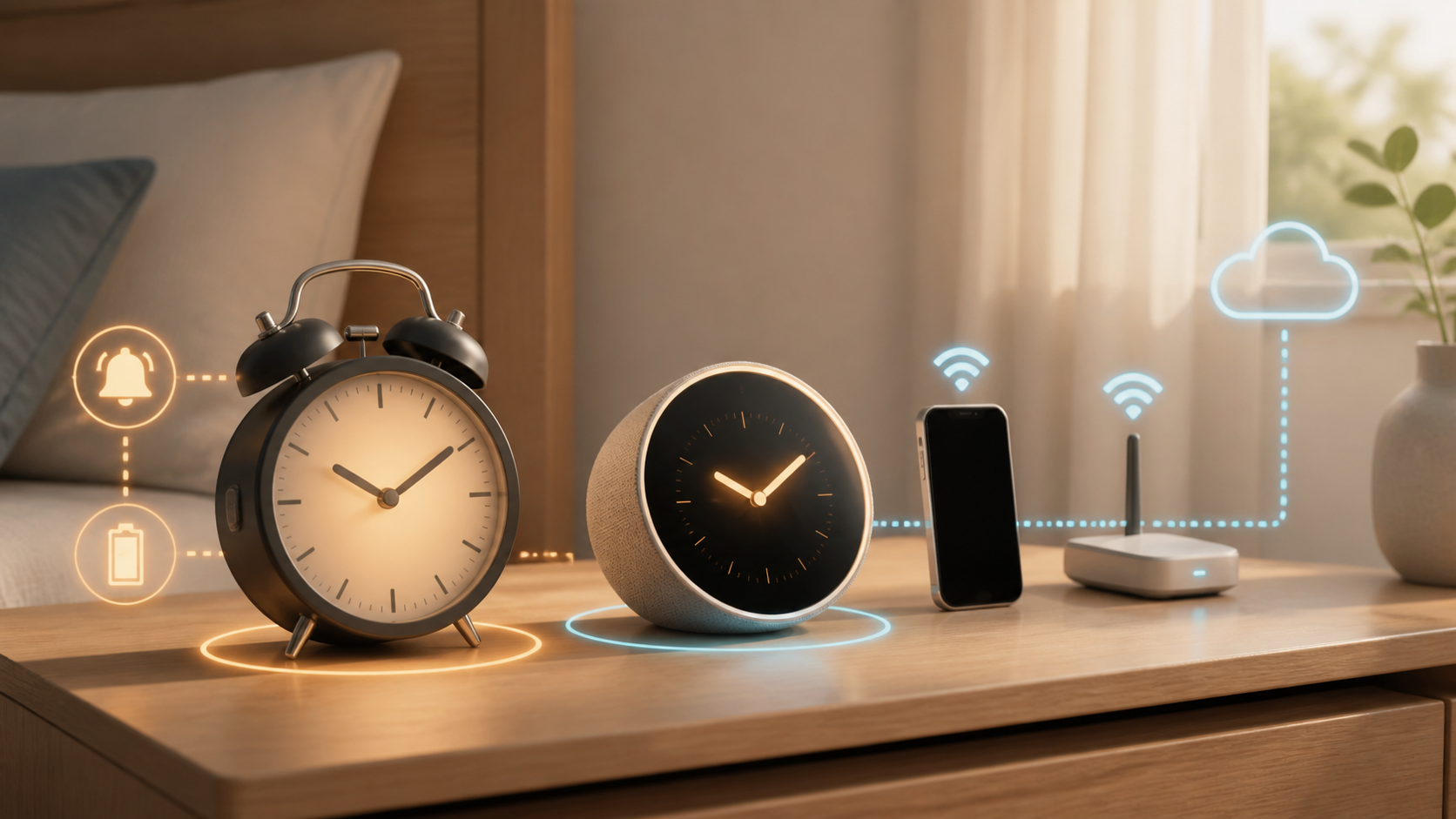
The short answer by clock type
| Clock type | Needs WiFi for the basic alarm? | What connectivity may add |
|---|---|---|
| Battery or plug-in digital clock | No | Usually none |
| AM/FM clock radio | No | Broadcast radio uses its own tuner |
| Radio-controlled or atomic-style clock | No WiFi | Receives a time signal by radio |
| Bluetooth alarm clock | Usually no | Phone audio or app setup may vary |
| Smart speaker or display used as a clock | Model-dependent | Voice, weather, streaming and routines |
| App-controlled sunrise or sleep clock | Model-dependent | Schedules, content and remote settings |
Basic alarm clocks work without a network
A conventional alarm clock stores the time and alarm settings inside the device. Buttons on the clock set the hour, alarm and snooze. Its main dependency is power, not internet service. A battery model needs a usable battery, while many plug-in models lose the display or settings during a power cut unless they include backup power.
Power backup and WiFi are separate features. A connected clock can go dark during a power outage, while a simple offline clock can lose its settings when unplugged. Check whether the backup preserves only the time and settings or also powers an audible alarm.
Radio-controlled clocks are not WiFi clocks
Products marketed as atomic clocks often receive a dedicated time broadcast rather than connecting to a router. In the United States, NIST explains that WWVB radio-controlled clocks contain a receiver tuned to the station’s 60 kHz signal. They keep time internally between synchronizations.
That radio signal is not home WiFi and does not require an internet plan. Reception can still vary by location, building materials and interference. Check the supported region and time zones before buying.
Bluetooth does not automatically mean internet
A Bluetooth clock may connect directly to a nearby phone for audio or settings. That local link can work without a router, but the phone app may still need internet for account login, streaming, updates or cloud schedules. Product listings often combine Bluetooth and WiFi in one sentence, so read the manual instead of guessing from the wireless symbol.
Smart alarm clocks often need WiFi for setup
Smart speakers and displays commonly use a phone app and home network during setup. Google’s speaker and display setup requirements include an internet connection, a secure wireless network and a Google Account. Other brands may use a different process.
Completing setup does not answer what happens later. One model may store alarms locally, while another may depend on a cloud service for particular sounds or routines. Look for an explicit offline section in the manual or ask the manufacturer a precise question.
For example, Hatch’s Restore WiFi requirements say it is intended to connect to a secure 2.4 GHz network and work with the Hatch Sleep app. That is a reason to check the exact Restore model before buying it for a room with no internet, not proof that every alarm fails the moment WiFi drops.
What usually needs an internet connection
- Voice-assistant answers and online searches
- Streaming music, radio, podcasts or sleep content
- Current weather, traffic and news
- Cloud-saved routines or schedules
- Remote control when you are away from home
- Account login, firmware downloads and subscription content
A model may keep the ordinary buzzer alarm while losing one of these extras. It may also replace a streamed alarm sound with a default tone. Only the manufacturer can confirm that behavior for a specific model and software version.
What may still work during an internet outage
A previously saved buzzer alarm may continue working while weather, streaming audio or app control stops. Check each function separately. A working display does not prove that tomorrow’s alarm will sound, and a working alarm does not prove that you can create a new one offline.
A sunrise light does not automatically need an app. The Philips HF3650-series quick-start guide shows setting the time and wake-up profile on the appliance’s display. Read the guide for the model and region you are buying; another Philips clock may have different connectivity requirements.
Its power-cut behavior is a separate specification. The HF3650-series manual’s PowerBackUp+ section says the display and other ordinary functions stop during a power failure, but the internal clock and a backup alarm remain active for at least eight hours. The backup uses a beep rather than the normal wake-up experience. This is the manufacturer’s specification for that series, not our battery test or a promise about other clocks.
Local WiFi and internet are different
Your router can keep broadcasting a local WiFi network when the provider connection is down. Some devices can still communicate with a phone on that local network, while cloud features fail. Others need to reach the manufacturer’s servers before the app works.
If a seller says a feature works on WiFi, ask whether it works on local WiFi with no internet. Then ask whether it also works with the clock disconnected from the router. These are different outage conditions.
Five questions to ask before buying
- Will a previously set alarm sound when the internet is down?
- Can I set and dismiss the alarm with physical controls?
- Does the clock require an account, app or subscription?
- What happens during a power outage, and is backup power included?
- Can I use built-in sounds instead of streaming content?
Ask support in writing if the manual is unclear. Save the answer with the receipt, especially when reliable offline alarms are the reason for the purchase.
Read the app-support and subscription terms too. Check whether a membership covers optional sounds or a function you expect to use every day. Do not assume that a subscription label means the ordinary alarm needs a paid plan, or that buying the hardware guarantees every cloud feature indefinitely.
Choosing a clock for unreliable internet
Look for physical alarm controls, locally stored sounds and clearly documented backup power. If the clock is for a bedroom with no WiFi, choose a model whose manual explicitly supports use without a network. Keep an independent battery alarm for important mornings until you have checked a smart clock’s outage behavior.
Do you need a better router for a smart clock?
One bedside device rarely justifies replacing a working router. First test whether other devices have reliable WiFi in the same room. The router replacement checklist can help separate an old-router problem from one device’s setup issue.
If the bedroom is a known weak spot, compare placement and coverage before buying more equipment. A mesh WiFi versus extender comparison is useful only after you confirm that coverage, not the clock or provider, is the problem.
How to test a new smart alarm clock
- Read the model’s offline and backup-power instructions. Finish any firmware update before testing.
- Set a daytime test alarm a few minutes ahead and confirm its sound and volume while everything is connected.
- Use the manufacturer’s supported method to test the clock without internet, keeping its normal power supply connected. Only change a network you manage, after making sure nobody depends on it for a call, safety device or other service.
- Check whether the existing alarm sounds, then try setting and dismissing a new alarm with the clock’s own controls. Note any missing sounds or app functions.
- Restore the normal connection and verify the time, time zone and next alarm. Follow the manual separately to check backup power; an internet-only test does not test a power cut.
Do not use the first outage test for an important appointment. If you cannot safely isolate the connection, ask support for the exact model’s documented behavior. Recheck after a major software change if you depend on the offline alarm.
Travel, dormitory and guest-network limits
A smart clock that works at home may be awkward on a hotel, campus or managed apartment network. Those networks may use a browser sign-in page, device registration or client isolation. A simple travel alarm avoids that dependency. If you want connected features away from home, confirm that the clock supports the network type and follow the operator’s access rules.
If the alarm does not sound
Before blaming WiFi, check AM/PM, the selected days, the alarm-enabled indicator and the alarm’s own volume setting. Confirm that you saved the schedule and chose an available sound. If the clock only fails when disconnected, record the model, software version and whether you lost internet, WiFi or power, then give those details to support. Avoid a factory reset until you have saved any settings you need and checked the manufacturer’s instructions.