
Yes, you can use an eSIM and a physical SIM at the same time if your phone supports that combination. Both lines can stay enabled, but the phone normally has one selected mobile-data line. Check the exact model before buying a second plan: some U.S. phones are eSIM-only, even though they support two active lines.
This guide is for U.S. phone owners and travelers, checked November 4, 2026 (UTC+8). It uses current Apple and Google documentation, not hands-on phone or carrier testing.
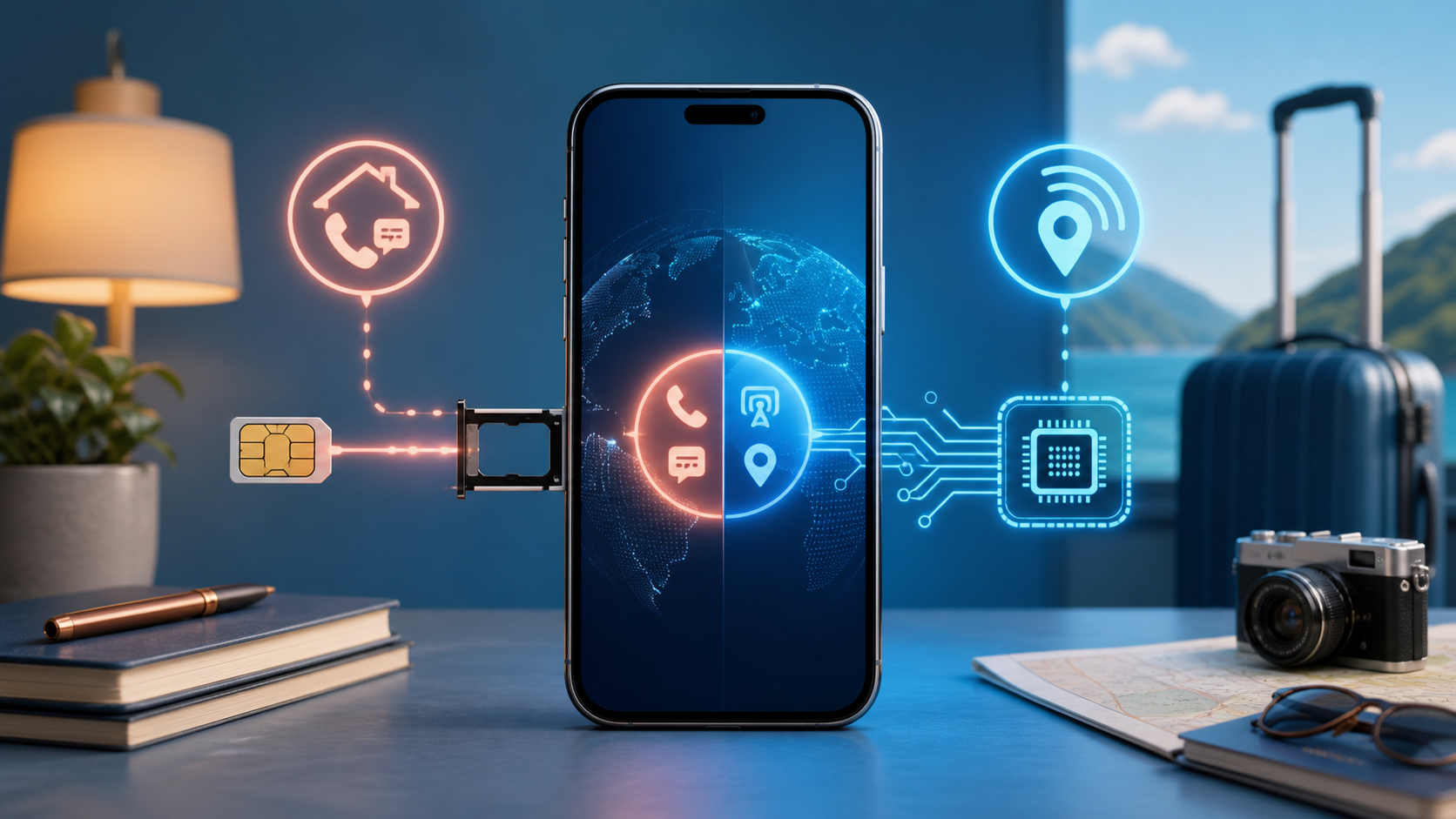
Check the phone, not just the words Dual SIM
Dual SIM means a phone can use two mobile subscriptions. It does not tell you whether those subscriptions use two eSIMs, a physical card and an eSIM, or another supported arrangement. Look up your model and sales region, then confirm that both carriers support it.
| Your phone | What to check | Practical result |
|---|---|---|
| iPhone with a SIM tray and eSIM support | The model supports physical SIM plus eSIM; a different carrier may require an unlocked phone. | You can keep a home card and add a second eSIM plan. |
| eSIM-only iPhone | Whether the model and carriers support two active eSIMs. | Dual SIM does not create a physical SIM slot. |
| Compatible Pixel with a SIM tray | Device, region and carrier support for physical SIM plus eSIM. | Choose separate defaults for data, calls and texts. |
| U.S. Pixel 10, Pixel 10 Pro or Pixel 10 Pro XL | Google lists these models as eSIM-only. | Do not buy a physical SIM for these models. |
| Another Android phone | The manufacturer’s exact regional model specifications and your carriers’ support. | Do not assume every phone with an eSIM menu supports your preferred two-line combination. |
Sources: Apple’s Dual SIM requirements and Google’s physical SIM and eSIM model exceptions. The Pixel exception above is specific to the named U.S. models, not every phone sold worldwide.
On an iPhone, open Settings > General > About and check Carrier Lock. Apple says an unlocked phone shows “No SIM Restrictions.” A locked phone may need both plans from the same carrier. Unlocking and compatibility are separate checks; our unlocked versus carrier phone guide explains the purchasing difference.
Adding a second line is not copying your number
Keeping your existing physical SIM and adding a separate travel or work eSIM is different from moving your existing subscription to eSIM. Apple’s eSIM activation and transfer instructions say a transfer deactivates the previous SIM when the new plan activates. A replacement eSIM is not a second working copy of the old card.
Before approving an activation, ask whether it adds another line or replaces the current one. Also distinguish stored profiles from enabled lines. Google says supported Pixels can store multiple eSIM profiles, while using two at once depends on the model and carrier. Its eSIM overview describes that distinction. Saving several travel profiles does not make them all active together.
Choose the data line before you start browsing
Label the subscriptions Home and Travel, or Personal and Work. Then assign mobile data, outgoing calls and texts deliberately. Do not assume the newest plan becomes the data line automatically.
| Setting | iPhone | Google Pixel |
|---|---|---|
| Mobile data | Settings > Cellular or Mobile Data > Cellular Data; select the intended line. | Settings > Network & internet > SIMs; choose the Mobile data default. |
| Calls and messages | Review the default number and the number shown before calling or sending a message. | Choose Calls and Texts preferences; Ask every time is available for calls. |
| Automatic data switching | Review Allow Cellular Data Switching. | Review Automatic data switching and any Data during calls option. |
Menu wording varies with software. Selecting one default data line does not combine both plans’ speeds or allowances. Switching features can let a different line supply data under supported conditions, so turning them on deserves the same billing check as changing the default.
Two enabled lines do not guarantee two available calls
On iPhone, receiving a call on the other line during a call depends on WiFi Calling and, in some situations, data switching. Without the needed support, that call may go to voicemail. Check the carrier’s conditions rather than assuming two signal indicators mean both numbers are always reachable.
Google’s current Pixel Dual SIM guide separates older phones from Pixel 8a and later. Supported newer Pixels can place or answer a second-line call while holding the first, with mobile data, automatic switching and carrier WiFi Calling requirements. Older Pixel behavior differs. Do not copy a setting recommendation from another model without checking its conditions.
Using a travel eSIM does not make the home line free
A common arrangement keeps the home physical SIM for its familiar number and selects the travel eSIM for data. Read the travel plan’s activation, roaming and validity instructions before enabling it. A data-only plan does not automatically include ordinary carrier calls or SMS.
Apple’s international travel eSIM guidance warns that keeping the home line on can still incur roaming fees. Review calls, SMS and voicemail with the home carrier as well as data. If the travel provider requires Data Roaming, apply that instruction to the travel line, not automatically to every line on the phone.
Keeping the home number enabled is not a guarantee that a bank verification message will arrive. Confirm important account access before departure and keep another supported sign-in method. For a cost comparison before buying the second plan, see our travel eSIM versus international roaming guide.
Run a small check before relying on both lines
- Finish activation over a reliable connection, following the carrier’s instructions. Check when the second plan’s validity starts.
- Confirm that both intended lines are enabled and labeled correctly. Keep working activation details private.
- Call each voice-enabled number from another phone. If you need both during calls, test that specific situation too.
- Turn WiFi off briefly, open a small webpage and confirm that the intended data line works. Avoid a speed test if the allowance is small.
- Check the carrier account or usage counter afterward. Revisit the default and switching settings if the wrong line records usage.
Temporarily turning a line off is different from deleting its eSIM profile or canceling its subscription. If setup fails, record the exact message and contact the carrier before erasing a working profile. Reinstallation may require its help.
If two lines work but battery life drops, compare signal conditions and background activity before blaming the SIM format. Our eSIM and dual-SIM battery guide covers that separate question.