
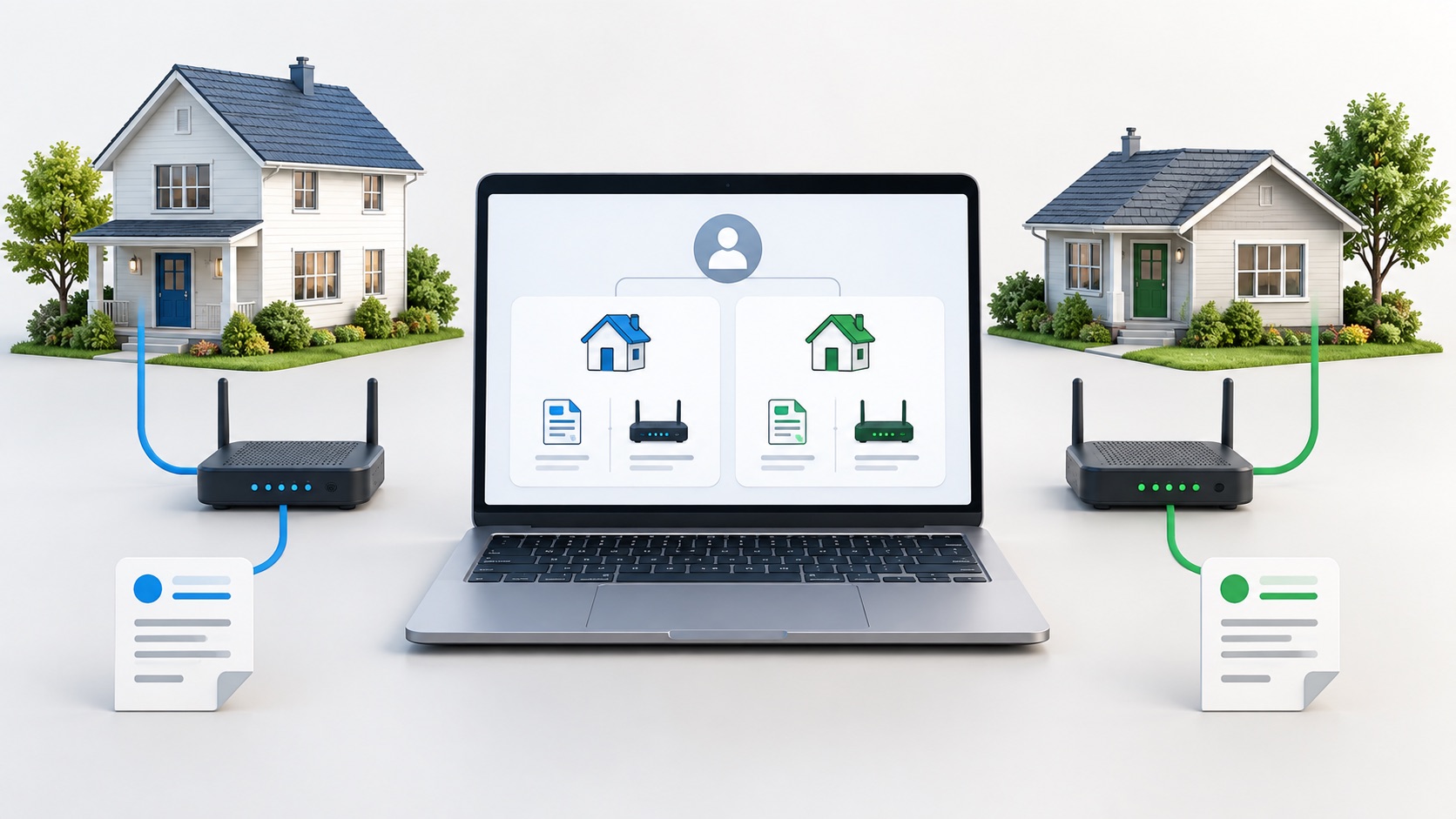
You can usually put two Starlink dishes on one U.S. account. You generally can’t run both on one consumer subscription. The login lets you manage both kits, but each active dish normally has its own service line and plan charge. If you want home internet to stay on while you take a Mini on the road, check the cost of two active lines.
Do you need a second dish or just a second Wi-Fi access point?
- Home and RV both need internet at the same time: plan for two active service lines. Confirm that each plan allows the way you want to use it, and check the regular monthly total for both.
- Only one place needs internet at a time: you may be able to travel with a single kit if its plan allows your destination and use. That leaves the other location without that dish. Don’t assume a Residential plan moves with the hardware.
- Wi-Fi is weak in another room: a second dish is not the first thing to buy. Check whether you can extend Wi-Fi from the connection you already have. A second satellite subscription won’t automatically extend the first router’s coverage.
Starlink’s service plan FAQ lists separate rules for Global Priority. Don’t count on that exception for a U.S. Residential or Roam setup.
How to add a second Starlink without creating a second login
- Buying from Starlink: sign in to the existing account. In Subscriptions, look for Add Subscription, or use Shop > Order Another Starlink. Starlink’s instructions for adding a Starlink say the order depends on availability.
- Already have the second kit: start from the provider’s activation page and choose Existing Account when asked. If it’s used, check the used Starlink transfer and activation checklist first. A kit still tied to the seller’s account is not ready to add.
- Before confirming: check that the page shows the hardware and location you intended. Compare the new line’s monthly price, the one-time kit or setup charges and any pricing terms. Then check that the existing line will remain active if you still need it.
Starlink’s U.S. help page says Residential accounts are limited to eight kits and that you cannot add a service location in a different country through this ordering process. Check availability for the second address before buying. A travel plan’s destination rules are a separate question; a second address in another country is not automatically covered by the same account setup.
Estimate the cost before ordering
Use the prices shown for each address and plan in your own checkout. For an overlapping month, add the first line’s recurring charge to the second line’s charge, then add any applicable taxes, fees and hardware or shipping costs. A new kit is a one-time expense; the additional active service line is a recurring expense. The amount can change with the selected plan and location, so don’t use one national price as your quote.
For a seasonal second property, check whether the selected plan can be paused, when the pause takes effect and whether reactivation is available before assuming you will pay for only the months you visit. Keep the first line active until you know the second kit works where you need it.
Replacing a dish is different from adding one
For a voluntary upgrade, Starlink’s hardware upgrade instructions describe ordering new hardware on a new line, then ending the old line if you no longer need it. A support-issued replacement may have its own directions. If your existing kit stopped working, check your support case before ordering another subscription.
Adding or activating a kit doesn’t cancel the subscription you already have. If you intended to replace the old dish, verify the new connection first, then check which old service line you need to stop. If the two dishes are already on separate accounts, Starlink’s account FAQ says you can’t merge the accounts directly. Check whether the kit can be transferred instead.
Before changing or ending a line, write down which kit, plan and address it serves. That matters when two lines have similar names and one home still needs internet. If you’re deciding whether to overlap service for a move, see our checklist for internet at two addresses.