
You may be able to have internet at two addresses with the same provider and manage both from one login. That doesn’t mean one subscription covers both homes. If you’re moving and need a few days of overlap, ask whether the provider can move your service without ending the old connection when the new one activates. Get both dates and any extra charges in writing before you submit the order.
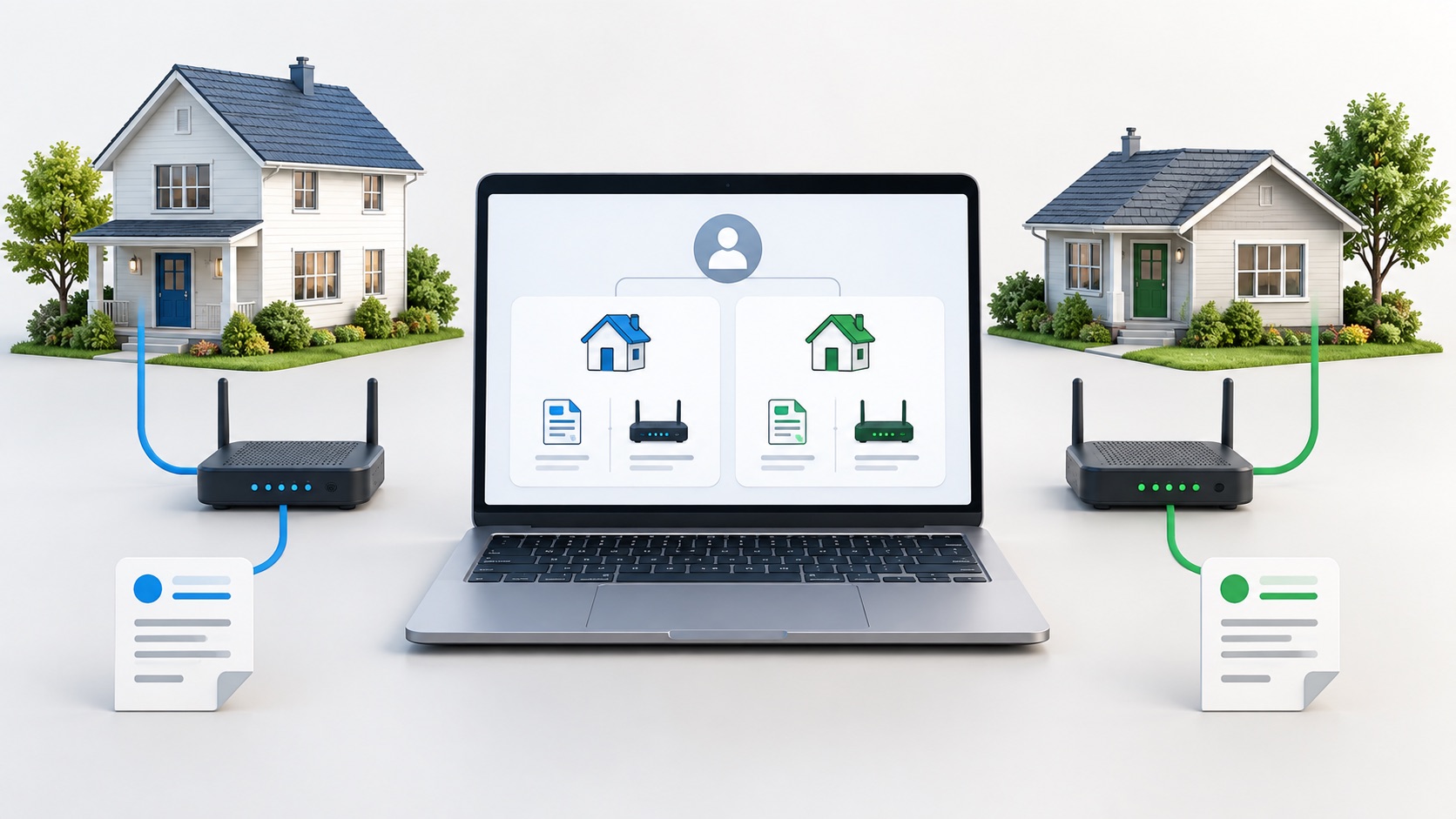
One login can show two service accounts
A login gets you into the app. A service account tells the provider where to deliver internet and what to bill. Xfinity’s instructions for linking accounts show how one Xfinity ID can manage more than one house. AT&T’s account-linking guide also describes using one ID for multiple accounts. Neither set of instructions is an order for service at a second address. Check whether each address has its own bill, due date and AutoPay setting.
Ask for a move or a second line, depending on the dates
| What you need | What to ask the provider |
|---|---|
| Internet only at the new home | Ask for a move order. Confirm when the old line ends and whether you can take the gateway with you. |
| Both homes online during a move | Ask whether the move can include overlap. Get the new activation date, old shutoff date and the cost for the days both are active. |
| Two homes online indefinitely | Ask about separate service at the second address and whether you can link the accounts after activation. Compare price and equipment at each location. |
Suppose you get the new keys Friday but need to work at the old address through Monday. Say: Can you activate internet at my new unit Friday and leave the old unit online through Monday evening? What will both locations cost during that period, and which equipment stays at each one? If the provider can’t confirm the overlap, decide whether a short-term hotspot or other temporary connection would cover the gap. Don’t assume different dates on your calendar are the dates the provider recorded.
For satellite service, see whether two Starlink dishes can share one account and how separate service lines affect the cost.
Confirm availability and equipment at each address
Give the provider the exact new unit and ask whether you need a technician or a self-install kit. AT&T’s moving guide starts with checking service at the new address. Xfinity’s transfer guide says you may be able to bring your equipment. If both homes need internet at once, moving the only gateway won’t keep both online. Ask which device belongs at each address and which rental must go back. Note the serial numbers in your own records.
Check the first new bill and the last old bill
Compare the written order for each address. Look for a setup charge, equipment rental, taxes, and the regular price after discounts. Test the new connection on a task you actually use before the old shutoff date, if the schedule allows. When the old statement arrives, match the service period, credits and rental charges to the dates and return receipts you saved. If the dates don’t match, use this final internet bill checklist to identify the line to ask about.