
Netflix data usage on a phone depends on the streaming setting and how long you watch. Downloading is a separate transfer; playing a completed download is different from streaming it again. Start with the app’s cellular setting, then check downloads and your phone’s usage counter. You do not have to buy a larger mobile plan before finding out what is using the allowance.
Automatic or Save Data: which Netflix setting fits?
Netflix’s mobile data guidance gives these estimates, not results from our own tests.
| Phone app setting | Netflix’s published guidance |
|---|---|
| Automatic | About four hours per GB |
| Wi-Fi Only | Streams only on WiFi |
| Save Data | About six hours per GB |
| Maximum Data | Can use 1 GB per 20 minutes or more, depending on device and network speed |
In My Netflix, tap the profile name, App Settings, Video Playback and Cellular Data Usage. Turn Automatic off first. Pending downloads can block changes; let them finish.
Browser Playback settings apply per profile and can restrict mobile streaming too. Browser Low and mobile Save Data are different controls.
For 12 hours, those estimates imply roughly 3 GB on Automatic or 2 GB on Save Data. This is planning arithmetic, not a guaranteed bill.
Try the lower-data picture during something you would normally watch. If it is readable and comfortable on the phone, keep it for cellular viewing. If subtitles or on-screen details are difficult to see, save that title for WiFi or download it before travel. Choosing the highest setting by habit is an expensive way to discover that the smaller picture was adequate.
Keep download quality separate from streaming quality
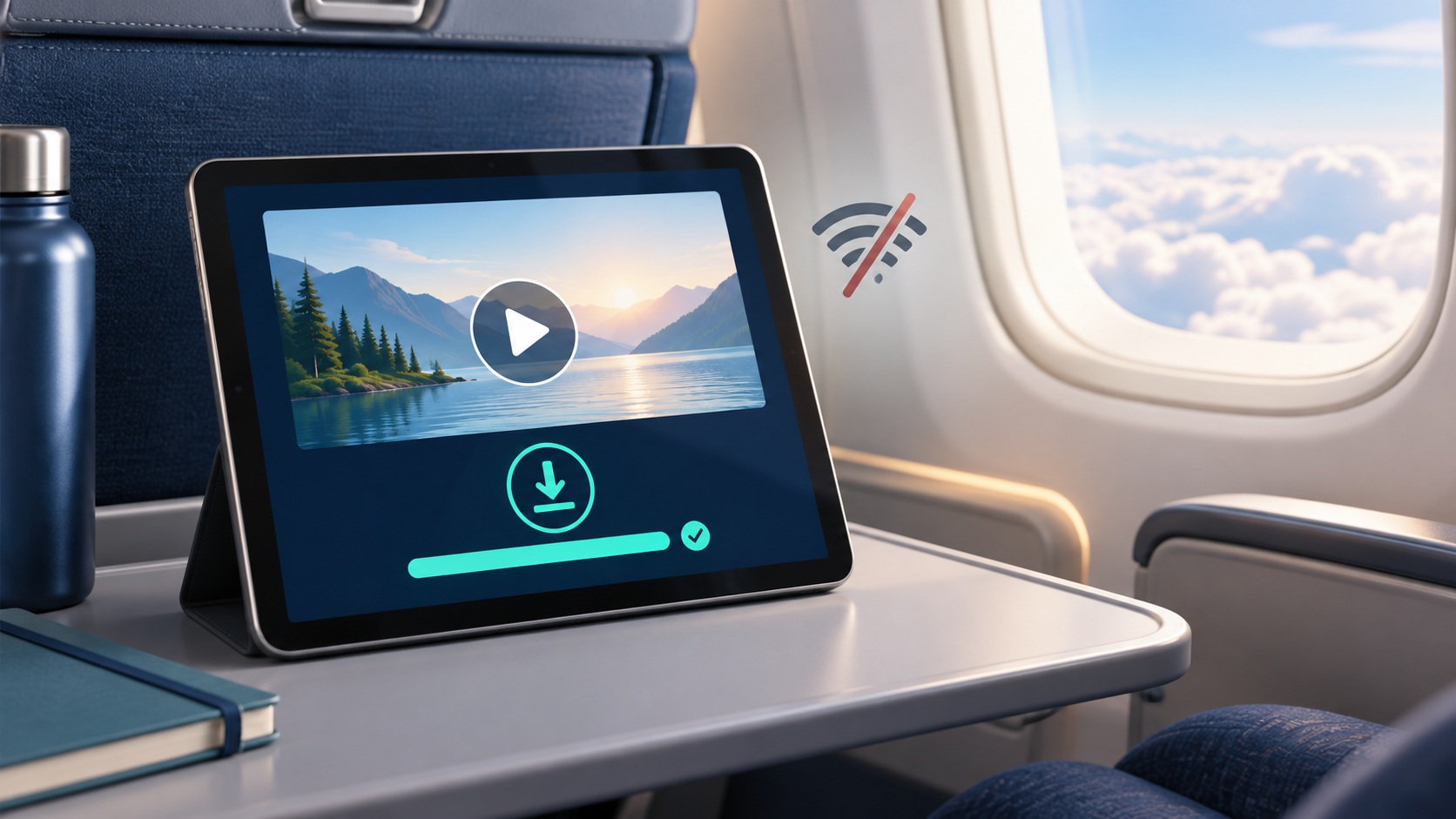
Netflix’s offline download instructions cover supported phones and tablets, available titles and playing from Downloads. Stay signed in, wait for completion and open the saved title from that section. Not every show is downloadable, and plan limits apply. Do not treat a title added to a list as a completed download.
For download video quality, open My Netflix, the profile name and App Settings, then Download Video Quality or Video Quality. Standard uses less storage and takes less time to download. High/Higher can provide up to HD, subject to the title and device. Changing this preference is not the same as changing the cellular streaming mode.
Use the separate WiFi-only download control under Downloads in App Settings. Check it before saving a season, rather than assuming that a streaming restriction also covers downloads. A downloaded library takes device storage, while a mobile allowance measures data transferred. Deleting a saved episode frees storage; it does not refund data already transferred through your carrier.
Check automatic downloads and expiration before a trip
Smart Downloads includes Download Next Episode and Downloads for You, which can save content automatically. Netflix says Smart Downloads is unavailable on ad-supported plans. A missing automatic-download option does not by itself mean your phone is faulty.
Download Next Episode replaces watched episodes with the next one over WiFi. Find its switch under App Settings, Downloads and Smart Downloads. Review it if you want to choose every episode yourself, or if you are preparing a fixed library for a journey rather than watching a series in order.
A WiFi label does not necessarily mean a fixed home connection. A tablet connected to your phone’s hotspot sees WiFi, but the phone is still providing cellular internet. Automatic downloads can therefore matter to the hotspot allowance even when they are WiFi-only on the viewing device. Our mobile hotspot versus home internet guide explains that distinction.
Check the Downloads list shortly before leaving. Netflix explains that saved titles can expire, and a title removed from its catalog cannot be renewed. Follow the specific renewal message while you still have a connection. Do not assume that a video saved weeks ago will remain available for an entire trip.
Read the phone counter and the carrier’s allowance
On iPhone, use Settings and Cellular or Mobile Data, then find Netflix. Apple’s cellular data instructions explain app counters, the current period and per-app cellular permission. Check the selected line on a dual-SIM phone. Connectivity Assist may use cellular alongside weak or unavailable WiFi, so a WiFi connection alone is not proof of zero cellular use.
On Pixel, Google’s data usage guide uses Settings, Network & internet, SIMs and App data usage. Select the relevant period and find Netflix. Other Android phones have different menu names. The phone and carrier can measure differently; use the carrier’s bill-cycle meter for charges and remaining data.
A browser stream belongs to the browser’s counter, and a tablet using a phone hotspot needs checking at the hotspot phone too. Keep those paths separate before deciding that Netflix’s own app counter is wrong. If usage increased after changing networks, our explanation of why data usage can rise on 5G helps distinguish the connection from the viewing choices.
A billing-cycle check before buying more data
- Check the carrier’s remaining allowance and reset date. Set aside data for the rest of the billing period.
- Record Netflix’s phone counter and the streaming setting before an ordinary viewing session.
- After the counter updates, compare the increase with viewing time. Note any downloads during that period rather than counting them as streaming.
- Choose the picture setting you can use comfortably, then compare another normal session. If you are near the allowance limit, skip the trial and use an appropriate WiFi connection or completed downloads.
If your normal routine still exceeds the allowance, compare the cost of more data with the inconvenience of preparing downloads. Check hotspot limits separately if another screen is involved. A plan labeled unlimited should not substitute for reading its video, hotspot and reduced-speed terms.