
5G does not make the same downloaded file bigger than LTE. But your phone can use more data on 5G if it plays higher-quality video, allows larger background tasks or simply downloads more during the time you use it. If your allowance is disappearing faster, check app usage and data settings before switching off 5G.
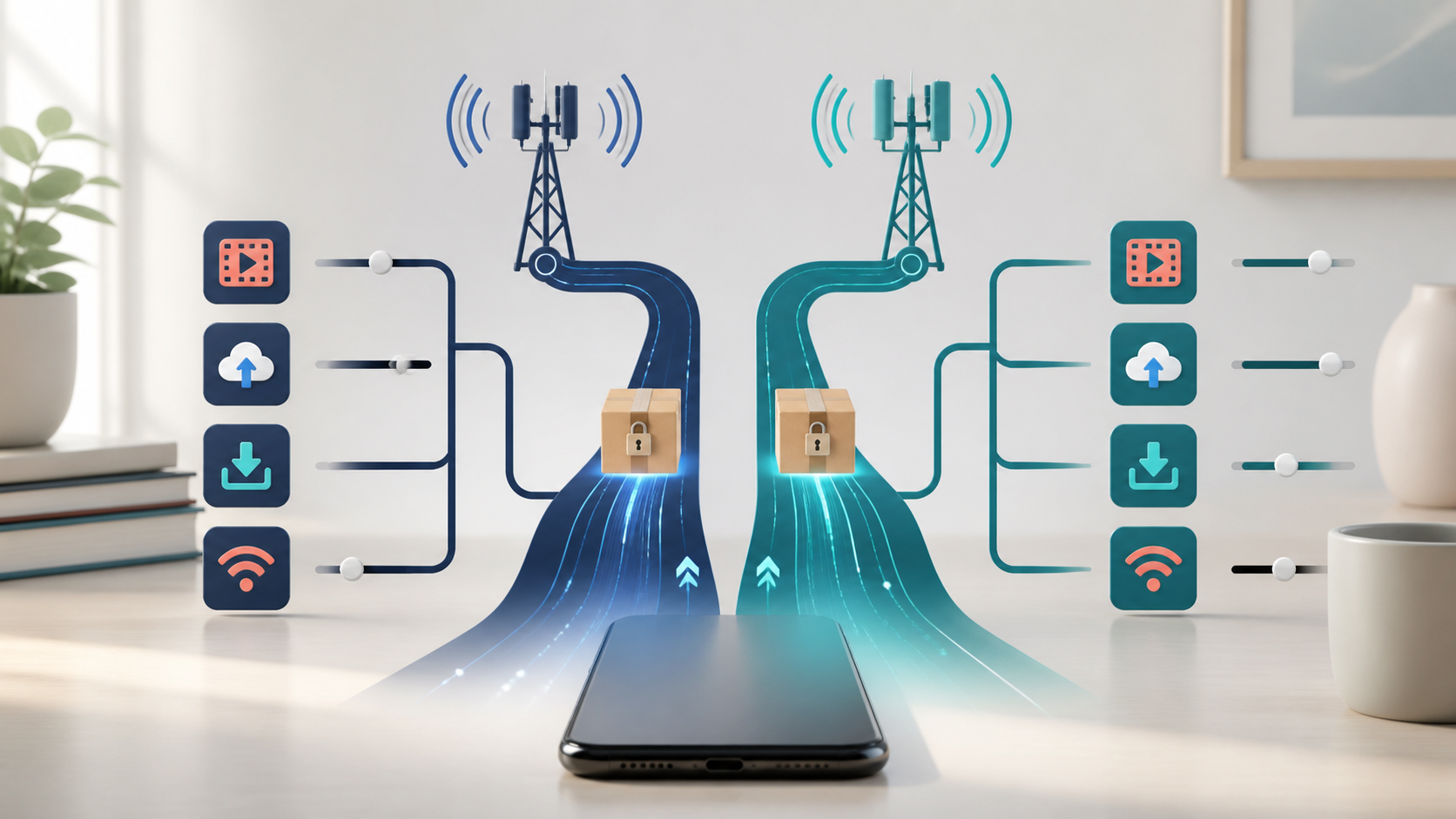
Does the same file use more data on 5G?
A fixed 500 MB file still contains 500 MB of content whether you download it over LTE, 5G or Wi-Fi. Speed describes how quickly it arrives; data usage describes how much your phone uploads and downloads. A faster connection does not turn that file into a 1 GB download.
That does not mean two real browsing sessions produce identical carrier totals. Apps can fetch different content, and phone and carrier meters can disagree. Use a fixed file to understand the distinction, not as a promise that every transfer will create an identical bill.
Why your data use can rise after switching to 5G
| What you are doing | What to check |
|---|---|
| Downloading one saved file | Was it the same file, or a different download quality? |
| Watching video | Does the app choose its own quality or allow Maximum Data? |
| Using an iPhone with Allow More Data on 5G | Are higher-quality media, cellular updates or cloud backups now allowed? |
| Connecting a laptop to the phone | Is the laptop downloading or syncing through your hotspot? |
| Restoring a new phone | Which apps account for the increase during setup? |
Video is worth checking early because the quality setting changes the amount transferred. Netflix’s mobile data controls, for example, distinguish Automatic, Save Data, Wi-Fi Only and Maximum Data. Netflix estimates about four hours per GB with Automatic and six with Save Data. Maximum Data can consume 1 GB in 20 minutes or more, depending on the device and connection. These are Netflix’s estimates, not measurements from this site or figures for every video app.
In the Netflix app, open My Netflix, tap the profile name, then App Settings > Cellular Data Usage. Turn off Automatic to choose another option; pending downloads can also prevent a change. Other services have their own controls. A faster network does not force every app to play 4K video.
If you connect other devices, account for their activity too. A laptop downloading files through the phone adds cellular traffic even when you barely touch the handset. Our mobile hotspot versus home internet comparison explains why a phone allowance and a household connection need different checks.
Find which apps used the extra data
Start with the carrier’s current billing period. Then compare the phone’s app totals over a matching period, rather than comparing last month’s quiet week with the day you set up a new phone.
- Record the billing-cycle dates and the carrier’s current usage. Note any separate hotspot allowance.
- Save a screenshot of the phone’s app totals before resetting anything.
- After a normal day, record which apps increased and what you used them for. Keep streaming quality and hotspot use consistent if comparing LTE with 5G.
- Change the setting in the app responsible, then check another comparable period. This helps identify a cause without changing everything at once.
On iPhone, go to Settings > Cellular and scroll to the apps. Apple’s cellular usage guide also explains System Services and Reset Statistics. Check the reset date: the displayed period is not necessarily this month’s bill. With Dual SIM, confirm which data line you are viewing. Turning cellular access off for an app makes it rely on Wi-Fi for data.
On Pixel, open Settings > Network & internet > SIMs > App data usage and choose the period. Google’s data-usage instructions cover that screen and warn that carriers may measure differently. Use the carrier’s meter and terms for billing, while using the app list to locate the activity. Other Android manufacturers may label these menus differently.
iPhone: change Data Mode, not just 5G Auto
Apple separates network choice from data-use behavior. Its iPhone 5G settings guide explains that 5G Auto can choose LTE when 5G would not noticeably improve the experience. It is a battery-oriented network choice, not a limit on how many GB you can use.
Under Settings > Cellular, open Cellular Data Options, or select the relevant SIM line, and look for Data Mode. Allow More Data on 5G permits higher-data activities, including better-quality FaceTime, HD media, cellular iOS updates and automatic iCloud backups. It can be the default on some unlimited plans. Standard uses standard video quality but still permits background tasks; Low Data Mode restricts more background activity. Available labels depend on the carrier and device.
Use Standard if you do not want the higher-data mode. Consider Low Data Mode when your allowance is tight, but expect trade-offs. Apple’s Low Data Mode documentation says it stops Background App Refresh, restricts automatic downloads and backups, and pauses services such as iCloud Photos updates. A waiting backup may therefore be the setting working as intended.
Android: use Data Saver and a usage warning
On Pixel, Settings > Network & internet > Data Saver limits most background mobile-data activity to Wi-Fi. Google’s Data Saver guide makes an important distinction: apps you are actively using can still use mobile data. Watching a video with Data Saver enabled does not give you a fixed video allowance.
If an essential app stops behaving normally in the background, review Data Saver > Unrestricted data rather than disabling every restriction. For a warning or limit, open Network & internet > SIMs > Data warning & limit. A warning alerts you; a configured limit can turn mobile data off. Leave room below the carrier allowance because the meters can differ, and remember that a cutoff can interrupt internet-dependent tasks away from Wi-Fi.
Should you switch to LTE to save data?
You can try LTE if it works better where you use the phone. But a slower connection is an indirect way to manage an allowance. A large download still transfers its content, and an active video app still needs its own quality setting. There is no universal percentage that switching off 5G will save.
Before paying for a larger plan, find the app responsible, limit unnecessary cellular downloads and check hotspot use. If your ordinary activity still exceeds the allowance, compare the plan’s full-speed data and hotspot terms separately. Our Google Fi versus Mint Mobile cost and data comparison shows the kinds of limits to check; an “unlimited” name alone does not describe every restriction.
If the carrier records more usage but the phone’s app totals do not explain it, keep your dated screenshots and ask the carrier to review the same line and billing period. Do that before buying extra data or assuming the 5G icon proves the cause.