
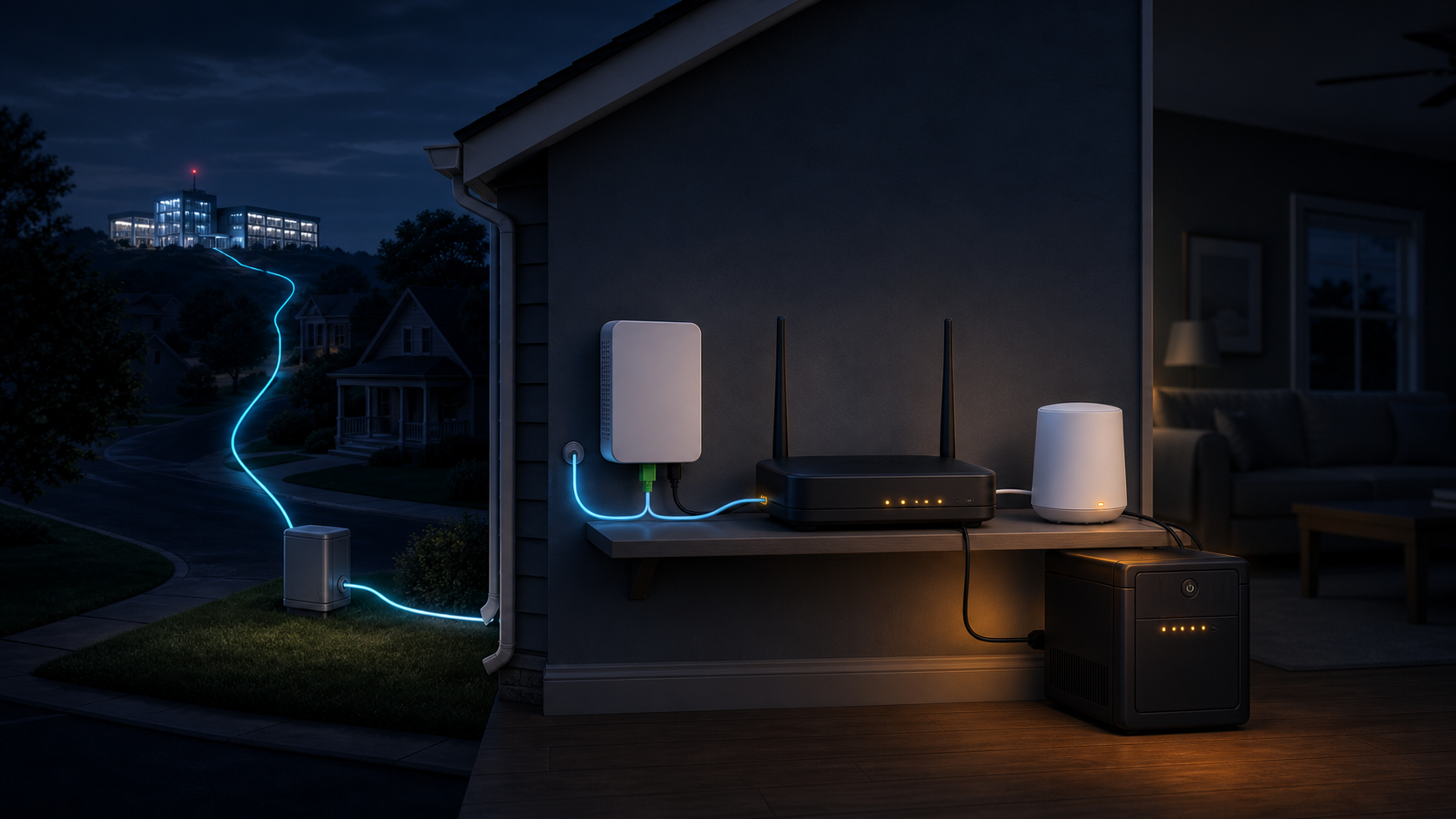
Fiber internet can work during a power outage if your provider’s network is still running and the fiber terminal and router at your home have backup power. The fiber cable itself doesn’t use household electricity. The box that turns its signal into an internet connection does. A router on a battery can still show a Wi-Fi network while the fiber terminal is off.
Find the equipment your connection actually needs
Start at the optical network terminal, or ONT. Some providers call it a Fiber Jack. If it’s separate from the router, find the ONT’s power adapter as well as the router’s. If your provider combines those functions in one device, check its manual before assuming there’s a second box. The guide to modems, routers and ONTs can help identify what you have. Follow the cables visually; don’t unplug the fiber connector or open any equipment.
| What you see | What to check |
|---|---|
| Wi-Fi is visible, but the fiber terminal is dark | Check the ONT’s power separately. The router cannot supply internet on its own. |
| Fiber terminal and main router are on, but the far room is offline | Try a device near the main router. If it works there, check whether the mesh unit or wired switch serving the other room lost power. |
| The fiber terminal has power but reports no fiber signal | Check your provider’s outage status and report the lights using the guide for your exact model. A bigger home battery won’t restore a lost provider signal. |
Does the provider’s battery cover internet or just phone calls?
GFiber’s Internet Battery Backup powers the Fiber Jack and primary router, but not mesh extenders. GFiber also says the backup may not keep you online during a wider outage affecting its facilities. Check eligibility for your plan and building before relying on that option.
Don’t assume a battery labeled for a fiber installation keeps every service running. For example, Verizon’s Fios Digital Voice Battery Storage Unit is a voice backup; Verizon says it won’t keep internet or TV available. Sonic’s fiber backup guide describes a different setup: power the ONT and the data equipment connected to it. Ask your own provider what the unit it installed actually supports.
Plan and test a small battery-backed setup
- List the terminal, main router and any switch or mesh node you really need. For a short outage, working close to the main router may let you leave the other units off.
- Use the battery maker’s load and runtime chart for those devices, and check which sockets are backed by the battery. A surge-only socket won’t keep a device running during a blackout. Use compatible equipment and the manufacturer’s instructions, rather than improvised adapters or wiring.
- Test in normal conditions using the equipment maker’s supported procedure. Check a fresh webpage on a phone connected to Wi-Fi with cellular data temporarily off. Then turn mobile data back on. That comparison keeps a working mobile connection from masking a failed fiber connection.
Save the provider’s outage contact information where you can reach it on mobile data. If fiber loses its upstream connection, a phone hotspot as a temporary internet connection is a separate option if the mobile network still works and your plan allows it.
If power comes back but fiber stays offline
Check whether your provider reports an outage before restarting anything. Then check the ONT or Fiber Jack lights. GFiber’s restart instructions, for example, reestablish the Fiber Jack first, then the router and extenders. Follow the order and wait times for your own installation. If the terminal is powered but still has no fiber signal, tell the provider what the indicator shows instead of factory-resetting the router.