
Yes. An Ethernet switch needs electrical power to operate, though it does not always need a separate wall adapter. Small home switches often use an AC adapter; some models accept USB power or Power over Ethernet (PoE). Check the exact model’s power input before buying. A normal Ethernet data connection will not power an ordinary switch.
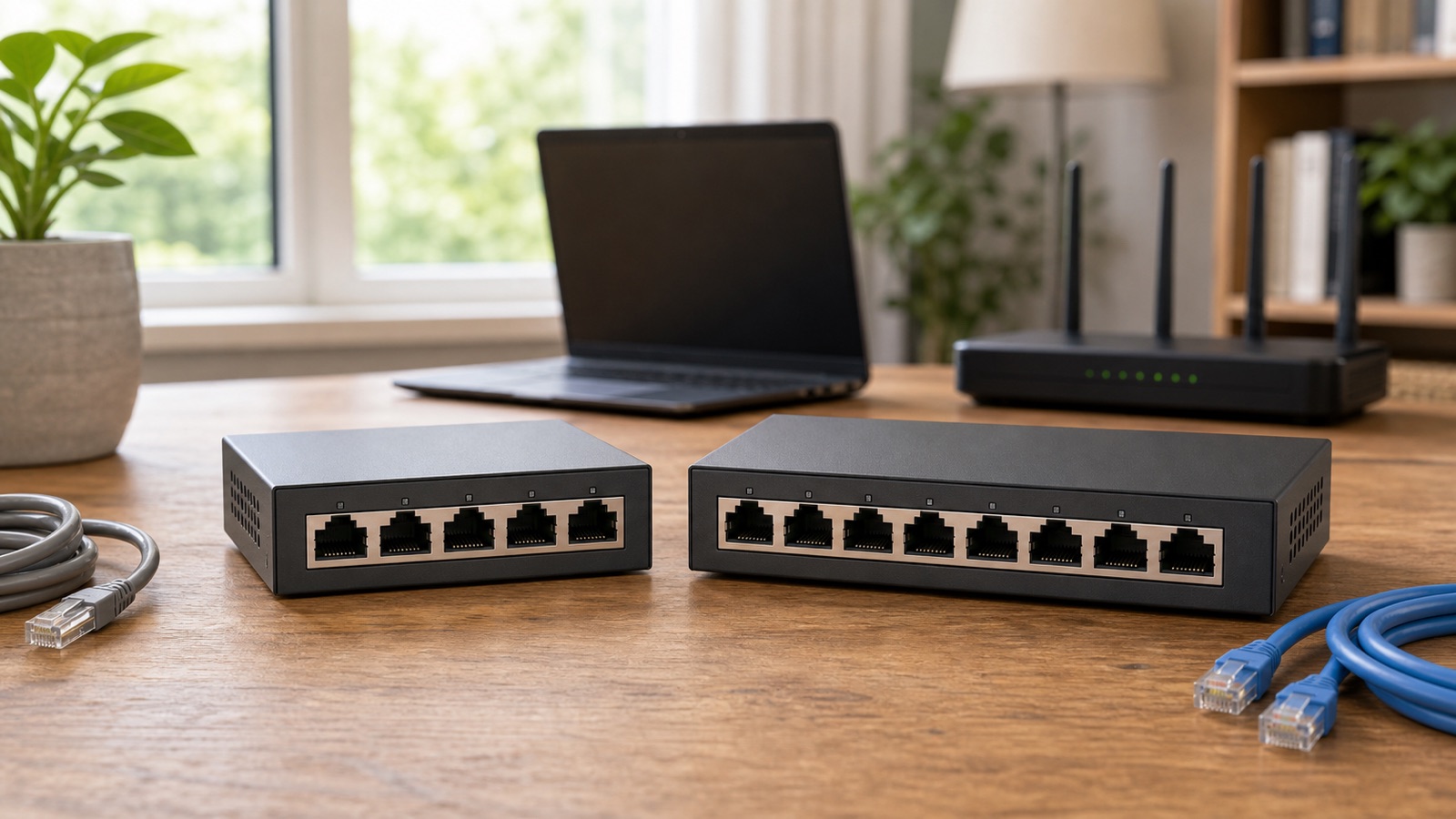
Why a switch needs power
A switch is an active network device. It detects wired connections and forwards traffic between ports. Cisco’s explanation of Ethernet switching describes how it learns where connected devices are. Its electronics need power to do that work.
If the switch loses power, its port lights normally go dark and devices on opposite sides of it lose their wired path. The Ethernet cables remain physically connected, but the switch no longer forwards frames. A switch is therefore different from a simple coupler that joins two cable ends.
| Power arrangement | What to check | Common use |
|---|---|---|
| External AC adapter | Exact voltage, connector and approved adapter | Small desktop switch |
| AC power cord | Input rating, outlet and ventilation | Larger desktop or rack switch |
| USB power input | Required USB source and cable | Selected compact models |
| PoE input | Supported standard, input port and upstream budget | Selected remote or compact switches |
| PoE output | Total budget and endpoint standard | Cameras, access points and phones |
Read the input label, not the product nickname
Look at the switch label, manual and package contents. The NETGEAR GS908 installation guide, for example, instructs the owner to connect a power adapter and turn on the switch. TP-Link’s desktop-switch guide includes different power arrangements, including USB and standard PoE. These are model-specific options, not features of every switch.
Do not replace a missing adapter with one that merely fits the socket. Use the manufacturer-approved replacement for the exact model and hardware version. The wrong voltage, polarity or capacity can prevent startup or damage the switch. A used switch without its original supply may cost more once a correct replacement is included.
PoE output does not mean the switch powers itself
A PoE switch can send DC power and Ethernet data to compatible powered devices such as access points, cameras or phones. Cisco describes PoE as power delivered over copper Ethernet cabling to a powered endpoint. The switch must obtain that energy somewhere, usually from its own AC input.
Check two different specifications before buying: how the switch itself receives power, and how much PoE it can supply through its output ports. The second value is the PoE budget. Adding the maximum rating printed beside every port can overstate what the switch can deliver at the same time, so use the documented total budget.
Some switches can receive PoE
A switch with a documented PoE input can receive operating power from an upstream PoE switch or injector. This can help when the remote location has Ethernet but no convenient outlet. The feature must appear in the manual or data sheet. A normal Ethernet port cannot be treated as a PoE input. Do not use a passive PoE injector unless the exact equipment explicitly supports it.
If the remote switch also offers PoE output, part of the incoming power is used by the switch itself and the remainder may be available to downstream devices. Confirm the supported PoE standard, the designated input port, the upstream power budget and the remaining pass-through budget. Do not assume that every port supplies power.
A passive splitter is not a replacement switch
Some inexpensive products use the word splitter even though they do not perform active switching. A passive pair may share conductors between two links or require matching hardware at both ends. It does not turn one router port into several independent full network ports.
Choose a powered Ethernet switch when several devices need simultaneous network access. Connect one switch port to a router LAN port and the other ports to the wired devices. Keep the switch downstream of the router in a normal home network.
How to diagnose a switch with no link lights
- Check the power light, power switch and whether the approved adapter or cord is fully seated.
- Use a known-working, safe outlet with the manufacturer’s power supply. Do not test damaged equipment or improvise an adapter.
- Connect one known-working router LAN port to one switch port with a known-working cable.
- Connect one computer to another switch port and compare its connection with the documented link indicators.
- If the switch has PoE input, confirm that the cable enters the designated input and that the upstream source supports the required standard.
Dark lights alone do not prove the switch has lost power. The GS908, for example, has a button that turns off its LEDs. Check that setting and whether traffic still passes before replacing equipment. If the documented power indicator stays off with the approved supply and LEDs enabled, contact the manufacturer. One missing link while other ports work is a reason to compare the cable, port and connected device. Light colors vary by model; amber can indicate a lower link speed rather than a fault.
Plan for power outages
A battery-backed modem or router does not keep wired rooms online if an intermediate switch has no backup power. Trace the entire path for the device you care about: modem or ONT, router, switch and endpoint. Every active box on that route must remain powered.
If outage operation matters, measure the actual equipment load and choose a compatible uninterruptible power supply (UPS) according to its manufacturer instructions. Do not estimate runtime from the adapter’s maximum output alone. Backup power for your own equipment also cannot guarantee the provider’s network stays available.
What to check before buying
- Power input type and whether the adapter or cord is included
- Enough ports after reserving one for the router or upstream switch
- Port speed that matches the router and important devices
- PoE output standard and total budget, if endpoints need power
- PoE input or USB power support, only when the exact model documents it
- Operating temperature, ventilation and mounting requirements
For a wired access point or mesh backhaul, the Ethernet versus wireless backhaul guide helps map the complete path. When running new cable is difficult, compare the building’s existing options in the MoCA, Ethernet and powerline guide.