
Yes. Spotify uses mobile data when you stream without WiFi, and downloads can use it too if you allow cellular downloads. At Spotify’s published approximate audio rates, an hour of music works out to about 43 MB at Normal quality or 144 MB at Very High. Those are audio-only calculations, not measured app totals or a promise about your bill.
The settings and official guidance below were checked on November 4, 2026. Your account, device and app version determine which options appear. This guide covers data use and practical controls, not an audio-quality listening test.
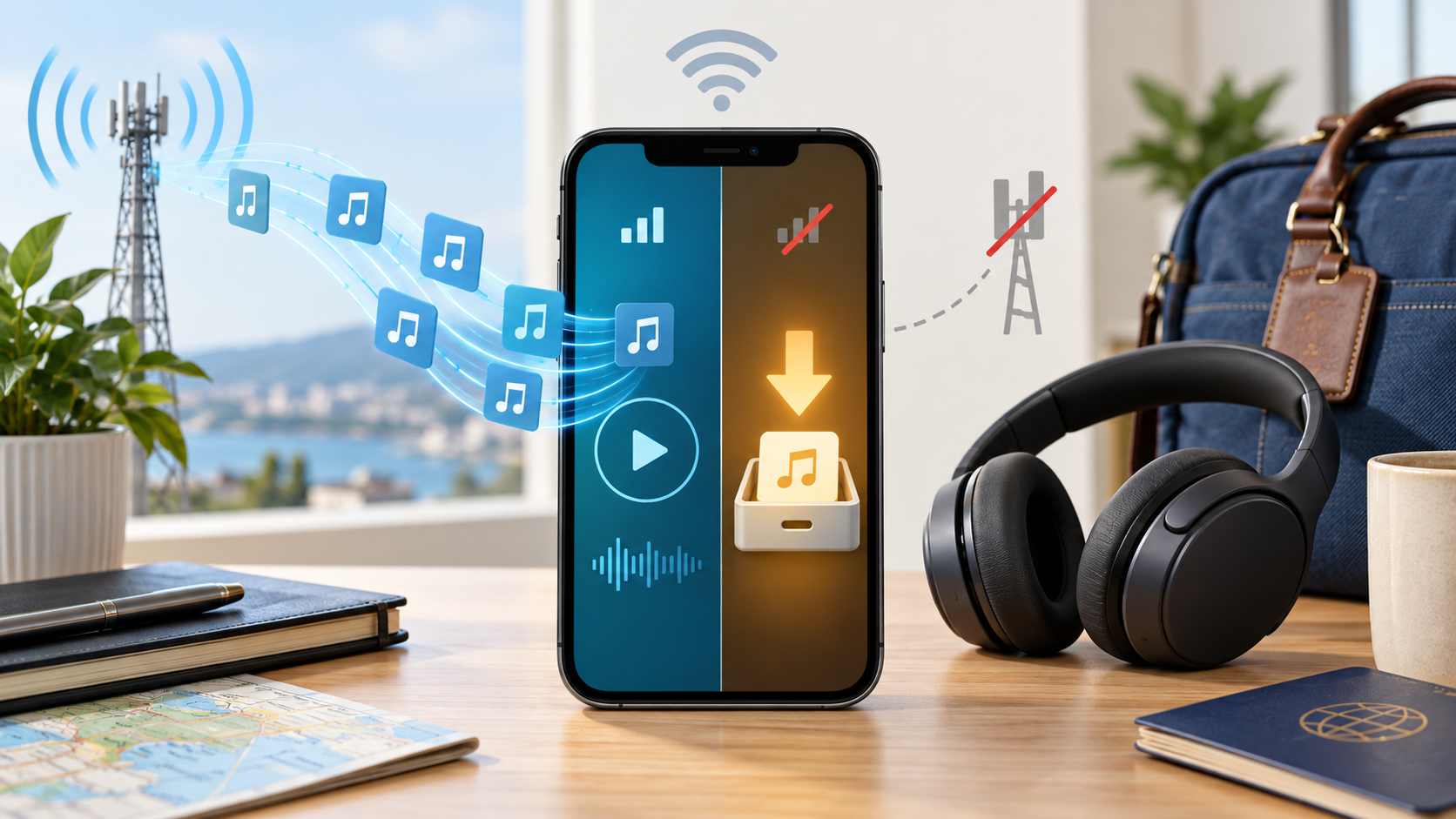
How much data does Spotify use per hour?
| App music quality | Approximate audio rate | Calculated data per hour |
|---|---|---|
| Low | 24 kbit/s | 11 MB |
| Normal | 96 kbit/s | 43 MB |
| High | 160 kbit/s | 72 MB |
| Very High, Premium | 320 kbit/s | 144 MB |
| Lossless, Premium | Varies with the recording | No fixed hourly amount |
The inputs come from Spotify’s published audio-quality rates. Multiply the rate in kbit/s by 3,600 seconds, divide by eight to convert bits to bytes, then divide by 1,000 for decimal MB. For example, 96 multiplied by 3,600, divided by 8,000, equals 43.2 MB.
As a planning example, one hour daily for 30 days gives about 1.3 GB at Normal or 4.3 GB at Very High for audio alone, assuming those rates throughout. App content and video can add traffic; cached or downloaded music can reduce streaming. Automatic quality is not a fixed rate. Check the phone’s actual total before buying a larger allowance.
Lossless and video need a separate check
Spotify’s Lossless guidance covers Premium music on supported devices, not podcasts, audiobooks or music videos. The file size depends on the recording. Its recommendation for a steady 1.5 to 2 Mbps connection is a connection-speed recommendation, not a fixed streaming bit rate to turn into an hourly bill.
Lossless can use considerably more data and storage. Choose cellular, WiFi and download quality separately, and consider leaving Lossless for WiFi or completed downloads. If you change download quality, Spotify can prompt you to update existing downloads. Do that on WiFi rather than immediately before a trip on a small mobile plan.
Spotify’s internet and data-use guidance says video uses more data than music. Video podcasts show video while on-screen; locking the phone leaves audio playing, not zero network use. Use the audio-only podcast options where shown instead of applying the music table to a video session.
Do downloaded Spotify songs use mobile data?
Spotify’s offline instructions distinguish downloaded content from a playlist you merely saved. Premium supports music downloads; free accounts can download podcasts. Check the completed-download indicator, then use Offline mode to make undownloaded items unavailable.
Before leaving WiFi, open your profile picture, Settings and privacy, then Data-saving and offline. Keep Downloads over cellular off and turn Offline mode on. Play a few different downloaded tracks, including something near the end of your playlist. A successful first song does not prove the whole playlist finished downloading.
You must go online at least once every 30 days to retain downloads. Reinstalling removes the downloaded content and requires another download. Avoid reinstalling or clearing downloads as a casual data-saving step before travel. Offline music playback also does not prove the entire app never exchanges data when it is allowed online.
Set Spotify to use less data
- Open your profile picture, Settings and privacy, then Data-saving and offline. Turn Data saver on to reduce audio quality and images.
- Keep Downloads over cellular off. Download the content you need while connected to WiFi.
- Under Media quality, choose a lower cellular streaming quality. Your WiFi and download choices can remain different.
- Choose audio-only podcast streaming where available, and turn Autoplay off if you want listening to stop after your selection.
Make one change at a time if you want to judge its effect. Lowering cellular quality and preventing cellular downloads address different sources of usage. If Spotify’s mobile data total rises mainly when a large playlist is updating, changing music quality alone may miss the cause.
Measure Spotify on your own phone
Record Spotify’s app total before and after a normal listening session. Note the quality, duration and whether you played downloads or video. This is a suggested check you can do, not a test performed for this article. Streaming deliberately for a test uses your allowance, so skip it if you are close to your limit.
On iPhone
Apple’s cellular-usage instructions use Settings, then Cellular or Mobile Data. Find Spotify’s current-period amount and compare like-for-like dates. With Dual SIM, check the selected data line. If you need a stricter block, turn cellular access off for Spotify; online data will then require WiFi, while eligible stored downloads remain useful offline.
On Pixel and other Android phones
Google’s Pixel data-use guide uses Settings, Network & internet, SIMs, then App data usage. Select the relevant period and look for Spotify below the graph. Other manufacturers use different menus, so search Settings for data usage if that path does not match your phone.
The phone’s counter and the carrier’s measurement can differ. Use the carrier’s current-period total for billing decisions. Do not compare the size of Spotify’s stored files with a mobile-data counter: storage and network transfer measure different things. Cached playback can also make a short session look unusually small.
Why a WiFi session can still show mobile usage
First check the date range and whether downloads were allowed over cellular. The total may include listening before the phone joined WiFi or after you left. Check the actual connection during the session, rather than assuming a remembered WiFi network means the phone stayed connected throughout.
Apple’s current guidance also describes Connectivity Assist using cellular alongside weak, busy or disconnected WiFi. If that is relevant, review the phone’s connection settings as well as Spotify. For broader causes of rising usage, our guide to 5G and mobile-data consumption separates network speed from what apps transfer.
A laptop playing Spotify through your phone’s hotspot uses that mobile connection too, even though the laptop shows WiFi. Check the hotspot allowance separately from the phone app’s total. Our mobile hotspot and home-internet comparison explains why those allowances matter.