
No, a standard rice cooker does not need WiFi to cook rice. You select a program on the appliance rather than sending instructions over the internet. A connected rice cooker adds phone features, but the functions available without its app depend on the model.
The exact offline boundary depends on the model. Check the control panel and manual before buying, especially if a favorite cooking mode, delayed timer or custom recipe appears only in the app.
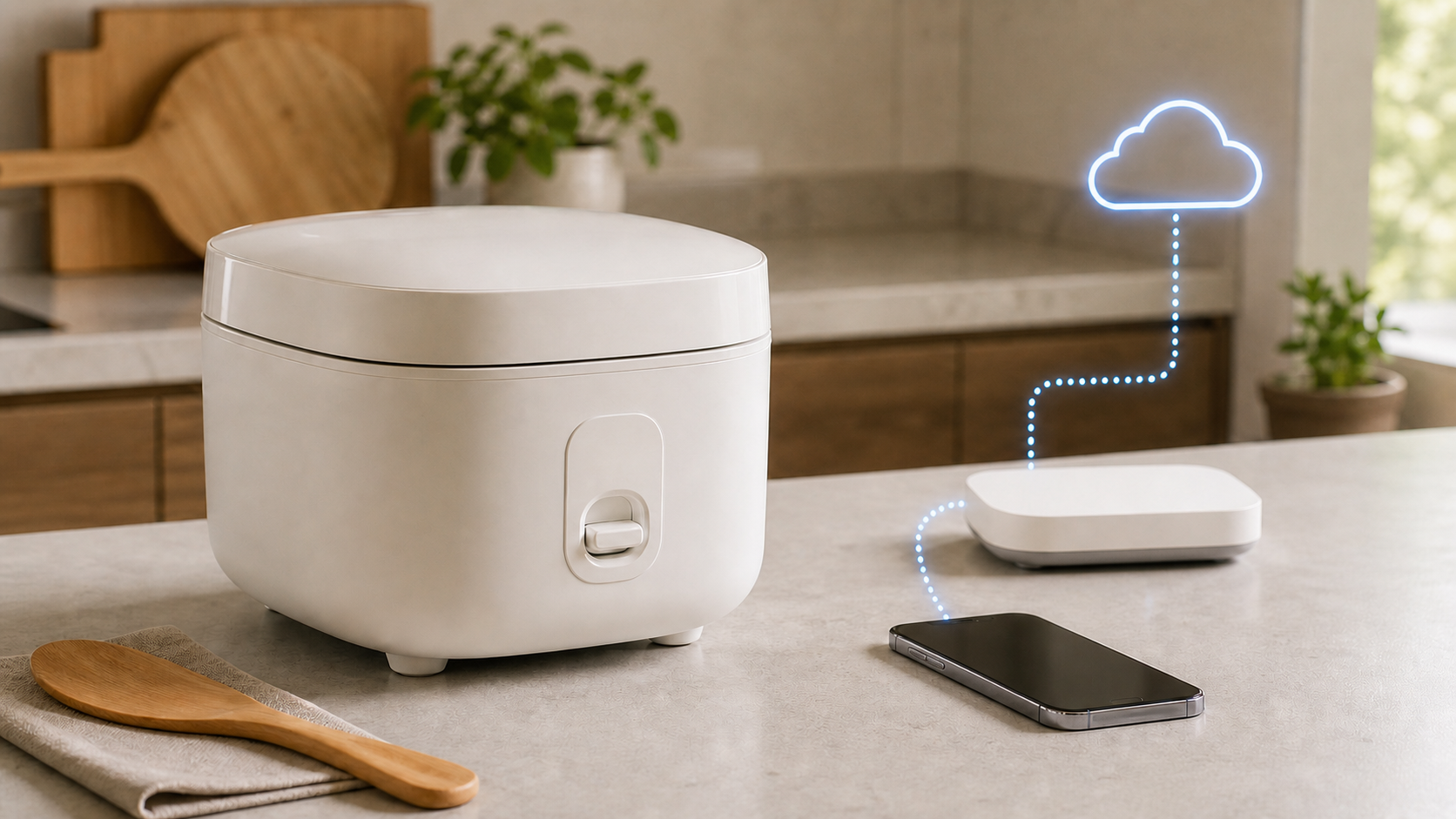
Cooking controls and app features have different requirements
| Function | Offline expectation | What to check before buying |
|---|---|---|
| Start a built-in cooking program | Available locally on a standard cooker | Can you select the desired menu and press Start on the cooker? |
| Keep warm | A local feature on models that include it | Read the model’s restrictions; an app alert is not a food-safety check |
| Built-in timer | Can be local, where provided | Which cooking menus support it? |
| Phone controls and completion alerts | Do not assume they work offline | Does the exact feature require WiFi, internet access or an account? |
| Extra settings or downloads | Depends on what the cooker stores locally | Are needed adjustments available on the panel or only in the app? |
Why does a rice cooker have WiFi?
WiFi can add conveniences rather than a new requirement for every cooking program. Xiaomi’s Smart Multifunctional Rice Cooker FAQ describes physical cooking-mode controls alongside app functions such as selected time adjustments, completion messages, device sharing and firmware updates. It also says this particular model has no cloud recipes. Do not assume every feature advertised for another smart cooker applies to it.
WiFi and internet access are separate. The router may still run your home network during a provider outage, while an app cannot reach its online service. Ask the manufacturer whether phone control works locally or needs its servers, even when the phone and cooker are in the same room.
What usually works when the internet is down?
A non-networked cooker uses its own controls. For a smart cooker, look up the specific cooking mode, not just whether the appliance has buttons. A panel might provide basic rice cooking while leaving some adjustments in the app.
The Zojirushi NS-TSC10/18 operating instructions show Menu, Start/Reheat, Keep Warm and Timer controls on the appliance, with local cooking and timer procedures. Find the correct model in the rice-cooker manual library rather than applying those instructions to another cooker.
Even two products from one brand can differ. Xiaomi’s separate Multifunctional IH Rice Cooker connectivity answer says that model has no network connection, app control or firmware updates. Its similar name does not make it the connected model described above.
What can stop without WiFi or internet?
- Phone status and completion notifications
- App-only settings, where the model offers them
- Account sharing or access from outside the home
- Online updates or downloads, where supported
A feature shown in an app screenshot is not necessarily stored on the cooker. Ask whether it remains available on the physical panel after the account, app or internet connection is unavailable.
WiFi loss is different from a power failure
Losing WiFi does not cut electricity to the heater. A power failure does. After an outage, follow the model’s recovery instructions rather than assuming cooking continued. A saved clock or timer is not evidence that the food stayed heated.
Do not add a smart-plug workaround to create remote start. Use the cooker only as its manufacturer instructs. The Zojirushi manual warns against unapproved accessories and obstructing the steam vent; adding network control does not remove an appliance’s safety restrictions.
Do you need fast internet for a smart rice cooker?
Do not upgrade your broadband plan just because an app says the cooker is offline. First check the model’s network requirements and whether the kitchen has a reliable connection. Choose capacity for the whole household using the home internet speed guide.
If other devices also lose WiFi at that counter, investigate coverage before replacing the cooker. A phone staying online is only a comparison, not proof that the appliance receives the same signal. The mesh WiFi versus extender guide explains coverage options if a wider household problem needs fixing.
Can you set up a smart rice cooker without internet?
Initial setup may require the manufacturer’s app, an account, a supported region, compatible home WiFi and internet access. The cooker may still have usable local controls before setup, but app features might remain unavailable until registration finishes.
Read the manual before changing router security. Do not weaken encryption, disable the firewall or open inbound ports for a kitchen appliance. A model-specific compatibility issue should be solved with the maker’s supported settings.
Check offline controls without starting an experiment
- Find the exact model’s manual and list the programs you actually use.
- Check which functions the panel provides without opening the app. Do not start an empty heating cycle to test them.
- Ask support whether those functions need initial account setup, an active connection or a previously downloaded setting.
- If an offline-use check is necessary, use only the manufacturer’s instructions while the cooker is idle. Do not interrupt cooking, keep-warm operation or a firmware update.
- Restore the connection before relying on app notifications. Confirm the appliance itself has the intended settings.
Do not invent a water-only test, unplug a working cooker or leave ingredients waiting as part of a network experiment. Follow the manual’s ingredient and delayed-timer restrictions. This is a connectivity guide, not a cooking or food-storage procedure.
What to check before buying
- Which cooking modes are available on the appliance panel?
- Can the local timer and keep-warm settings work without an account?
- Are any rice types or time adjustments app-only?
- Does initial setup require a supported country or cloud account?
- Which WiFi bands and security modes does the exact model support?
- What happens when WiFi, internet or power returns?
- Can the appliance be used fully if the app is discontinued?
- What data does the app collect, and can sharing be disabled?
Who benefits from a connected model?
A connected model can be useful when completion alerts, remote progress checks, shared controls or app-only settings solve a real household problem. It is less valuable when everyone uses one basic local program and prefers fewer accounts and updates.
Choose the cooker for cooking performance, capacity, cleaning, safety, repair support and usable local controls first. Treat WiFi as an optional convenience layer unless the manual makes a required feature depend on it.
If the app says the rice cooker is offline
Read the appliance’s own display before treating an app message as a cooking failure. An offline label does not identify a failed heater. Check another WiFi device; if you use a phone, confirm it has not fallen back to cellular data. Then check the app account and the maker’s supported country or region for that model.
A new router, network name or password can leave the cooker with old credentials. Follow the exact manual for reconnecting only its network settings. Do not remove the appliance from the account or factory-reset it until you have saved schedules, sharing details and the setup information you need.
Check privacy and account dependence
Before granting app permissions, read what the manufacturer says each permission does. Nearby-device discovery, local-network setup and cloud account features can have different requirements. Review the privacy policy, account-deletion process and device-sharing controls before inviting other household members.
Also ask what happens if the manufacturer stops updating the app or cloud service. Strong local controls reduce the chance that an otherwise usable cooker becomes inconvenient when an account, phone platform or online feature changes.
Common questions
Will a smart rice cooker cook if the router is off?
A standard non-networked model does not rely on the router. For a connected model, confirm that your chosen program is available from the cooker itself and does not require account setup. Do not assume app-only controls will remain available.