
No, baby monitors do not all need WiFi. Local audio monitors and non-WiFi video models send sound or pictures directly to a parent receiver without your home network. App-based models generally need WiFi at the camera, plus internet access for viewing away from home.
A handheld screen alone does not prove a monitor works without a router. Some hybrid models use household WiFi for the screen as well as the app. Check the exact model’s manual for what works when broadband is down, when the router is off, and without the manufacturer’s online service.
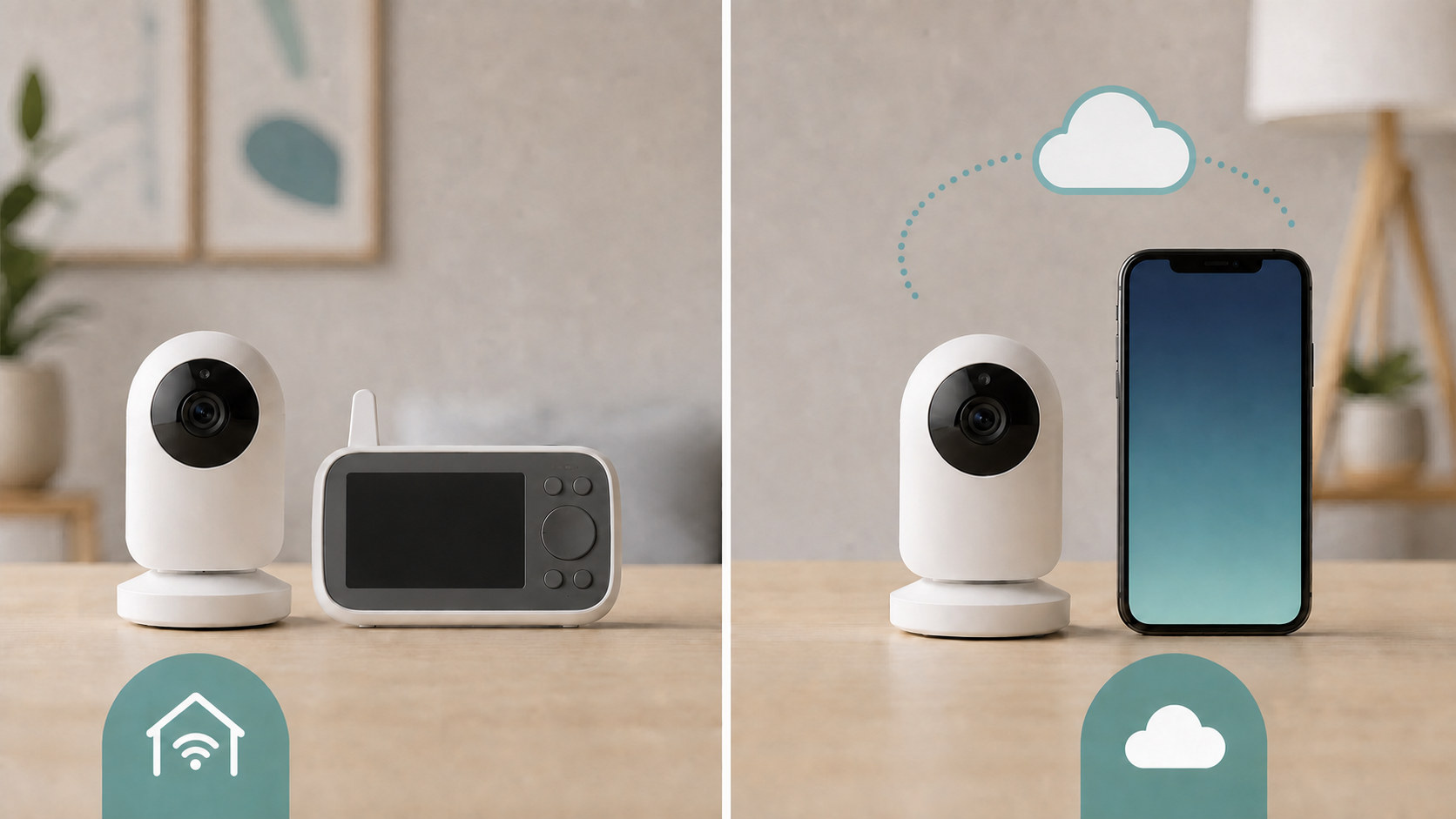
Compare four baby-monitor connection types
| Monitor type | Needs household WiFi? | What to check before buying |
|---|---|---|
| Local audio monitor | No, for its direct listening link | Parent-unit range, power and out-of-range alert |
| Non-WiFi video monitor | No, for its direct video link | Dedicated screen and supported camera connections |
| WiFi app monitor | Generally yes, at the camera | Internet, account, phone and subscription requirements |
| Hybrid screen-and-app monitor | Depends on model and operating mode | Whether the screen requires a router, and which features survive an outage |
Local audio monitors do not need WiFi
A basic audio monitor has a child unit and a parent unit that talk directly over their own radio link. It does not join your router and does not use your internet plan for ordinary listening.
This design is simple, but it is not immune to every interruption. The units still need power or charged batteries, must stay within the product’s supported range and can be affected by walls or local interference.
Local video monitors can work the same way
A non-WiFi video monitor sends pictures directly to its own screen. For example, Infant Optics describes the DXR-8 PRO’s direct camera-to-monitor connection as requiring no WiFi, app or cloud service. That example establishes its connection type, not a recommendation based on hands-on testing.
A non-WiFi design usually limits viewing to the local receiver and its supported range. It may be a good fit when you do not need to check the camera from work, receive cloud alerts or share app access with someone outside the home.
WiFi app monitors use your home network
An app-based monitor joins your router so a phone or tablet can receive video and notifications. Remote viewing often involves the internet and the maker’s online service, but the exact path varies by product.
Before buying, read the setup guide for supported WiFi bands, account requirements, app compatibility and whether a subscription is optional or required for the features you want. Do not assume every camera supports the same router setting or phone.
A hybrid model may offer both paths
A hybrid monitor has both a parent screen and app access, but those can use different connections. In the VTech RM7766HD European quick-start guide, the connection-modes section describes direct viewing out of the box, then recommends router mode after initial installation. It specifically does not recommend continuing in direct mode after that initial setup.
That instruction applies to the cited model and regional guide, not every VTech monitor. For any hybrid, ask whether the screen uses a permanent direct link, a router connection, or a setup-only direct mode. Do not assume a direct mode automatically takes over when WiFi fails.
WiFi and internet are not the same requirement
WiFi is the local radio link to your router. The internet is the outside connection beyond it. A product can stay connected to WiFi while your broadband is down, yet lose remote viewing because the app cannot reach its online service.
Some products may still provide local app viewing on the same network, while others rely on an online sign-in or cloud relay. Ask the manufacturer what remains available rather than treating the word WiFi as proof of offline operation.
Check outage behavior before relying on the monitor
Set up a bench check before the monitor is in use, with nobody relying on it to supervise a child. First confirm normal video, sound and alerts. Then follow the manual’s offline checks. Only interrupt shared broadband or router power if everyone affected agrees and no safety equipment, important call or device update depends on it. Restore the connection afterward.
Record separately what happens when broadband is unavailable with the router still on, and when the router itself is off. Check whether you get a clear lost-connection warning rather than a frozen picture that looks live. Ask the maker about service outages; you do not need to manufacture a cloud failure. Also check alert volume, battery status and the rooms where the receiver will be used.
Range works differently for local and remote viewing
A local receiver has a product-specific radio range. Walls, floors and nearby electronics can reduce it. A WiFi monitor depends first on coverage at the camera, then on the rest of the network and any online service used by the app.
If a WiFi camera has a weak connection in its final position, test that spot before replacing the router. The router replacement checklist helps separate a single-device or placement problem from an older router that affects the whole home.
Remote viewing can use mobile data
When you watch a WiFi monitor away from home, the camera sends data through the home internet connection and the phone may receive it over cellular data. Video use can count against a mobile plan even when the camera itself is on home WiFi.
Check the app’s video-quality controls and your carrier’s terms. The phrase unlimited internet can still come with plan rules, speed management or hotspot limits that matter during frequent remote viewing.
Review privacy before adding a camera
An internet-connected camera adds an account, an app and update support to the decision. The US Federal Trade Commission’s camera security guidance recommends strong unique passwords, software updates, encryption and account protections such as two-factor authentication when available.
Ask how long the product receives security updates, who can use shared access, where recordings are stored and how to delete them. A local-only design avoids a cloud account for its direct link, but the absence of WiFi is not proof that a radio product is impossible to intercept. Do not treat a retailer’s “hack-proof” label as an independent security assessment.
Power failure is a separate problem
A monitor that works without internet can still stop during a power outage. The camera or child unit, parent receiver, router and modem each have their own power requirements. A battery in one part does not keep every other part online.
Check the manual for charging, low-battery alerts and approved power accessories. Do not place loose batteries, cables or an unapproved power bank near the sleep area.
Keep cords and the monitor away from the child
The US Consumer Product Safety Commission’s baby-monitor cord safety notice says to keep cords at least 3 feet from any part of a crib, bassinet, play yard or other safe sleep area, and always out of a child’s reach. Never put the monitor inside or on the edge of the crib. Follow the maker’s mounting instructions too, including any greater required clearance.
The Lullaby Trust’s baby-monitor guidance also stresses that a monitor cannot replace supervision by an adult. A working connection is only one part of using the product safely.
Treat health claims with care
Some connected products advertise breathing, oxygen or heart-rate tracking. These claims are different from ordinary audio and video monitoring. The US Food and Drug Administration warns against unauthorized infant vital-sign monitors because their safety and effectiveness have not been established.
The FDA also states that it is not aware of products that have received its authorization to prevent or reduce the risk of SIDS or SUID. Do not choose a monitor based on a SIDS-prevention claim, and do not use a consumer monitor as a substitute for medical advice or safe-sleep practices.
If a child needs medical monitoring, discuss an appropriate authorized device with their healthcare provider. This comparison covers network connections, not a medical monitoring plan.
Choose by the feature you will actually use
Choose a local audio or video monitor if a dedicated receiver, simple setup and operation without home internet meet your needs. Choose a WiFi model when remote app viewing matters and you are comfortable managing the account, updates and privacy settings.
A hybrid model can cover both situations if its manual confirms the local receiver works during the outages you care about. Whatever the connection type, verify power, range, cord placement and alert behavior in the room where you will use it.
How this guide was prepared: manufacturer documentation and the linked consumer-safety guidance were reviewed. We did not measure range, battery life, security or outage performance, and no model ranking is implied.