
An eSIM can have a phone number when its plan includes carrier calling and texting. A data-only travel eSIM supplies internet access, not those services. If you need a number for hotel calls or ordinary SMS, buy a plan that explicitly includes them rather than assuming that every eSIM does.
This guide compares service features for U.S. travelers using current phone-maker and provider documentation, not travel tests. It does not rank providers or quote a universal trip price. Your existing U.S. line and a new travel plan can perform different jobs on the same compatible phone.
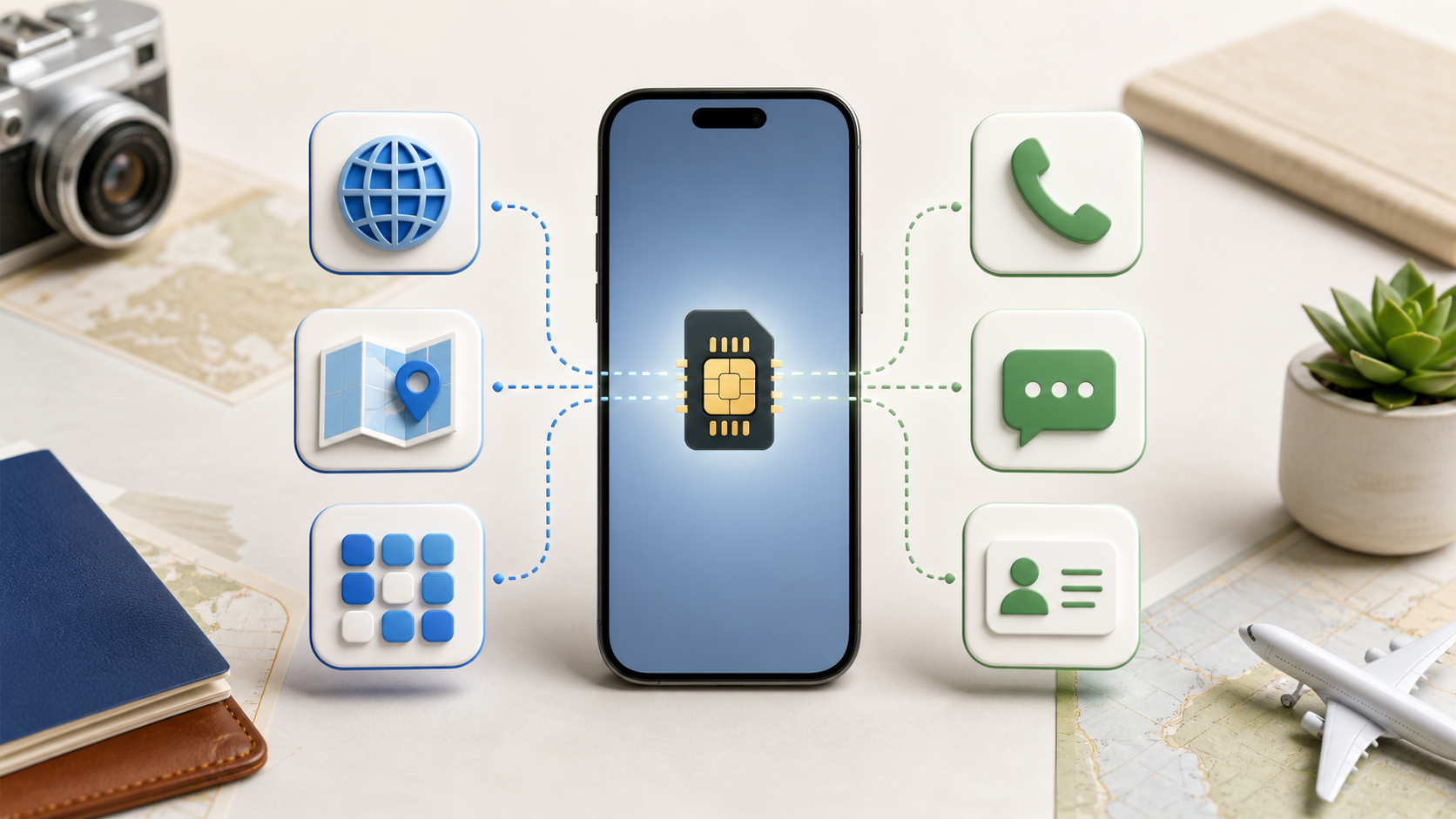
Read the service list before looking for a number
Airalo’s data-only eSIM guidance says that a data-only package has no cellular voice, SMS or phone number. It also warns that selecting that line for calls or texts in Android settings does not add those services. Check your particular package; do not treat one provider’s product label as a description of every eSIM it sells.
- Data-only: look for the data allowance, supported destinations and validity. Do not expect ordinary dialer calls or SMS from that package.
- Carrier voice and SMS: confirm that both services are listed, then check minutes, text allowance and the supplied number. Data still needs its own stated allowance.
- Calling through an app: check whether the offer supplies app credit, calls to phone numbers, or only calls between app users. That is a different purchase from carrier voice service.
A string of digits in a phone menu is not enough to make a buying decision. Ask the seller what number another person can dial, its country code, and whether it accepts incoming calls and SMS. A usable number also need not be local to every country on your itinerary.
App calls do not turn a data plan into a calling line
Vodafone Travel explains the data-only distinction: internet calling and messaging apps can use the connection, while traditional calls and SMS are not included. Choose an app your contacts can actually use and confirm that it works at your destination. Do not count on an app to reach an ordinary hotel desk or landline unless its own service explicitly supports that.
That leaves a practical question before purchase: who needs to reach you, and how? If everyone agrees to use an internet app, paying extra for a new voice line may add little. If a driver will call a number from a normal phone, show the provider that requirement instead of asking vaguely whether the eSIM supports calls.
Treat bank texts and your home number as separate requirements
Do not assume that buying another number moves messages addressed to your U.S. number. For an important account, ask its support team which number and verification methods it accepts. An advertisement for SMS is not a promise that a particular bank code will arrive. Set up another recovery method approved by the account provider before travel, rather than disabling account protection.
- Must the message reach your existing U.S. number, or would a new number meet the requirement?
- Does the sending service accept the proposed number and support delivery in your destination?
- What is the approved recovery route if the code does not arrive? Save that route before you need it.
Keep activation codes and account screenshots private. If a provider needs a screenshot to diagnose a problem, use its official support channel and remove unrelated personal details. Do not hand a stranger a bank code or a travel eSIM installation code to prove that the service works.
Give data and ordinary calls different lines when supported
Apple’s Dual SIM instructions allow separate voice and data plans on supported iPhones. Under Settings > Cellular > Cellular Data, select the intended data line; review the default voice line separately. An iPhone can remember the line last used for a contact. Check the displayed line before calling rather than assuming every contact follows the new default.
On supported Pixel phones, Google separates SIM preferences for calls, texts and data under Settings > Network & internet > SIMs. Only one SIM is the default for data. Available combinations and simultaneous-call behavior depend on the phone and carrier; do not copy another model’s settings without checking the instructions for yours.
Apple’s international eSIM guide also says that using another carrier requires an unlocked iPhone. Check Settings > General > About for No SIM Restrictions beside Carrier Lock. Its iOS 26 travel setup can offer the travel eSIM alone or alongside the current eSIM, and Apple warns that keeping both can still incur home-line roaming fees.
Review data switching before enabling it. Apple and Google describe supported call scenarios that need switching, but that does not establish what your home carrier will charge abroad. Ask for a setup that meets both your reachability needs and your billing limit. Our eSIM activation and internet checklist covers installation separately.
Compare the complete service, not just the data price
Turning off data roaming on the home line does not settle its call or text charges. Airalo specifically warns about possible incoming-call and voicemail roaming charges on an active primary line even with data roaming off. Get the answer from your home provider before testing that line abroad.
- Write down the trip dates and every destination. Ask which ordinary calls and SMS are included, which destinations you can call, and whether incoming use or voicemail costs extra.
- Confirm whether the number lasts beyond the package, whether renewal is automatic, and how to stop future charges. Check the actual checkout total in USD, including applicable taxes and fees.
- Read data, hotspot, activation-start and top-up terms. Ask whether tethering is permitted instead of assuming a calling allowance includes laptop data.
- Add the travel purchase, required app credit, top-ups and any home-line travel charges. Compare that total with what your U.S. plan already includes.
Do not compare a data-only offer with an all-service roaming pass as though they deliver identical benefits. Our travel eSIM versus U.S. carrier roaming guide explains that broader choice. Recheck the linked plan’s current terms before buying; a guide’s dated example is not your checkout quote.
Choose for the calls you need to make
For maps and agreed app conversations, investigate a data-only package first. For ordinary local calls and texts, ask for a package explicitly listing carrier voice, SMS and a suitable number. If your U.S. number must stay reachable, confirm the home-line service and charges as a separate decision. These are buying criteria, not a guarantee that any named plan fits your phone or trip.
Before leaving reliable WiFi, check the selected lines and keep the installation instructions available offline. Arrange any test calls or messages only after confirming their charges. Do not delete a working eSIM as an experiment; ask the provider about recovery first. For essential or emergency contact, verify an appropriate local calling option rather than relying on an unconfirmed app or package feature.