
Return rented Verizon Fios equipment within 30 days of the date your service disconnects. Verizon’s Fios instructions say you can bring the unboxed equipment and its power cord to an authorized location of The UPS Store. Keep the receipt and check that Verizon has processed the return. Don’t take a wall-mounted fiber box off the wall or assume every Verizon store will take the equipment.
U.S. Fios residential instructions and model charges checked November 19, 2026. This is not the return process for Verizon 5G or LTE Home Internet.
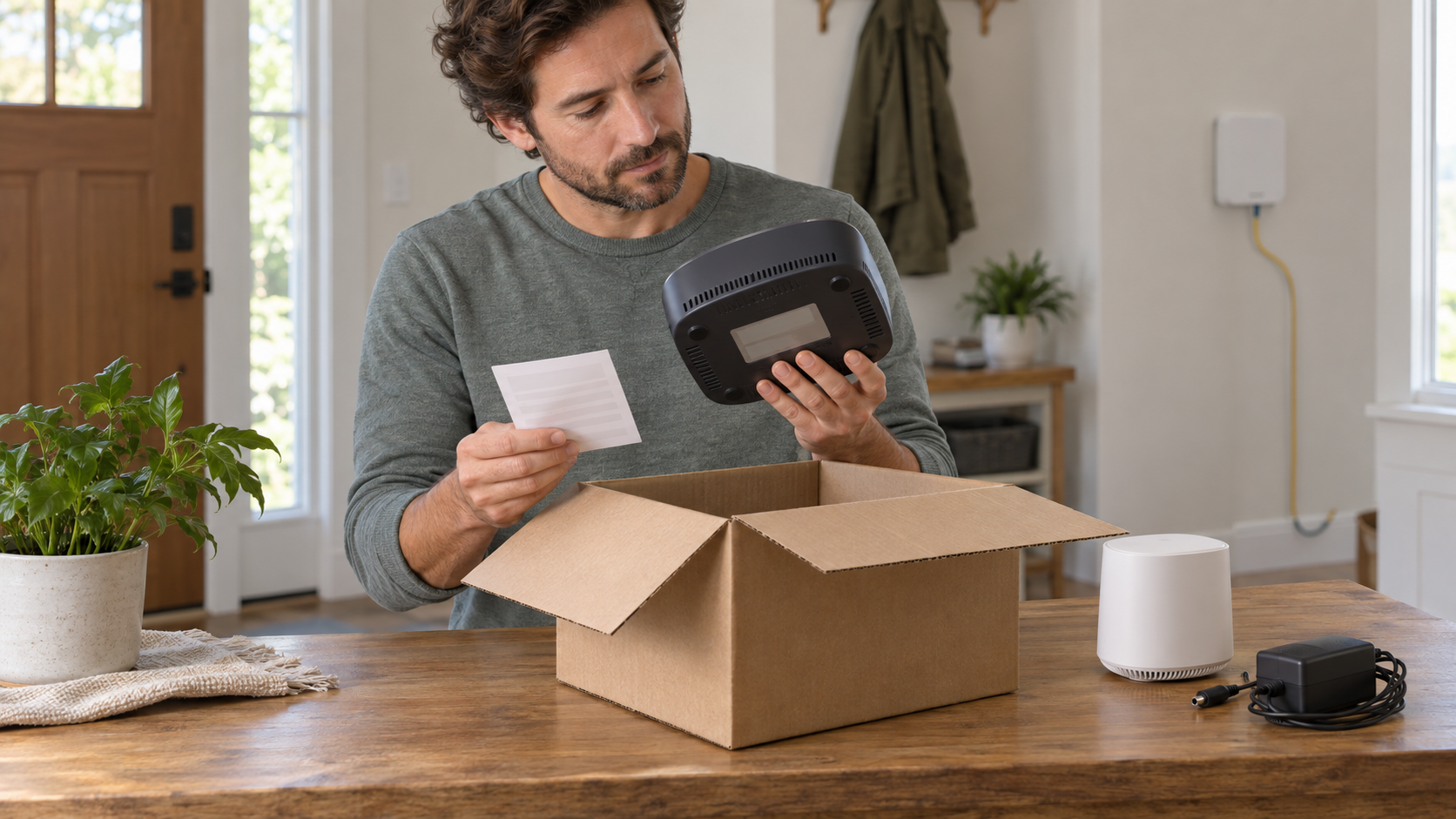
Returning equipment does not disconnect the account. If you’ve only packed the router and haven’t placed the order yet, see how to cancel Fios and confirm the final bill dates.
Check which equipment has to go back
Start with the disconnection confirmation and ask Verizon to identify what your account needs to return. If you are only leaving for a season, check the Fios vacation suspension rules first; a hold is not the same as disconnecting and returning the equipment. A router, an extender or a Fios TV box may be on the list. A router included at no monthly charge is not necessarily yours. Match the model and serial number, especially if you recently swapped a router or you’re canceling TV but keeping internet. Keep a router you bought outright unless you’re separately arranging a purchase return.
The Fios customer agreement says to leave equipment in place when Verizon tells you to or when it is marked not to be removed. The box that terminates the fiber connection is the optical network terminal, or ONT. If you’re unsure what a wall-mounted box is, ask Verizon to identify it. Don’t disconnect the fiber or detach the box yourself to try to clear the return list.
Where to return Fios equipment
- Confirm the deadline. Use the effective date from the Fios disconnect confirmation process, not the day you first called or the date on the final bill. Returning equipment doesn’t cancel service by itself.
- Use an authorized location of The UPS Store. Follow the locator on Verizon’s Fios returns page. Bring the unboxed devices and their power cords. The store can scan the serial numbers and handle packing and shipping. The disconnect order number is useful if you have it, but Verizon says it isn’t required for the UPS Store route.
- Confirm before going to a Verizon store. The Fios support page lists in-store returns only in certain areas through the Fios returns filter. The customer agreement instead directs readers to UPS or a Verizon-provided return kit. If your return instructions don’t clearly approve a particular Verizon store, use the authorized UPS option or the return kit Verizon supplies. A generic retail or shipping location isn’t enough.
Match an unreturned-equipment charge to the model
These are examples from Verizon’s published list of charges for unreturned or damaged Fios equipment. Look up the exact model on your bill before using a dollar amount to identify what went missing.
| Fios equipment | Published charge |
|---|---|
| Fios Quantum Gateway (G1100) | $100 |
| Fios Router (G3100) | $175 |
| Verizon Router (CR1000A or CR1000B) | $200 |
If an equipment charge appears despite your return, keep both the drop-off receipt and Verizon’s confirmation. Compare the serial number on the return with the device listed on the account. Verizon says the credit can take up to two bills after the return is complete and tells customers to contact support if it is still missing after three cycles. If the return itself isn’t showing or the receipt lists the wrong device, contact support promptly instead of waiting for a billing credit.
An equipment credit doesn’t explain every final-bill item. Use the final internet bill checklist to distinguish service charges, equipment and credits. If your account says 5G Home Internet instead of Fios, use the separate Verizon 5G Home cancellation and router-return guide rather than guessing from a shared Verizon logo.