
T-Satellite connects a compatible phone directly to satellites for messaging and selected apps. Starlink Residential and Roam use a separate powered antenna to provide internet to your devices. Apple’s built-in iPhone satellite features are another service again. If you need a laptop connection at a remote campsite, a phone satellite subscription is not a safe substitute for a Starlink kit.
This U.S. comparison uses official prices and feature descriptions checked October 21, 2026. It is a buying guide, not a hands-on speed or coverage test. Prices are in U.S. dollars.
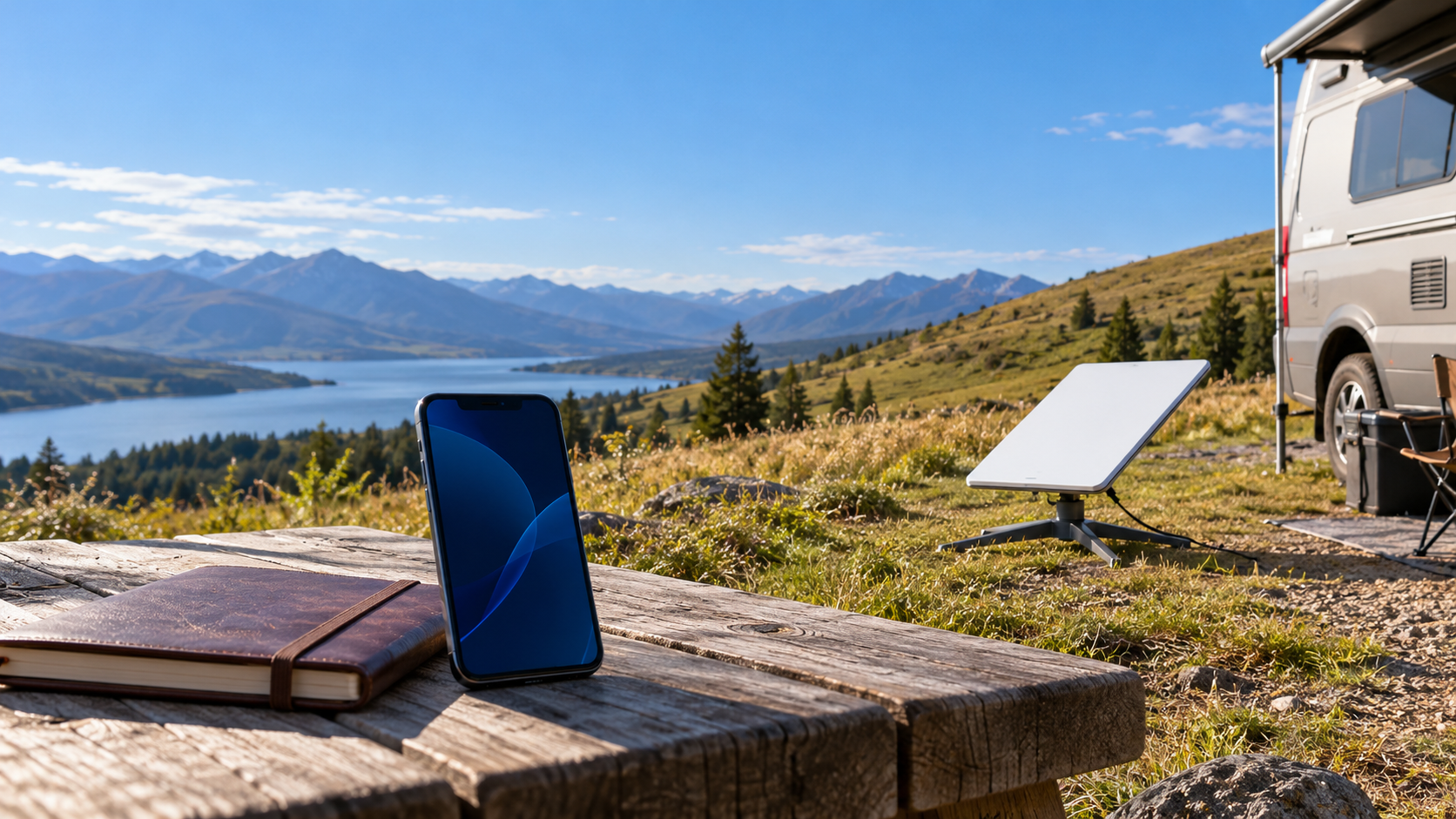
Phone satellite service and dish internet do different jobs
The name Starlink appears on both products, which makes shopping confusing. Direct-to-cell service reaches the phone through a participating mobile operator. Dish-based Starlink reaches a terminal at your home or campsite; your phone or laptop then uses that connection. Buying one does not automatically buy the other.
| Option | What you connect | Reason to consider it | Do not assume |
|---|---|---|---|
| T-Satellite | An eligible iPhone or Android phone | Messages and supported apps beyond cell towers | Every app, ordinary phone call or laptop hotspot will work |
| Apple satellite features | A supported iPhone 14 or later | Personal messages, location sharing and separate emergency tools | You get general internet access or T-Satellite enrollment |
| Starlink Residential or Roam | A powered Starlink kit, then your devices | Home or travel internet for more than phone check-ins | The subscription includes a phone satellite add-on |
Starlink’s current Mobile service description separates today’s app-based voice and selected data applications from future native calling and broader broadband capabilities. A future network announcement is not a promise that your phone can stream or make ordinary calls by satellite today.
What T-Satellite can do today
T-Mobile currently advertises T-Satellite for texts, photo sharing and selected satellite-ready apps, including WhatsApp voice chat. This is more than the early text-only service. It still does not mean that every feature in every app works normally. T-Mobile warns of limited data speeds, connection gaps and time-outs.
Treat it as a way to stay in touch or retrieve supported information when towers are unavailable. Do not plan a work video meeting around it. WhatsApp voice chat is also different from dialing an ordinary voice call in the phone app.
For a household, the difference is the task rather than the logo. A short arrival message needs far less from a connection than a laptop update or several people watching video. Choose the connection for the job you actually need, rather than comparing two monthly prices as if they buy identical service.
U.S. prices: check what the monthly number includes
| Service | Published monthly price checked | Condition to check |
|---|---|---|
| T-Satellite add-on | $10 per line advertised; included with qualifying plans | Verify your exact plan. The main FAQ describes the discounted add-on as a limited-time offer. |
| T-Satellite standalone enrollment | $10 shown beside a $15 reference price | The enrollment page requires AutoPay. Confirm the final bill and renewal terms. |
| Starlink Residential | $55 for 100 Mbps; $85 for 200 Mbps; $130 for Max | The two speed-capped plans are available only in selected areas. |
| Starlink Roam | $55 for 100GB; $80 for 300GB; $175 for Unlimited | The limited-data tiers switch to low-speed data after their high-speed allowance. |
The standalone T-Satellite price page says AutoPay is required and service renews monthly. It is not an annual prepaid purchase. At an unchanged $10 rate, twelve monthly payments total $120 per line; that calculation does not lock in the offer for a year. Two separately billed lines would total $20 a month at that rate.
Do not assume the headline is your complete bill. Check any tax, account or activation charge in the final quote, and ask which price applies after a discount ends. The public offer does not give a universal all-in total for every customer. Avoid moving the whole family to a more expensive phone plan solely to get an included satellite benefit without comparing the increase.
The antenna prices above come from Starlink’s U.S. service plans. They are service charges, not a complete kit purchase. Budget for the offered hardware and any shipping, accessories, power setup or applicable activation charge in your own quote. A 100 Mbps speed ceiling is not a 100GB allowance. For address, travel and pause conditions, use our Starlink Residential versus Roam comparison.
Check your exact phone before paying
Do not buy from a generic list of supported brands. In T-Mobile’s current support instructions, T-Life shows enrollment, eligibility and feature limits under Account, your phone line, Status, then T-Satellite. Picture messaging or data support can differ by device.
Customers keeping another carrier need an unlocked, satellite-optimized phone with eSIM capability. Check whether the phone can keep your main line and the required satellite eSIM active in the arrangement T-Mobile supports. Do not delete your existing eSIM to make room before your carrier confirms a working setup. Download and sign in to supported apps while you still have a normal connection.
T-Satellite connects automatically when traditional and roaming cellular options are unavailable. Manually choosing it while another cellular option is available will not force a connection. Look for the provider’s displayed network name, such as T-Sat+Starlink, rather than assuming any satellite icon means the same service.
Apple’s satellite messages are a separate option
Apple’s Messages via satellite guide covers iPhone 14 and later with an active SIM and the required software. In the U.S., the minimum is iOS 18; install current compatible updates before travel. Turn on iMessage before losing coverage. SMS availability depends on the carrier and may carry carrier charges.
Apple’s built-in Messages satellite connection does not support photos, videos, audio messages or group messages. That limit should not be confused with a compatible phone using T-Satellite’s different service. Apple Messages via satellite is available in the U.S., Canada, Mexico and Japan, not every country where an iPhone is sold. Model purchase-region restrictions also apply.
Apple advertises included free access, but check your device’s eligibility rather than assuming it lasts forever. Its September 9, 2026 announcement extends free satellite features for an additional year for eligible iPhone 14, 15 and 16 users who activated before midnight Pacific Time that day in a supported country. This is not a T-Satellite subscription or a published permanent free-service promise.
A practical check before you leave coverage
- Write down the required task: a personal check-in, a supported app, or internet for a laptop. For the last one, compare a suitable broadband connection rather than assuming phone satellite data can replace it.
- Confirm enrollment, device features and the destination’s current coverage. A partnership announcement does not establish that every service works on your line in every country.
- On a supported iPhone, try Apple’s Satellite Connection Demo outdoors with an open view. The demo teaches the connection process; it is not proof that every location on your trip has coverage.
- Save essential route information and charge your phone. If you bring a Starlink kit, arrange the power supply and a suitable clear placement before depending on it.
Apple’s connection instructions warn that trees, terrain and buildings can obstruct satellite links. A message can take 30 seconds or longer even with a clear view, and several minutes in less favorable conditions. Follow the onscreen connection guidance while stationary and safe. Do not send test messages to emergency numbers.
Apple’s personal Messages feature is not its Emergency SOS tool. T-Mobile’s free Text to 911 offering is also narrower than the paid service and has its own eligibility rules. Neither a satellite symbol nor a paid subscription guarantees that a message will arrive immediately. Read the relevant emergency instructions before travel instead of learning the difference when help is needed.
For occasional off-grid personal messages, start by checking the features already available on your phone and plan. Pay for an add-on only when its supported apps or device coverage fill a need you have identified. If the need is a shared campsite internet connection, price the antenna service and its equipment separately.