
Try T-Mobile Home Internet first if your address qualifies and an indoor gateway holds a reliable signal in the evening. It doesn’t need a dish or an outdoor mount. Try Starlink if fixed wireless is unavailable or unreliable and you have a clear view of the sky. Before you cancel the connection you already have, compare each provider’s first-year bill and write down its trial deadline.
U.S. prices and terms checked November 19, 2026. This comparison uses provider terms and plan information, not speeds measured at a home.
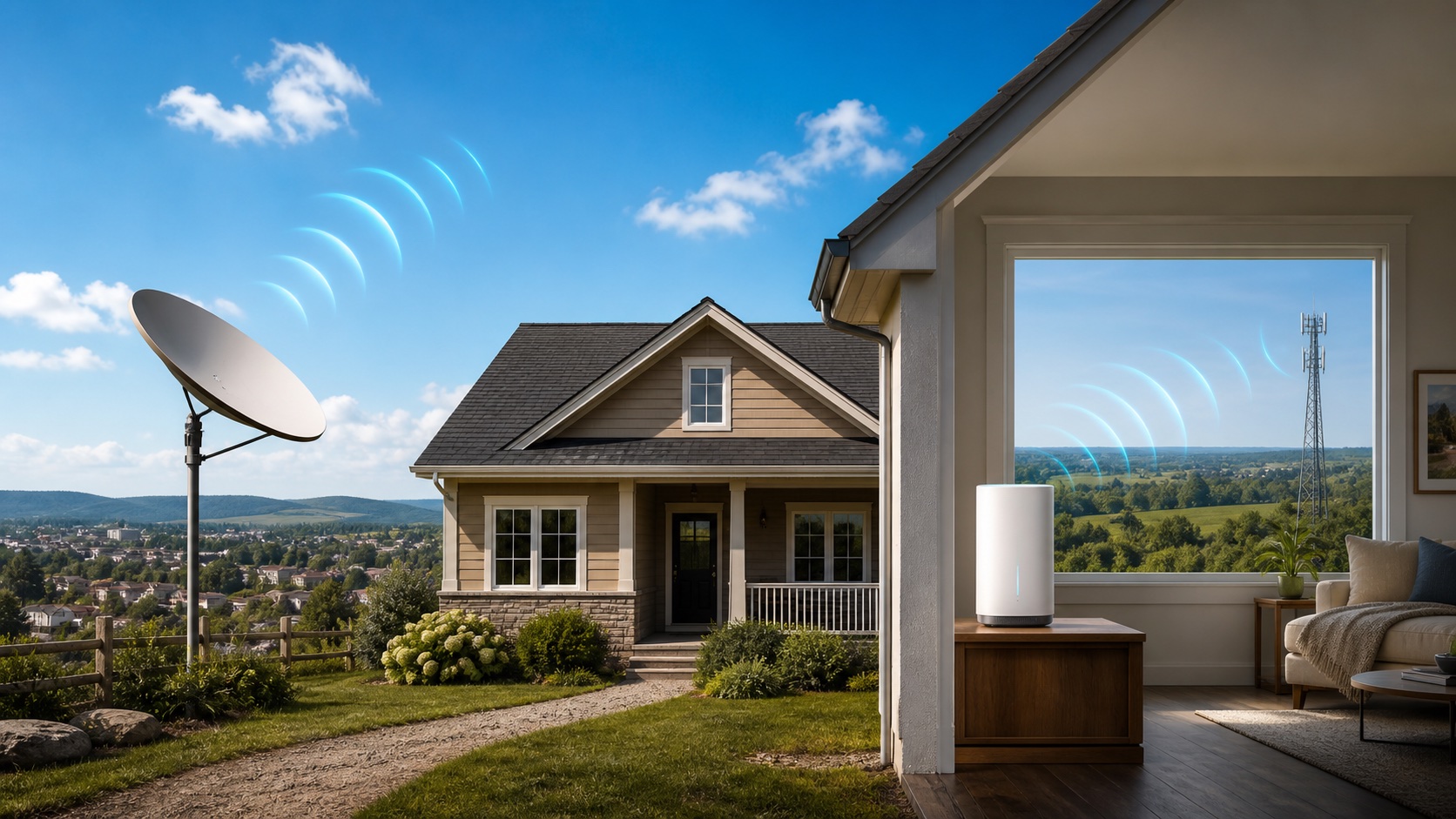
Compare monthly price, equipment and trial terms
| What to compare | Starlink Residential | T-Mobile 5G Home Internet |
|---|---|---|
| Monthly service | Check the address quote for 100 Mbps, 200 Mbps or Max. The first two tiers are only offered in select areas. | Rely, Amplified and All-In list $50, $60 and $70 with AutoPay before any phone-line discount, versus $60, $70 and $80 without discounts. Taxes and fees can apply. |
| What goes in or on the home | Outdoor dish with an unobstructed sky view. The order determines whether you pay for, rent or receive the kit under an offer. | Indoor gateway provided with the plan. Check the order for a $35 device connection charge and keep the gateway for return if you cancel. |
| Try it before switching | For eligible direct orders, 30 days from the first Payment Due Date to return the kit under the trial terms. | Qualifying 15-day Test Drive. Confirm the start date, credit claim and gateway return separately. |
| What can interrupt a call | Trees or buildings can block the dish’s view; congestion also affects available speeds. | Weak indoor signal and a busy local cell site can affect performance even when the service qualifies at your address. |
The Starlink U.S. residential page advertises 30% off in select areas, starting at $38.50, for sign-ups by November 30. The page prompts for an address to show the home price. Check your own order for the length of the discount and the regular rate that follows. Confirm kit charges, shipping and installation, as well as any one-time Starlink demand surcharge. Do not extend the advertised starting price across 12 months without the offer terms.
The T-Mobile plan table also lists $30, $40 and $50 with AutoPay and a qualifying voice line. Don’t compare those rates with Starlink unless you already have or would pay for that phone service. T-Mobile’s All-In price guarantee covers its qualifying base plan rate, not the whole household bill or every separate promotion. See the Rely, Amplified and All-In comparison for the differences between the three plans.
Work out the first-year cost from your order
At $50 with AutoPay plus a $35 connection charge, Rely would be $635 over 12 months before applicable taxes, fees and credits. That’s twelve monthly payments and one connection charge, not an annual prepaid offer. As an example only, a Starlink order showing $65 per month and $150 upfront would total $930 on the same basis. Those Starlink figures illustrate the calculation; they aren’t a quote. If an introductory rate applies, multiply it by the number of discounted months and add the remaining months at the regular rate.
Review the two Broadband Facts labels for monthly charges and typical upload, download and response times. Check checkout separately for add-ons and credits. Starlink’s U.S. terms also describe a change fee if you accept certain offers with a service commitment and then change or cancel outside the applicable rights. If the order includes a commitment, save those terms before comparing it with T-Mobile’s no-annual-contract plan.
Check the actual home before you order
Use the exact address and unit number for both providers. A T-Mobile phone getting 5G at the curb isn’t proof that Home Internet is available or that the gateway will work through your walls. Try a few practical indoor spots, including a window. For Starlink, run the app’s obstruction check where the dish would go, not just at the brightest part of the yard. Check your Starlink obstruction map and get permission for any mount or cable route if you rent.
Both providers can slow down at busy times. The Starlink plan page lists download ceilings for the 100 Mbps and 200 Mbps tiers and higher Residential priority on Max. T-Mobile’s network policy describes lower priority for Home Internet after more than 1.2 TB in a billing cycle. That’s a congestion rule, not an extra-data bill or a reason to assume the connection stops at that amount.
Start your test before the return clock runs down
For a qualifying direct Starlink order, the U.S. terms start the 30-day window at the first Payment Due Date. It can begin before installation. The first month is billed, and a timely eligible return can trigger a refund. Check which Starlink charges can be refunded and whether you bought from Starlink or a retailer.
T-Mobile’s Test Drive page starts the clock with store activation or the shipping notice for phone and online orders, not the day you find the best spot for the gateway. The refund is an eligible bill credit, and the hardware still has to go back. Check the T-Mobile cancellation and gateway deadlines rather than counting all deadlines from the day of delivery.
If the budget allows, keep the old internet connection on while you test. Try the same laptop on each service at a comparable evening hour, preferably over Ethernet where your equipment supports it. Start a real video call and upload a typical file. Then check Wi-Fi separately in the harder-to-reach rooms. Keep the connection that meets the household’s needs when it matters, not the one that records the highest speed once.