
A power bank can run Starlink Mini, but a USB-C socket alone does not make it suitable. Check the output specification before buying, then choose enough battery capacity for the hours you need. A high wattage on the box tells you little about how long the battery will last.
This guide covers a stationary camping or travel setup using Mini’s USB-C accessory. Specifications were checked on October 22, 2026. It is a buying and planning guide, not a battery test or a ranking of products we have tried.
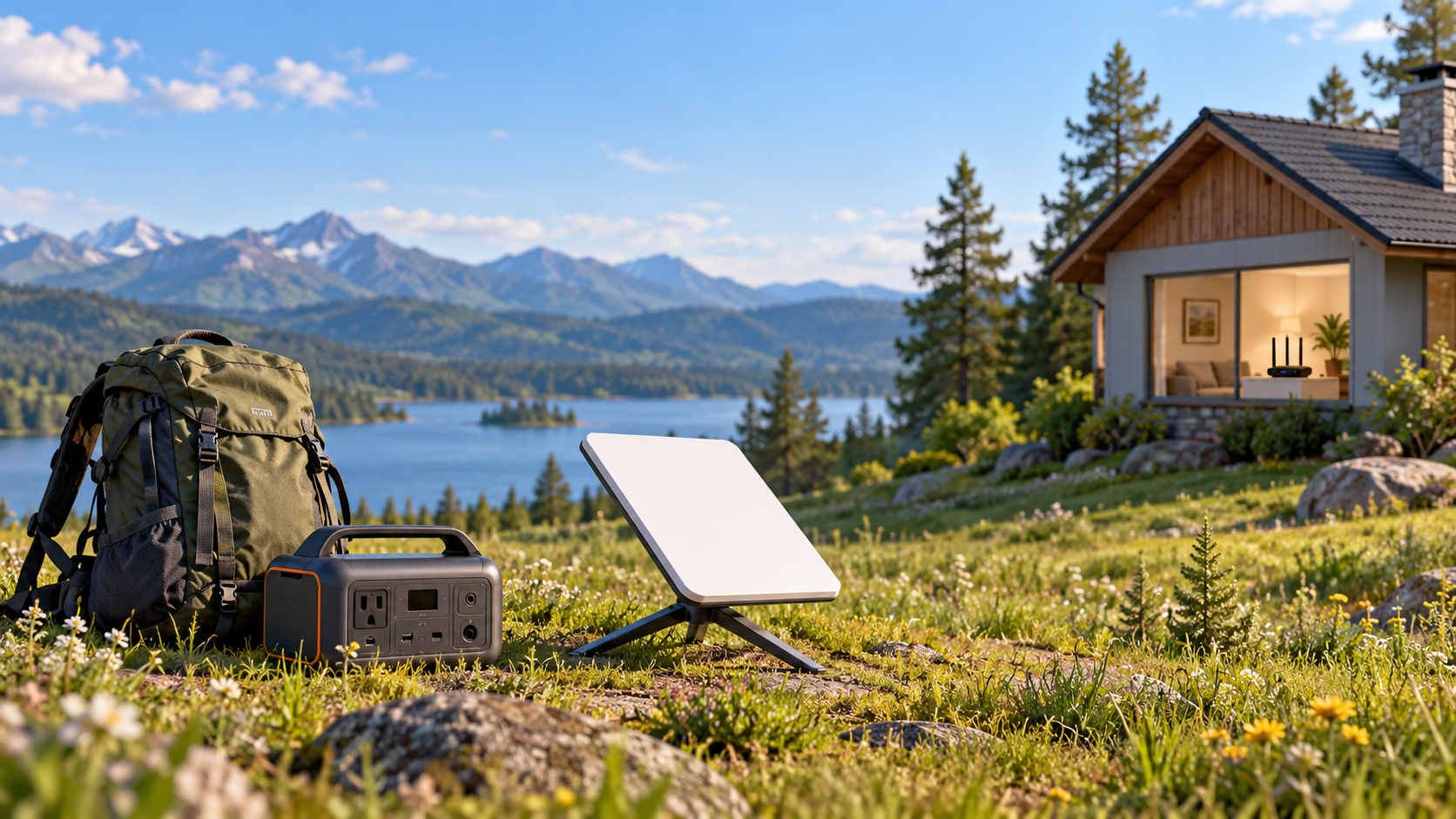
What power bank does Starlink Mini need?
Starlink’s Mini USB power requirements specify a USB Power Delivery source rated for at least 100 W, with 20 V at 5 A. The dedicated support page says 65 W or lower will not work. Use that requirement when shopping rather than reports that a smaller charger happened to work once.
Look at the output of the particular USB-C port you will use. Do not mistake the battery’s charging input or its combined output across several ports for the output available to Mini. If the listing omits the voltage and current, ask the manufacturer for the specification before ordering.
Starlink’s separate supported-power-sources notice says it only guarantees performance with the included Starlink power supply and cable. Meeting the USB specification is a starting point, not a guarantee for every third-party battery.
Read W and Wh as two different buying decisions
Watts (W) describe power output; watt-hours (Wh) describe stored energy. Anker’s explanation of power-bank wattage and capacity makes the same distinction. Ignore the Canadian store prices on that reference; the unit definitions apply regardless of market.
| Label on a listing | Question it answers | What it does not establish |
|---|---|---|
| USB-C output, including V and A | Can this port meet the required supply specification? | How many hours the battery lasts |
| Total output across all ports | What the manufacturer allows across connected devices | The power available from one port |
| Battery capacity in Wh | How much energy is stored | Usable energy delivered to Mini after losses |
| USB-C input wattage | How the battery itself recharges | Its output capability |
A real specification sheet should separate these numbers. For example, Anker’s A110G specifications list input, individual USB-C output and total output separately. That is an example of how to read a listing, not a recommendation or a verified Mini compatibility claim. Check the power-sharing rules if you also intend to charge a laptop or phone.
How long will a power bank run Starlink Mini?
Starlink’s power-consumption guide lists Mini at an average 20 to 40 W. It says these are AC-input averages and that temperature, location and use affect consumption. They are not measured USB-C battery runtimes, and the supply rating is not a constant consumption figure.
For a rough planning calculation, divide energy available to the system by average power: available Wh ÷ average W = hours. Use the same measurement boundary for both figures. Battery-label Wh is not all available at the output, so dividing the nameplate capacity directly gives an optimistic estimate before losses or reserve.
| Hypothetical energy available after losses and reserve | At a steady 20 W | At a steady 40 W |
|---|---|---|
| 60 Wh | 3 hours | 1.5 hours |
| 80 Wh | 4 hours | 2 hours |
| 160 Wh | 8 hours | 4 hours |
These are arithmetic examples, not advertised battery sizes, measured results or a promised range. We have not assumed one conversion-efficiency percentage for every product. For a four-hour session, 40 W multiplied by four hours is 160 Wh of energy at that assumed draw, before adding whatever losses and reserve your setup needs. A battery labeled 160 Wh does not promise that session.
Choose the Mini cable, and keep the USB-C end protected
The official Mini USB-C-to-barrel cable is 5 m long and is designed specifically for Mini. Starlink says it is not for charging phones or powering a Gen 3 Router. This is not an ordinary USB-C cable plugged into a USB-C port on the antenna.
Its connected barrel end forms an IP67-rated connection with Mini, but Starlink says the USB-C end should not be exposed to outdoor environments. That rating does not make the battery, USB-C plug or complete setup waterproof. Plan protected placement without enclosing a working battery in a hot, unventilated bag; follow the battery manufacturer’s operating instructions.
Test your actual setup before the trip
- Charge the battery and try Mini with the exact cable and port you will pack. Start with no other devices connected.
- Run the session you expect to need, such as a work call followed by browsing. Record elapsed time and the remaining battery level; a brief successful startup is not a runtime test.
- If you plan to share the battery, connect those devices during a separate check. Compare the result with the manufacturer’s power-sharing instructions.
- Keep a reserve for your phone and pack a fallback. Do not plan an essential call around an untested estimate that uses every last percentage point.
If the battery setup fails, compare it with the included Starlink supply where mains power is available. That helps separate a battery or cable problem from a service or sky-view problem. Stop using damaged equipment rather than improvising connectors or bypassing protection.
Compare the whole travel cost before buying
Add the compatible cable, battery, recharge equipment and service to your shopping list. Compare current U.S. checkout totals, including shipping and taxes, rather than a headline battery discount. A short browsing session and an all-day work setup call for different budgets.
If you have not chosen the hardware, our Mini-versus-Standard buying guide compares the kits. For the separate subscription decision, check Starlink Residential and Roam costs. Buy a power source that meets the specification first, then size its energy capacity around a session you have checked, with room to spare.