
You can take your Starlink kit when you move within the United States, but a Residential subscription needs an eligible service address at the new home. Check availability and the cost before you move. Wait to save the new address until you are done using that line at the old house: the change ends service there, and you might not be able to switch back.
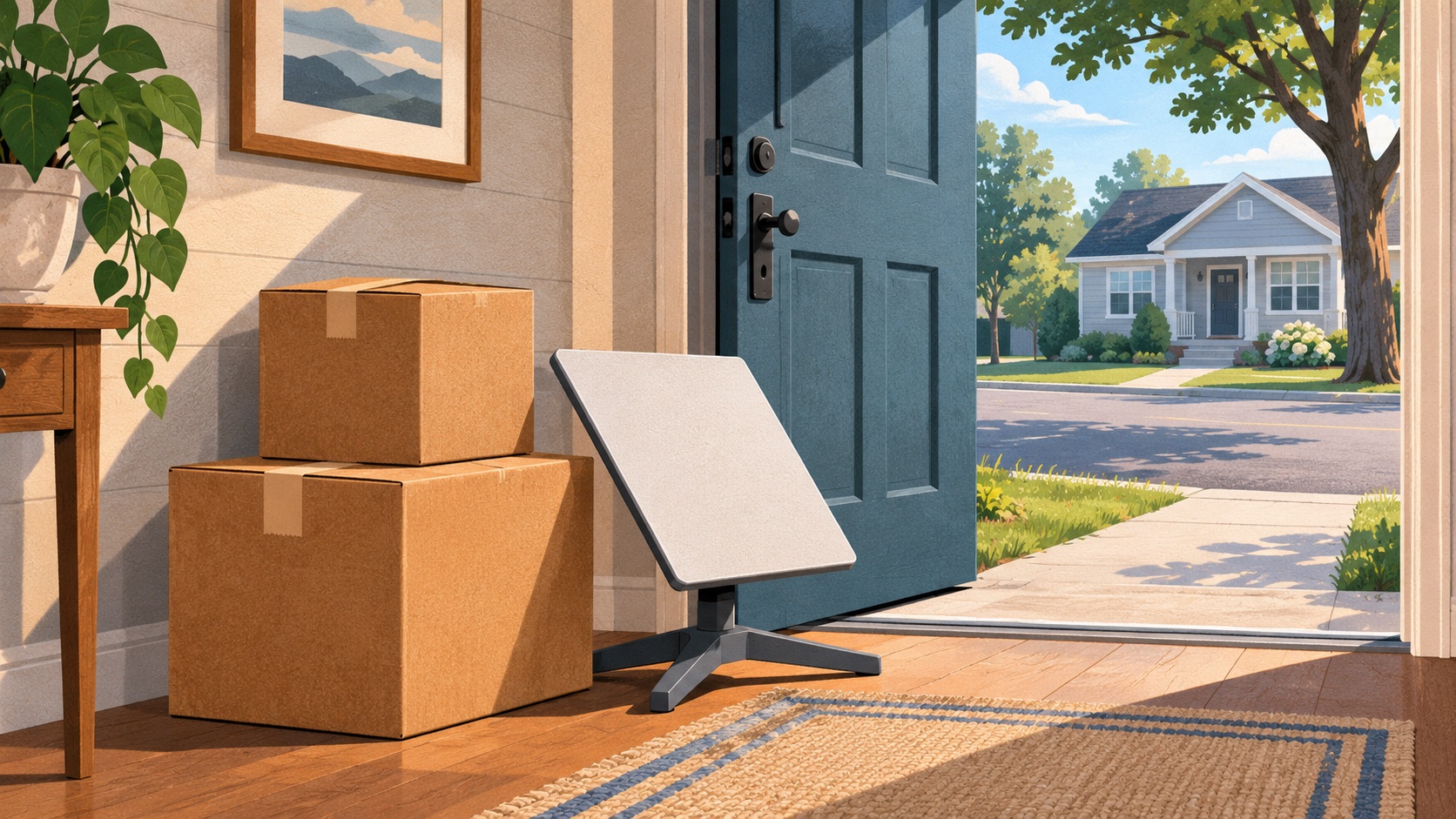
Check the new home before losing the old connection
Look up the exact destination on the Starlink availability map. The same ZIP code is not enough to know which plans you can get. A map result is a useful first check, but your account is where you confirm what is available for your existing line. If you are moving to a place with tall trees or a deep roof overhang, use the app’s obstruction check from the spot where you would actually put the dish. See our guide to reading the Starlink obstruction map.
| Your moving plan | What to do with the line |
|---|---|
| You leave the old house on Friday and arrive Saturday | Check the new address in advance. Save the change when you no longer need Starlink at the old house and have another way to get online if setup takes longer than expected. |
| Someone needs internet at the old house while you set up the new one | Leave the existing line in place until both homes are covered. Plan for a separate connection at one home during the overlap. |
| You’re staying somewhere for a few weeks and then coming back | Don’t use address changes as a travel plan. Compare Starlink Residential and Roam, including what it would take to get your Residential plan back. |
Check the monthly price and one-time fees separately
- Monthly bill: The U.S. Residential rate varies by area. If you have Regional Savings and the new address is ineligible, expect to lose that discount. Ask for the monthly total with applicable taxes and fees, not just the advertised rate.
- Demand surcharge: Starlink may charge a one-time fee based on the destination and plan. If you move between two high-demand addresses, any credit for a surcharge you’ve paid applies to the same service line, not every line on your account. Check when Starlink charges the fee and how the credit works before saving the move. The official policy says a valid fee isn’t waived just because you changed the address by mistake.
- Old commitment or equipment deal: If you are still on the earlier 12-month Residential offer, Starlink lists an address change as a trigger for a Change Fee. Check your original confirmation and ask support for your amount. Check any equipment terms and budget for a new mount or installation if the new house needs one.
How to change your Starlink service address
On the website, sign in, open Subscriptions, and pick the line for the kit you are taking. Under Service Location, select Edit, enter the new address, and verify the line and address before saving. In the app, Starlink puts Service Location under Manage Subscription. Enter the destination manually if you’re still at the old house, so the app doesn’t use your current location.
Starlink’s official address-change instructions allow for roughly 15 to 30 minutes before the account shows the update. That’s not an installation estimate. When the kit is set up at the new home, check that the app reports it online and that a device on its Wi-Fi can load a fresh page. Keep a backup connection available if you have to work that day.
If Starlink won’t accept the new address
If the app throws an error, update it or try the website once. If both fail, confirm the destination and ask Starlink whether it has capacity for your Residential plan there. Don’t cancel working service or select a nearby address to get past the screen. If you’re moving abroad, use Starlink’s country-transfer guidance instead; the ordinary service-address edit is for moves within the account’s original country.