
Choose self-install if the internet provider confirms your exact address and unit can use the kit, tells you what to plug it into, and can activate service by the day you need it. Book a technician if the provider needs to run a line, install an outlet or reach equipment you can’t access. A cable jack in the wall tells you where a cable once ran. It doesn’t tell you whether the line is ready today.
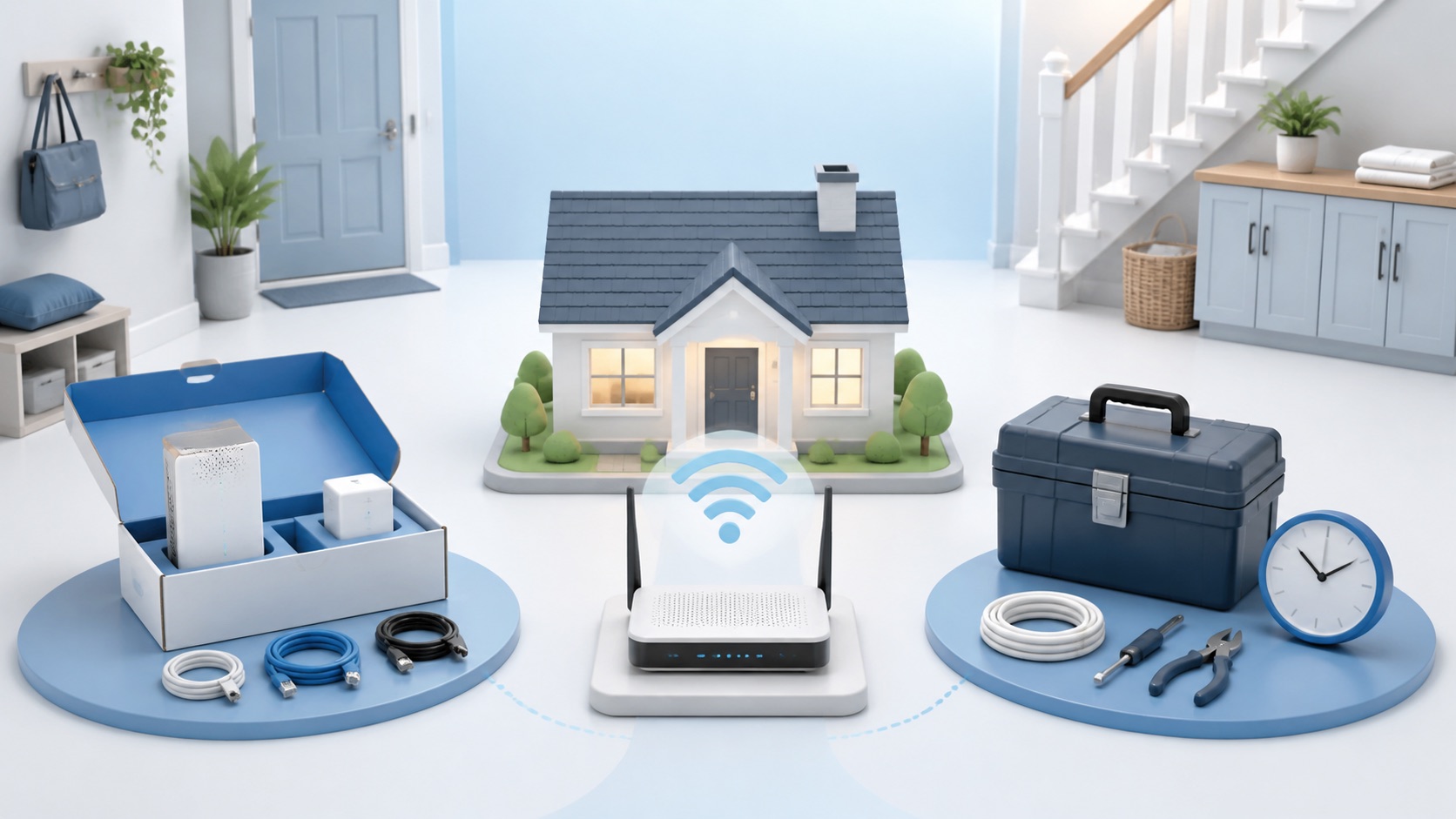
Can you self-install internet at your address?
Enter the full service address, including the apartment number, when you check availability. A provider serving the building may still need to check your unit. If checkout offers both options, ask which outlet or box the kit uses and whether the provider can verify it’s ready.
| What you find | What to check before ordering |
|---|---|
| A round, threaded cable jack | Ask whether it’s a working outlet for the cable provider. Xfinity’s self-install eligibility guide lists past or current service and working outlets among its requirements. |
| A fiber box from the same provider | Ask whether the provider can reuse it. Verizon’s Fios self-install guide says eligibility depends in part on an existing fiber box, called an ONT, that passes its tests. |
| An offer for 5G home internet | Ask whether your exact unit qualifies. With a plug-in gateway like T-Mobile’s, the check is whether it gets a usable cellular signal indoors. The wall jack isn’t part of that setup. |
| No working outlet, or equipment behind a locked door | Ask the provider what it needs to install or reach, and ask the property manager who can grant access. If the provider can’t confirm a working connection, book a visit. |
Get the price for both paths
Ask what you’d pay if the kit works, what you’d pay if you book a technician now, and what you’d pay if the kit fails and you need a visit anyway. Include shipping and activation in the first total. In the other two, ask whether a new outlet, extra wiring or a failed self-install visit is billed separately. Ask whether the fee changes if the provider finds a fault on its own line.
Get the answer in the order summary or save the chat transcript. If an installation fee is waived, check what you have to do to keep the waiver. Use these examples to compare installation fees and estimate your first bill. For recurring charges, use this checklist for equipment fees and other broadband charges.
Work backward from the day you need internet
For a kit, write down the pickup or delivery date and the date the provider says you can activate it. A box arriving Friday doesn’t necessarily mean you can get online Friday. For a visit, confirm the appointment window and arrange access to the unit and any shared utility room. If you rent, ask the property manager before agreeing to drilling or new wiring. Leave any work on the provider’s line or equipment to the technician.
If you have a meeting the morning after the move, don’t make it your first connection test. Ask how soon you could get a technician if the kit fails. If there’s a gap, plan temporary internet while you wait for installation.
For a closer look at equipment delivery, appointment windows and possible line work, see how long internet installation can take.
Test the connection before you call it done
Follow the provider’s activation steps, then join the new Wi-Fi network. Briefly turn off mobile data on your phone and open a page you haven’t already loaded. Seeing the Wi-Fi icon only proves the phone joined the router. Try a task you rely on, such as a video call from your desk. If you had a technician visit, run the basic connection check before they leave.
If the router broadcasts Wi-Fi but nothing loads, confirm you used the outlet the provider specified and that activation is complete. Then ask support whether it can see your equipment at the service address. That’s more useful than resetting the router again, and it helps support decide whether you need a visit.