
If your internet technician didn’t show up and the confirmed window has passed, open the original order in your provider’s app or website. Save the status and contact the company you ordered service from. Ask whether the technician is still coming and, if not, get a replacement date and time in writing. Avoid placing a second order while the first is still open.
Check the order status before you rebook
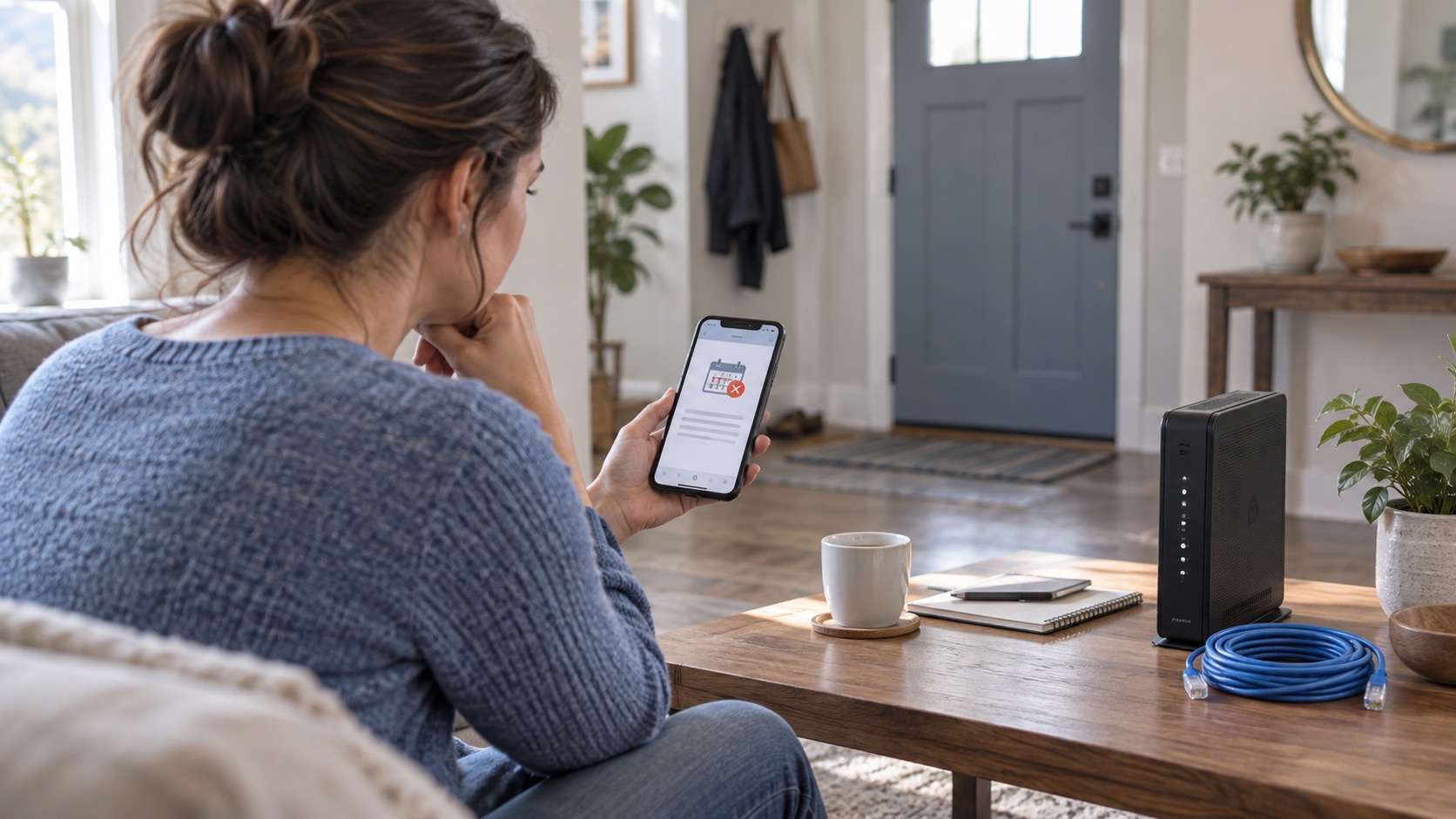
Start with the confirmation, not the time you remember booking. Look for a date change, latest arrival estimate or missed call. If the window is still open, check for updates without canceling an active order. If it has closed, save the confirmation and a screenshot of the latest status before chatting or calling.
| What the order says | What to ask for |
|---|---|
| Delayed or on the way | Ask if the job is still assigned today and when the provider will give you another update. |
| Canceled or appointment missing | Ask who canceled it and whether the original order and quoted terms are still active. |
| Customer unavailable | Ask what time and contact method the technician recorded. Request a correction if the record is wrong. |
| Complete, but service still doesn’t work | Ask whether the technician only completed outside work and whether activation or indoor access is still needed. |
Use the Xfinity appointment guide, AT&T appointment page or Verizon Fios order-status guide to find the official starting point. Some accounts or same-day changes still need a support representative. Don’t follow an unexpected text asking you to pay a rebooking fee or share a code.
Get a replacement slot, not just a callback
Give support the original order or repair number and the confirmed window. For example: My appointment was today from 1 to 3 p.m. I was there and didn’t get a call. Is the work order still open? If the visit won’t happen today, please text or email the new window and tell me if the original order and quoted charges still apply.
Save the new appointment and case numbers. Confirm the unit, callback number and how the technician gets to the door or locked equipment room. Ask whether the next appointment continues the existing order or replaces it. If equipment already shipped, check whether you should keep or return it before canceling anything. Use the installation appointment checklist to settle access questions before the new date.
Dispute an incorrect missed-visit fee separately
A provider missing its appointment and a provider marking you unavailable are different problems. If the bill shows a missed-visit charge, ask which work order, arrival note or contact attempt supports it. Show the appointment confirmation and relevant call or message times through a verified support channel. Ask for a written correction and case number. If there is no fee but you want a credit for the delay, ask whether your plan has a policy for that; don’t count on one unless the provider confirms it.
If a U.S. service or billing dispute remains unresolved after you contact the provider, you can ask the FCC Consumer Complaint Center for help. The FCC’s explanation of informal complaints (PDF) says providers must respond within 30 days when the FCC forwards a service or billing complaint to them. A complaint doesn’t guarantee a refund, credit or installation date.
Stay online while you wait
If you still have internet at the old address, confirm its end date before assuming it will stay on. At the new home, check mobile signal and hotspot allowance before relying on your phone for work calls. The temporary internet guide helps compare a phone hotspot, a dedicated hotspot and other short-term options. Keep the appointment active unless you actually decide to change how you get service.