
If your carrier asks for a SIM card number, it usually means the ICCID, not your phone number. On an iPhone, open Settings > General > About and scroll to ICCID. On Android, check Settings > About phone and look for SIM status or status information. The exact menu and whether the number appears vary by phone and carrier.
For a physical SIM, the number may also be printed on the card or its original holder. For an eSIM, check the carrier’s account or activation information if the phone does not show it. Ask the carrier which identifier it needs before sending anything.
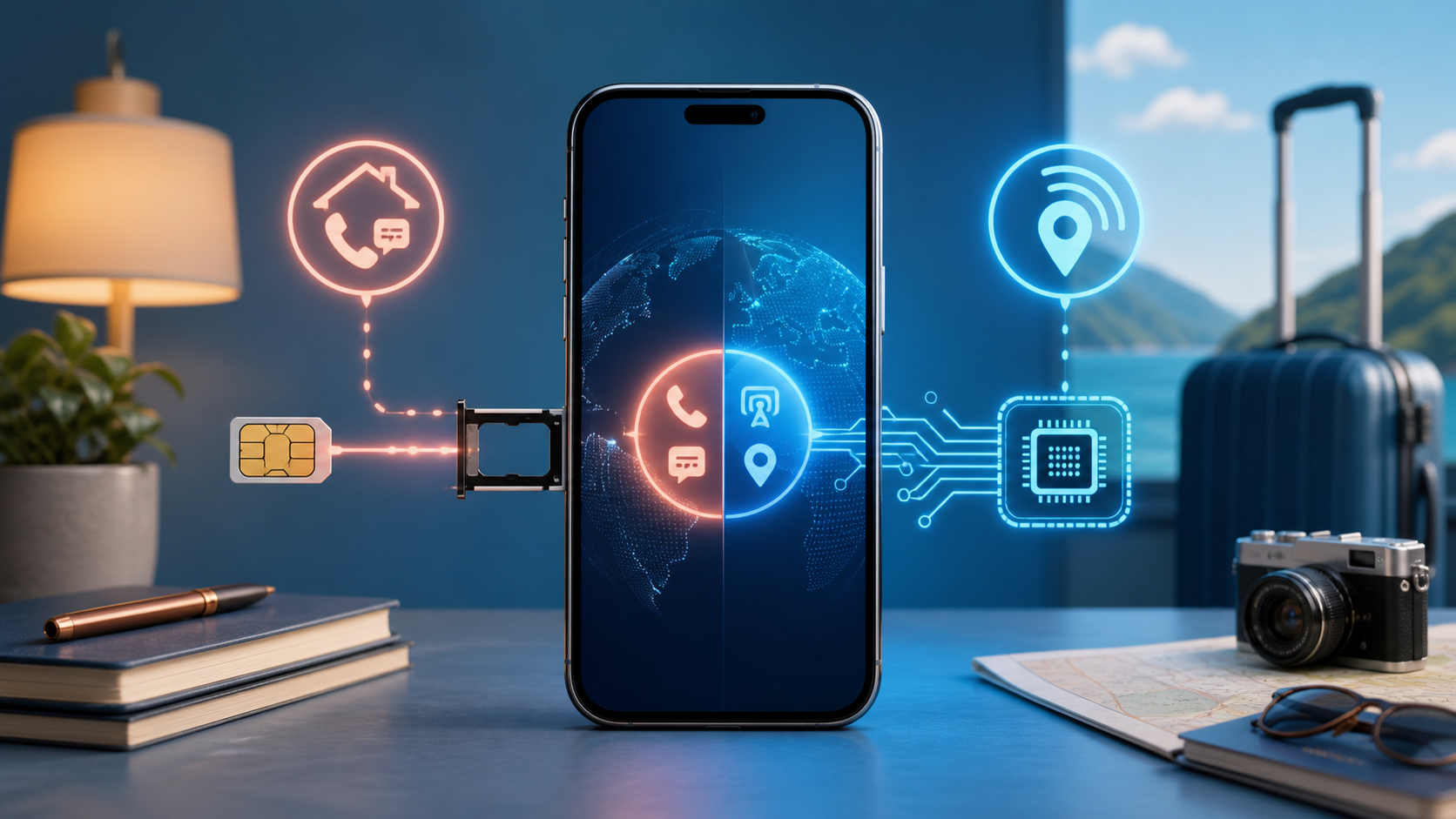
SIM number, phone number, IMEI or EID?
The terms can look similar on an activation screen, but they are not interchangeable. Use the label in your carrier’s request.
| Requested detail | What it identifies or does |
|---|---|
| SIM number or ICCID | Identifies a SIM card or eSIM profile. A carrier may ask for it during activation or support. |
| Phone number | The number people call or text. It is not the long SIM serial number. |
| IMEI | Identifies the phone’s cellular equipment. Carriers commonly use it to check device compatibility. |
| EID | Identifies the device’s embedded SIM hardware. A carrier may request it for eSIM setup. |
For example, a compatibility checker asking for an IMEI is not asking for the ICCID on your SIM card. T-Mobile’s bring-your-own-phone page explains these identifiers separately. Do not guess from a number’s length alone: read the label and confirm with the carrier. If you are changing providers, our guide to switching carriers and keeping your number covers the separate transfer steps.
Find the SIM number on an iPhone
- Open Settings, then tap General.
- Tap About and scroll down to ICCID.
- If there is more than one cellular line, check the labels and ask your carrier which line or SIM it needs. Do not assume the first number belongs to the new plan.
- Touch and hold the number to copy it if you need to paste it into a trusted support form. Check the label again before submitting.
Apple’s guide to finding iPhone identifiers lists ICCID in the About screen and explains the copy action. If you use a physical SIM, check its original holder or the card itself as another option. The number engraved on a phone’s SIM tray can be an IMEI rather than the SIM’s ICCID, so don’t assume the tray label is the requested number.
If you can connect the iPhone to a computer, Apple also describes finding the ICCID through Finder on a compatible Mac or the Apple Devices app or iTunes on a PC. Follow Apple’s steps for selecting the device and displaying its identifiers. This is useful when the phone can be connected but the number is difficult to read on its screen.
Find the SIM number on Android
- Open Settings and choose About phone.
- Look for SIM status, SIM card status or Status information. On some phones you may need to select the SIM or slot first.
- Look for a field labeled ICCID or SIM card number. Menus differ by manufacturer, Android version and carrier, and the field is not displayed on every device.
T-Mobile gives Settings > About phone > Status as a starting point for Android. Verizon’s Galaxy Note10 SIM number instructions provide a model-specific example. If your screen uses different names, search Settings for SIM status or consult support for your exact model instead of installing an unfamiliar identifier app.
On a dual-SIM phone, compare the SIM or line label with the carrier’s request. A physical SIM and an eSIM can be separate entries. If you cannot tell which is which, stop and ask the carrier to help identify the correct line. Don’t delete a working eSIM just to expose a number.
What if the SIM number is missing or the phone won’t turn on?
- Physical SIM: Check the original SIM holder or packaging. If you need to inspect the card, follow the phone manufacturer’s removal instructions, use the correct tray opening and handle the tiny card carefully. The printed number may be difficult to read or incomplete.
- eSIM: Check your carrier’s app, account or activation email for the SIM details. What is displayed varies by provider. An EID alone is not automatically the same thing as an ICCID.
- No phone access: Contact the carrier through its official app or website, or call its published support number from another phone. Ask it to identify the line after its normal account-verification process.
- SIM not detected: Check the carrier’s activation status and the phone’s SIM status. For an iPhone displaying an error, see our No SIM and Invalid SIM checks. Avoid factory resets while you are simply looking for an identifier.
If you have not yet installed an eSIM, an ICCID may not be available in the place you expect. Ask the carrier whether its setup needs the EID, IMEI or another detail at that stage. The right answer depends on its activation process.
How to share the number safely
Treat the ICCID as account-related information. Give it only to a carrier or service you contacted through a trusted channel, and only when needed. Don’t post the full number in a public forum or share a screenshot that also exposes your phone number, IMEI, EID or account details. A carrier may need to verify you separately; the ICCID is not a substitute for account authentication.
If a message unexpectedly asks for SIM information, close it and contact your carrier through a known app or published number. Never share a one-time verification code or transfer PIN with someone who contacted you out of the blue.
Common questions
Is my SIM card number the same as my phone number?
No. Your phone number is used to reach your line. The ICCID identifies the SIM or eSIM profile. Ask which one is required if a form only says “number.”
Can I use the same ICCID for a replacement SIM?
Don’t copy the old number into a new-SIM activation form without checking. A replacement physical SIM has its own identifier; follow the new card’s instructions or ask the provider which number to enter. Keep the old SIM until the carrier tells you the replacement is active and you have tested service.
Does dialing *#06# show the SIM number?
That shortcut is commonly used for device identifiers such as IMEI and, on supported phones, EID. It is not a dependable way to get the ICCID. Use the labeled settings field, SIM packaging or carrier support instead.
Sources checked November 24, 2026. Menu names and carrier procedures can change.