
ChatGPT uses internet data to send your request and bring back an answer. On a working WiFi connection, that normally uses the WiFi network rather than your mobile allowance. Voice conversations and photo or file transfers can add more traffic than a short text exchange. There is no reliable single MB-per-hour figure for every session.
This guide concerns internet bandwidth, not the data used to train AI. We checked the linked documentation on October 22, 2026. We have not measured ChatGPT traffic or tested a carrier’s billing meter; the comparison and measurement steps below do not claim a laboratory result.
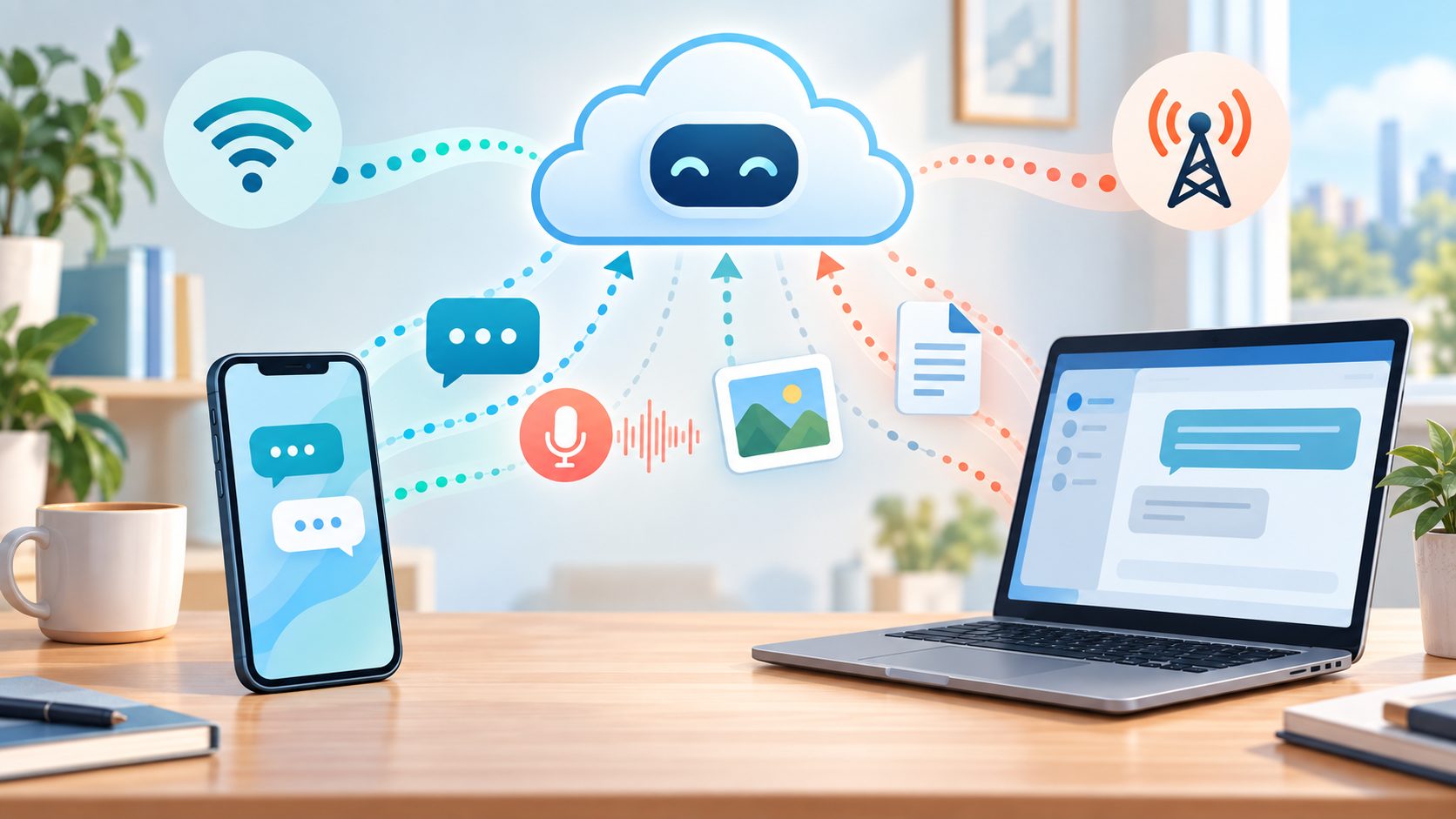
What uses data in ChatGPT?
| Activity | What your connection carries | What to check |
|---|---|---|
| A short typed exchange | Your request, the answer and the app’s supporting traffic | Use this as your own baseline, not a universal data rate. |
| A voice conversation | Audio as well as conversation information | Record the session length and end the conversation when finished. |
| A photo or document upload | The attachment, your request and the returned result | Check the file’s size before sending it. |
| A returned image or downloadable file | The generated result moving to your device | Use WiFi if the download can wait. |
| ChatGPT in a phone browser | Website traffic recorded under that browser | A browser’s total can include your other open websites. |
A large attachment can matter more than the number of questions you ask. OpenAI’s image input guide distinguishes attaching a visual reference from generating an image. For your data allowance, those are different transfers: one sends an image out and the other brings a result back. Neither has a fixed size that applies to every picture.
Do not read a file-size limit as the amount that every request consumes. A maximum upload size is a product limit, not a typical cellular bill. The service can process an attachment, and the app can also exchange other information, so the original file’s size is not an exact traffic measurement either.
Check your real usage on iPhone or Android
On iPhone, open Settings > Cellular, then find ChatGPT in the app list; tap Show All if needed. Apple’s cellular data instructions explain the per-app counter and the switch that limits an app to WiFi. Check which cellular number the phone is measuring if you use two SIMs.
On a Pixel, Google’s current path is Settings > Network & internet > SIMs > App data usage. Choose the date range and find ChatGPT below the graph. Other Android phones can use different menus. The Pixel mobile data guide also explains warnings and limits, and notes that the carrier may count usage differently.
Use the same route you normally use. If you open ChatGPT in Chrome or Safari, checking only the ChatGPT app counter can miss that activity. If a laptop uses your phone’s hotspot, inspect the phone’s tethering total and the carrier’s hotspot allowance instead of expecting all laptop traffic to appear under ChatGPT.
You do not need to erase your existing statistics. Record the starting total and subtract it from the later total. If you do reset iPhone statistics, save the old reading first: resetting the phone counter does not reset your carrier’s billing cycle. For an unexpected charge, compare matching dates in the carrier account before deciding which app caused it.
Measure one activity without wasting your allowance
- Check that you have enough data left. Skip a cellular test while roaming or near a paid overage threshold.
- Record the date range and the app’s starting total. Keep the same app, account and phone for the comparison.
- For a deliberate cellular measurement, disconnect WiFi briefly. Run one small activity, such as a few text questions, rather than uploading a large file just for testing.
- End any voice conversation, stop using the app and allow the counter to update. Record the later total.
- Subtract the starting reading. If you compare voice with text, use separate rounds and record what you did and how long it lasted.
- Reconnect WiFi and restore any setting you changed. Check the carrier’s meter separately if you need a billing answer.
A small difference can be hard to interpret when the counter rounds its display. Background transfers from the same app can also enter the total. Repeat a modest, comparable session on another occasion before using one result to choose a larger plan. A quiet minute and a minute spent transferring photos are not interchangeable units of use.
If you measure a total of X MB across ten similar sessions, X divided by ten gives a rough average for those sessions. Multiply only by the number of comparable sessions you expect. That is your own budgeting estimate, not a forecast for every ChatGPT feature or future app version.
Can it keep using data after you leave voice?
Check that the conversation has ended rather than assuming leaving its screen is enough. OpenAI’s ChatGPT iOS release notes describe voice conversations following the Background Conversations setting. Review the options in your version and use its end-call control when you finish. We do not assume every mobile and desktop version has identical menus or limits.
Speaking a prompt is not necessarily the same activity as a live voice exchange. OpenAI’s voice documentation distinguishes a conversation from dictation, which turns speech into prompt text. Do not use a short dictated message to estimate a long spoken conversation, or copy desktop voice pricing into a mobile-data budget.
If the counter keeps growing, note whether voice is still active or an attachment is transferring. End the activity and compare the next reading before reinstalling anything. A growing browser total alone does not identify ChatGPT as the cause because that browser may be loading other pages.
Keep ChatGPT off mobile data when WiFi is available
For the iPhone app, turn off ChatGPT’s switch in the Cellular app list. Apple says an app with cellular access disabled uses WiFi only. That switch does not block ChatGPT inside a different app, such as Safari, so check the browser separately if you use the website.
On Pixel, turning off Mobile data makes internet use depend on WiFi. Do that only when it fits your situation: other apps also lose cellular internet access. A background-data restriction is a different control from turning mobile data off; do not treat the two as equivalent while you actively use an app.
Use a working WiFi connection for long voice sessions or optional large transfers. Crop an image or remove unnecessary document pages when that preserves the detail you need. For a short question, typing avoids the need to send and receive a live audio conversation. These choices reduce the transfers you request; they do not promise a particular percentage saving.
A ChatGPT subscription does not replace an internet plan
Treat the app subscription and the connection as separate bills. Do not assume paying for an AI plan makes its traffic free on your carrier. Check your own mobile, roaming and hotspot terms. An allowance described as unlimited can still have conditions; our guide to unlimited internet restrictions explains the distinctions.
Reading a saved screenshot is different from asking for a fresh online answer. Save essential travel instructions or files before losing coverage rather than relying on an old conversation screen to keep responding. Privacy and training preferences are separate from the phone’s bandwidth counter, too: changing a privacy preference is not a cellular-data block.
If a laptop is the device you use most, budget for the whole hotspot connection, including its other downloads. Compare that setup with a fixed connection in our mobile hotspot versus home internet guide. Choose a plan from a few days of your own normal use and the carrier’s terms, not an unexplained MB-per-prompt figure.