
The best internet for a college student depends on where you live and how the bill is shared. A dorm may include WiFi but limit device control. A shared apartment may require roommates to split a separate bill. Before choosing a speed tier, check the housing rules, contract length, total monthly cost, and the activities that must work during busy hours.
Start by identifying the housing type
Ask whether internet is included in rent, bundled with a housing fee, or purchased separately. In a dorm, the network may use a captive portal, device registration, or a limit on personal routers. In an off-campus apartment, the landlord may have an exclusive provider or require approval for installation. Save the housing office or property manager’s answer before you order service.
| Living situation | First question to ask |
|---|---|
| Dorm or residence hall | Is WiFi included, and are personal routers or gaming devices restricted? |
| Shared student apartment | Who opens the account, splits the bill, and keeps the equipment after move-out? |
| Short lease or sublet | Is month-to-month service available, and what are installation and cancellation terms? |
| Private rental near campus | Which providers serve the exact address and unit? |
Match the plan to shared activities
Count the people and simultaneous tasks rather than choosing a plan because it advertises a large number. Video lectures, cloud backups, gaming downloads, and several streams can compete for capacity. Upload performance matters for live classes, project files, and video calls. Ask whether the plan has a data cap or a busy-hour policy before comparing headline download speed.
If roommates share the bill, agree on a fair split before ordering. A plan that looks cheap per person can become expensive if one roommate moves out and the account still has a contract.
Compare the total first-year cost
Write down the regular monthly price, promotion end date, equipment charge, installation, activation, taxes, and early termination fee. Broadband labels are useful because they separate recurring charges from one-time charges. Do not compare a first-month discount with another provider’s normal price.
- Ask whether autopay or a mobile bundle is required for the advertised price.
- Check whether a compatible customer-owned router is allowed.
- Confirm the return deadline for rented equipment.
- Save the order email and the plan label in a shared folder.
Choose equipment that roommates can manage
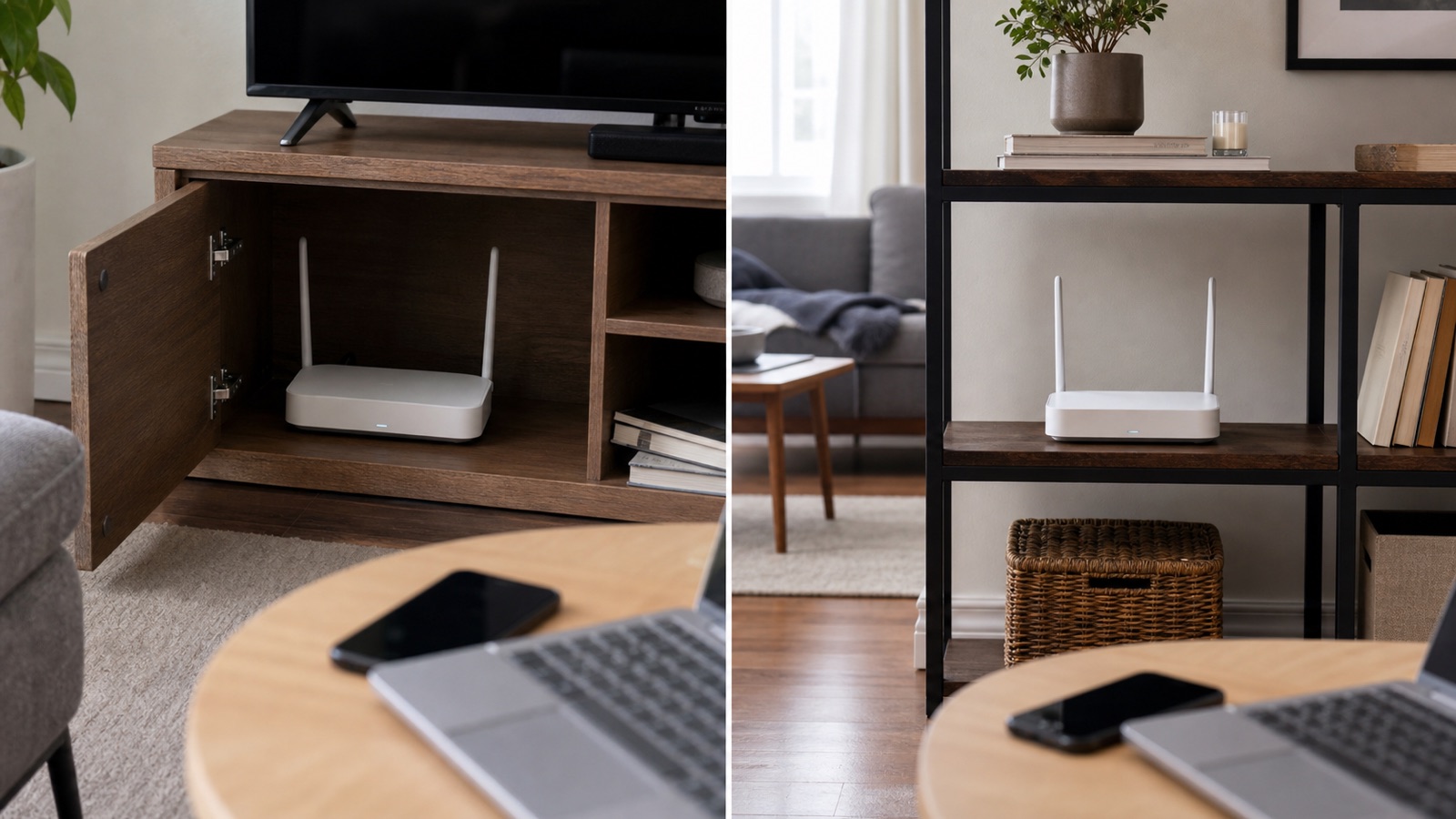
A gateway in a central, open location usually works better than one hidden in a bedroom closet. If the apartment has a dead zone, test near the router before buying an extender or mesh kit. More equipment can improve coverage, but it also adds setup, updates, and another account or app.
Ask who can contact support and reset the WiFi password. A shared email account can make move-out awkward, so agree on an account owner and a written handoff plan. Our guide to router rental versus buying explains the cost and support tradeoff.
When campus WiFi is the better option
Campus WiFi can be the simplest choice when it is included and reaches the room reliably. It may not suit a personal gaming console, smart home device, or private server if device registration or inbound connections are restricted. Check the school’s acceptable-use policy before adding your own router or sharing the connection.
For private work, use the school’s approved VPN or a personal hotspot according to its policy. Do not bypass network controls or connect unknown devices to a shared residence network.
Test service before the return window closes
After setup, test a video lecture, a file upload, and an evening stream from the desk and bedroom. If only one device struggles, compare it with another network before upgrading the plan. If all devices slow down at the same time, record the time and contact the provider with the test results.
For a short lease, a contract-free plan or a provider with clear move rules may be worth more than a temporary discount. Check the cancellation and relocation terms before the first bill.
Simple student decision rule
Choose the lowest total-cost option that is allowed in the housing, supports the busiest shared activity, and has a clear owner for the account and equipment. Spend more only when a specific coverage, upload, or support problem remains after the basic setup is correct.
Sources
Use the FCC broadband consumer label guide to compare charges and plan terms. Ask the residence or property manager about local rules before ordering.